351
Enabled
Enable the BCC check function.
Disabled
Disable the BCC check function.
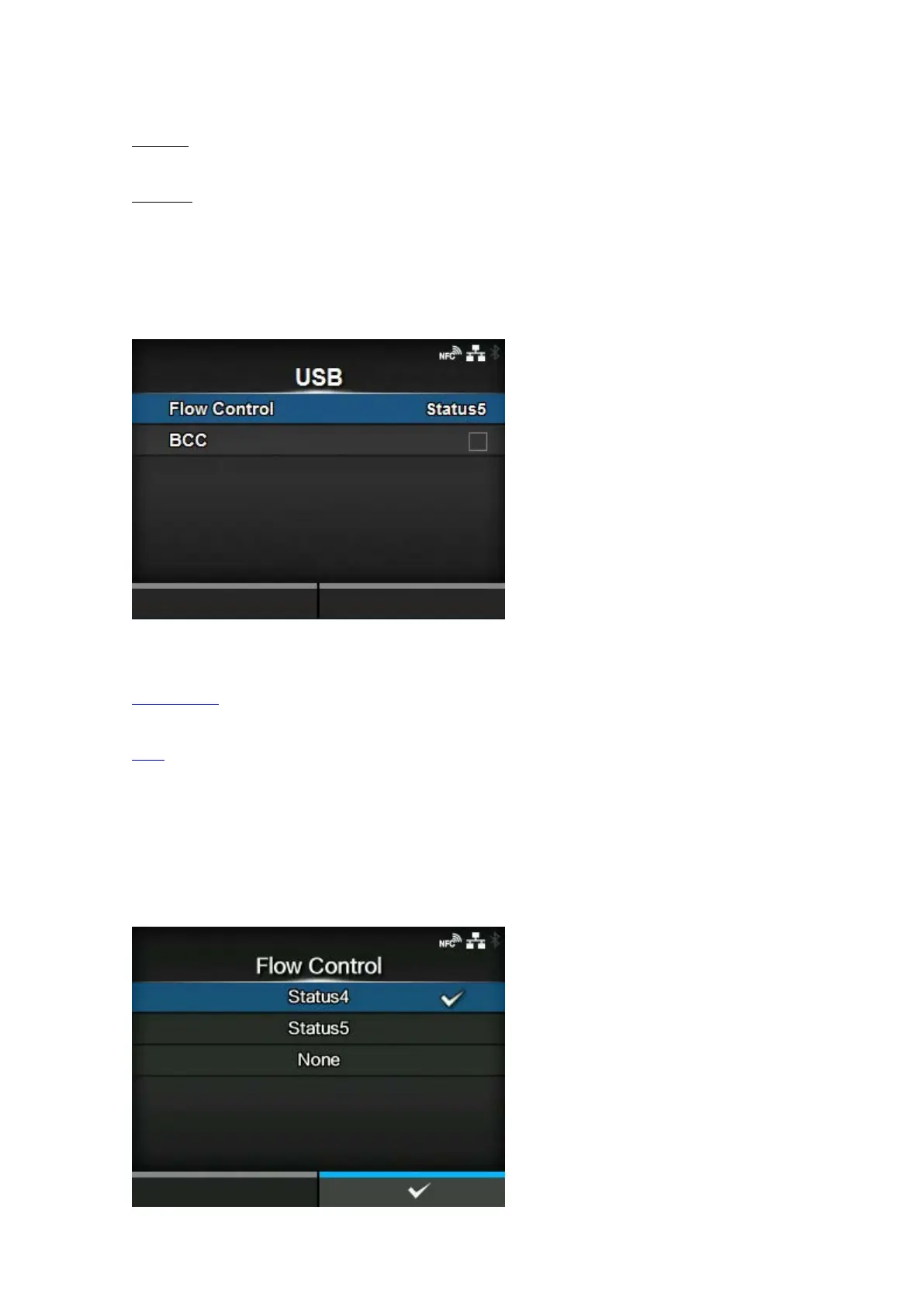
[USB]
Set the USB connection.
The setting items are as follows:
Flow Control
Set the communication protocol.
BCC
Set the BCC check function.
◦ Appears only if you have selected [Status5] in the [Flow Control] menu.
[Flow Control]





 To Next Page