MAKING A CALL
D
irect Dial
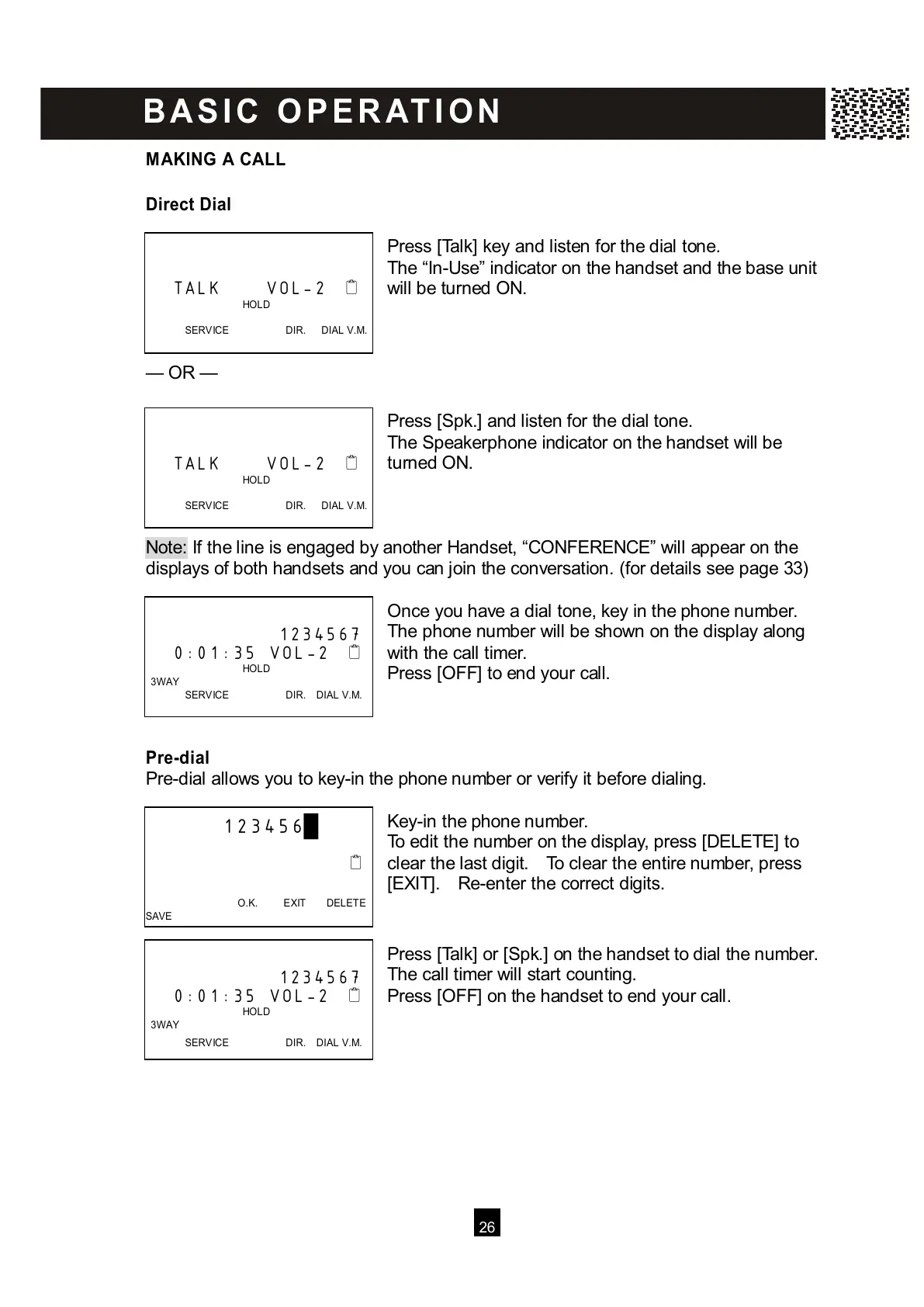
Press [Talk] key and listen for the dial tone.
The “In-Use” indicator on the handset and the base unit
will be turned ON.
— OR —
Press [Spk.] and listen for the dial tone.
The Speakerphone indicator on the handset will be
turned ON.
Note: If the line is engaged by another Handset, “CONFERENCE” will appear on the
d
isplays of both handsets and you can join the conversation. (for details see page 33)
Once you have a dial tone, key in the phone number.
The phone number will be shown on the display along
with the call timer.
Press [OFF] to end your call.
Pre-dial
Pre-dial allows you to key-in the phone number or verify it before dialing.
Key-in the phone number.
To edit the number on the display, press [DELETE] to
clear the last digit. To clear the entire number, press
[EXIT]. Re-enter the correct digits.
Press [Talk] or [Spk.] on the handset to dial the number.
The call timer will start counting.
Press [OFF] on the handset to end your call.
TALK VOL-2
HOLD
SERVICE DIR. DIAL V.M.



 To Next Page