W
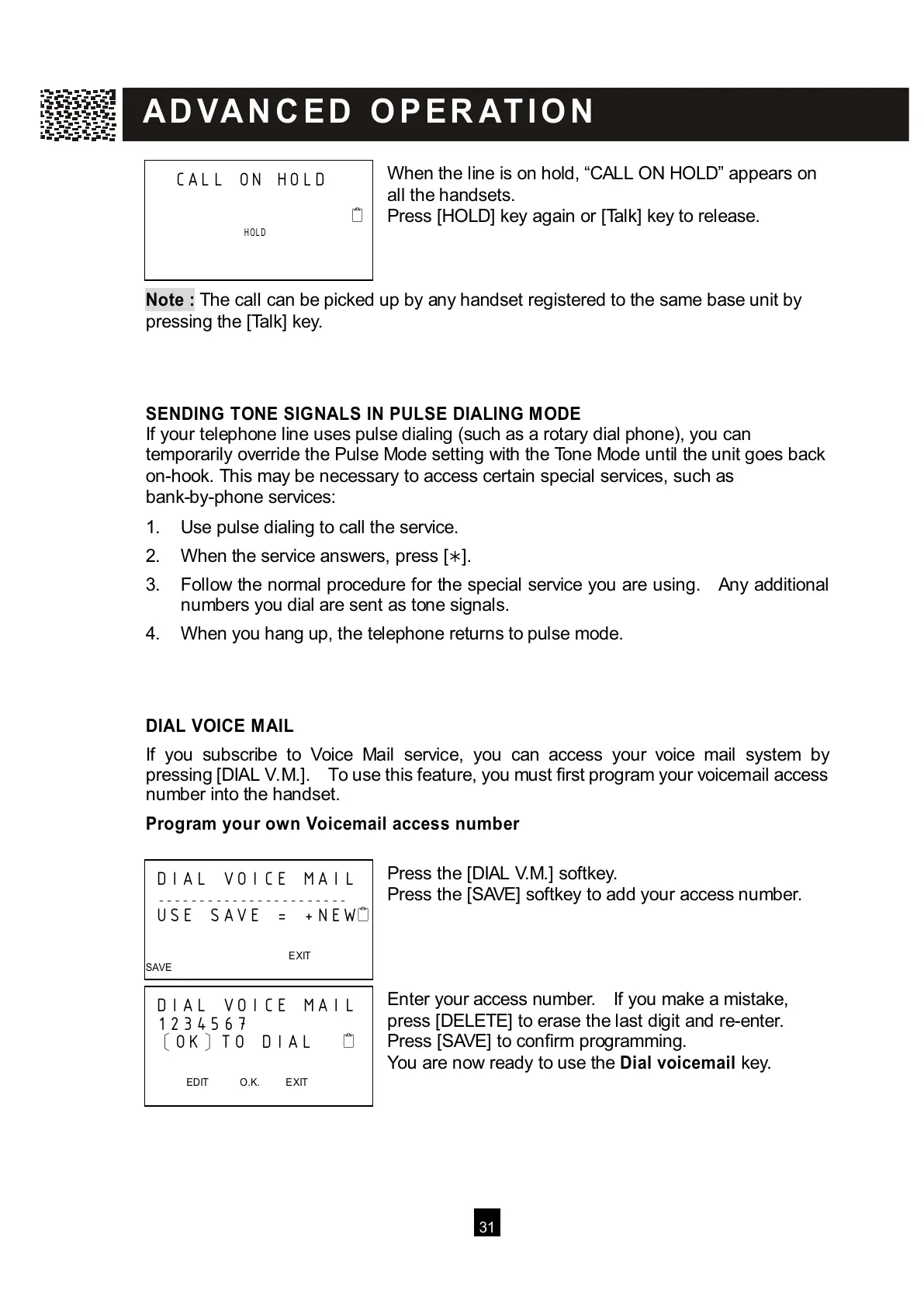
hen the line is on hold, “CALL ON HOLD” appears on
all the handsets.
Press [HOLD] key again or [Talk] key to release.
Note :
The call can be picked up by any handset registered to the same base unit by
pressing the [Talk] key.
SENDING TONE SIGNALS IN PULSE DIALING MODE
If your telephone line uses pulse dialing (such as a rotary dial phone), you can
temporarily override the Pulse Mode setting with the Tone Mode until the unit goes back
on-hook. This may be necessary to access certain special services, such as
bank-by-phone services:
1. Use pulse dialing to call the service.
2. W hen the service answers, press [].
3. Follow the normal procedure for the special service you are using. Any additional
numbers you dial are sent as tone signals.
4. W hen you hang up, the telephone returns to pulse mode.
DIAL VOICE MAIL
If you subscribe to Voice Mail service, you can access your voice mail system by
pressing [DIAL V.M.]. To use this feature, you must first program your voicemail access
number into the handset.
Program your own Voicem ail access num ber
Press the [DIAL V.M.] softkey.
Press the [SAVE] softkey to add your access number.
Enter your access number. If you make a mistake,
press [DELETE] to erase the last digit and re-enter.
Press [SAVE] to confirm programming.
You are now ready to use the Dial voicem ail key.
CALL ON HOLD



 To Next Page