I
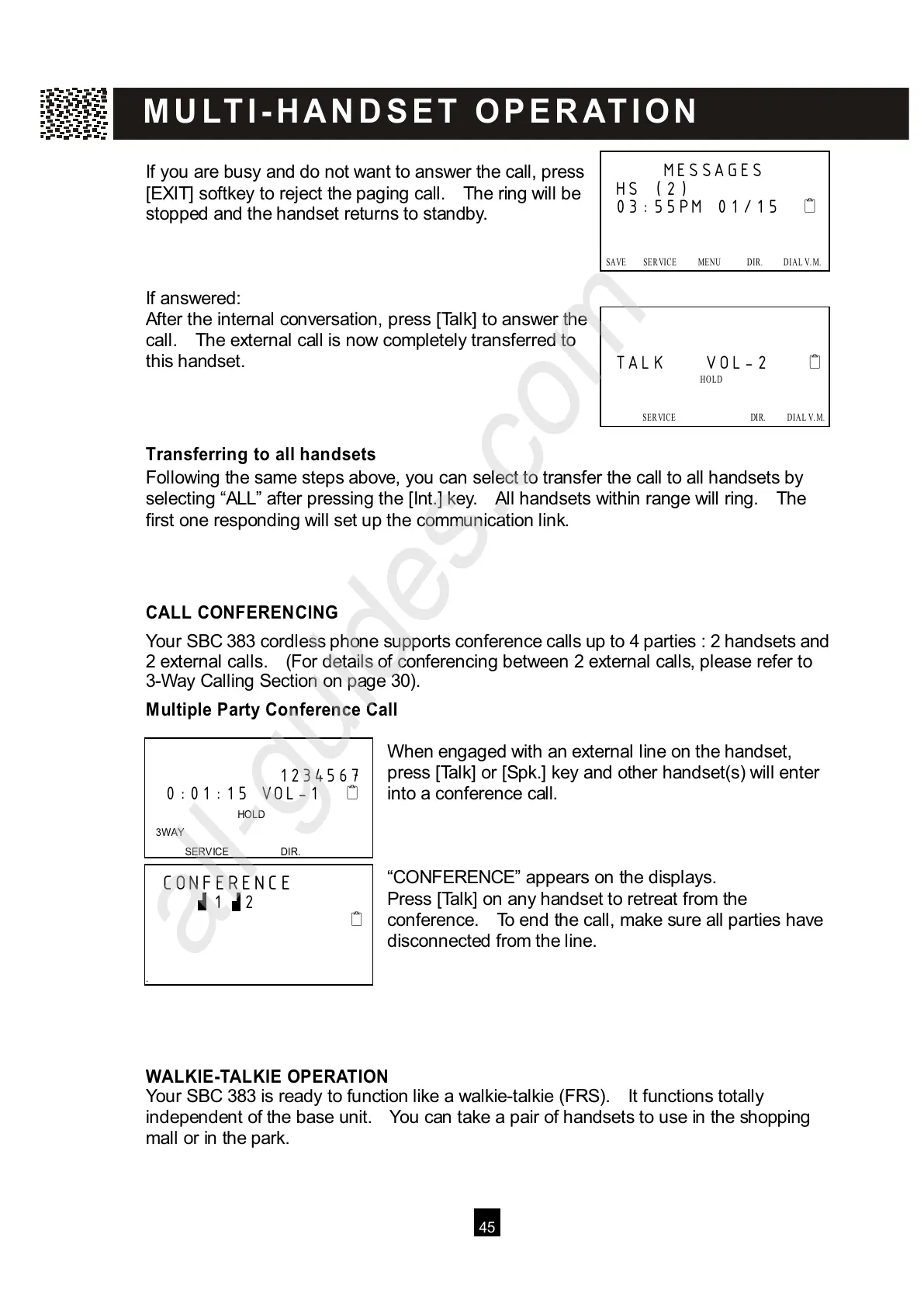
f you are busy and do not want to answer the call, press
[EXIT] softkey to reject the paging call. The ring will be
stopped and the handset returns to standby.
If answered:
After the internal conversation, press [Talk] to answer the
call. The external call is now completely transferred to
this handset.
Transferring to all handsets
Following the same steps above, you can select to transfer the call to all handsets by
selecting “ALL” after pressing the [Int.] key. All handsets within range will ring. The
first one responding will set up the communication link.
CALL CONFERENCING
Your SBC 383 cordless phone supports conference calls up to 4 parties : 2 handsets and
2 external calls. (For details of conferencing between 2 external calls, please refer to
3-W ay Calling Section on page 30).
M ultiple Party Conference Call
W hen engaged with an external line on the handset,
press [Talk] or [Spk.] key and other handset(s) will enter
into a conference call.
“CONFERENCE” appears on the displays.
Press [Talk] on any handset to retreat from the
conference. To end the call, make sure all parties have
disconnected from the line.
W ALKIE-TALKIE OPERATION
Your SBC 383 is ready to function like a walkie-talkie (FRS). It functions totally
independent of the base unit. You can take a pair of handsets to use in the shopping
mall or in the park.
MESSAGES
HS (2)
03:55PM 01/15



 To Next Page