DELETING ALL PHONE BOOK DIRECTORY RECORDS
P
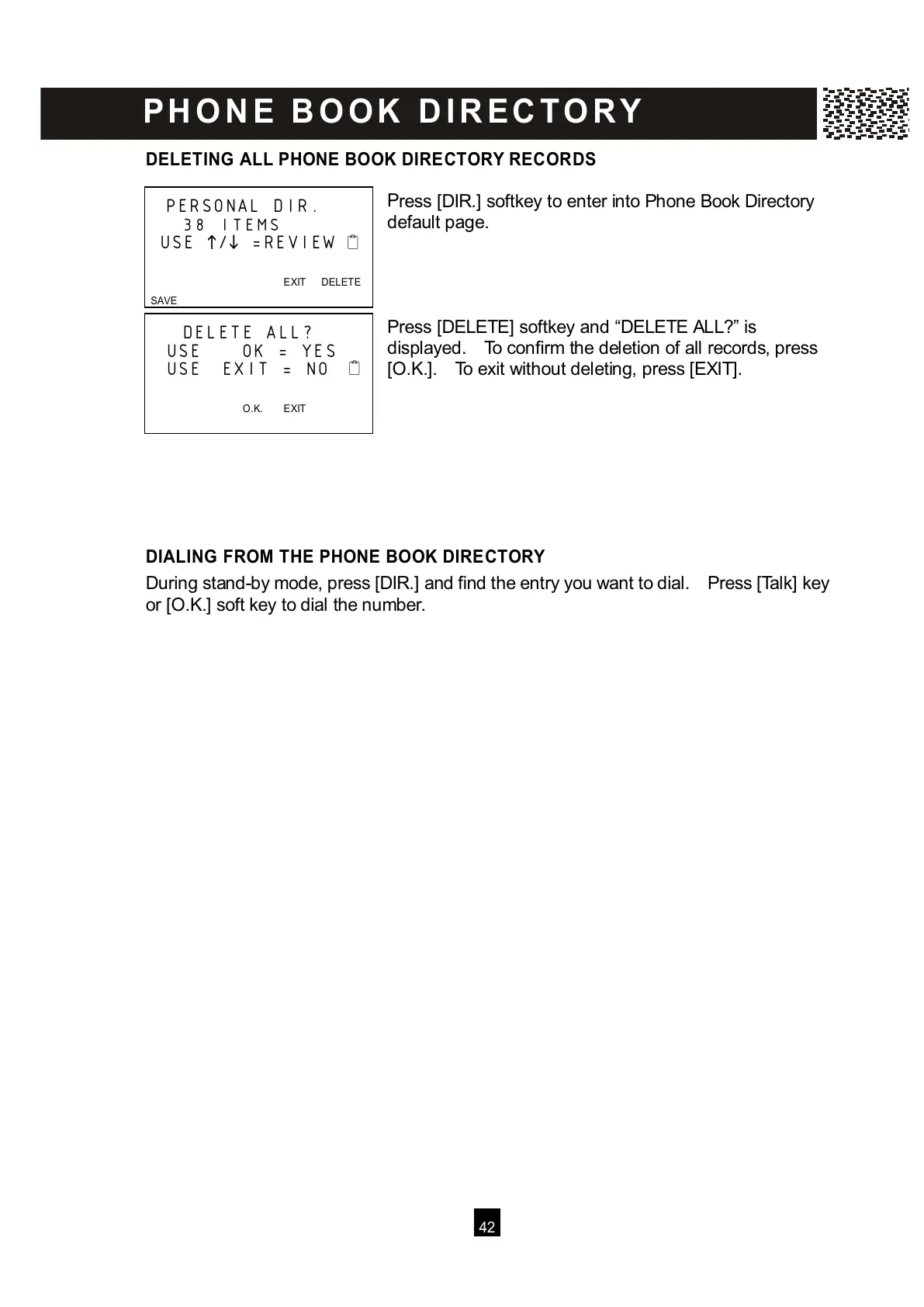
ress [DIR.] softkey to enter into Phone Book Directory
default page.
Press [DELETE] softkey and “DELETE ALL?” is
displayed. To confirm the deletion of all records, press
[O.K.]. To exit without deleting, press [EXIT].
DIALING FROM THE PHONE BOOK DIRECTORY
During stand-by mode, press [DIR.] and find the entry you want to dial. Press [Talk] key
or [O.K.] soft key to dial the number.
PERSONAL DIR.
38 ITEMS
USE
/
=REVIEW
EXIT DELETE



 To Next Page