Delete Record(s) from Caller List
T
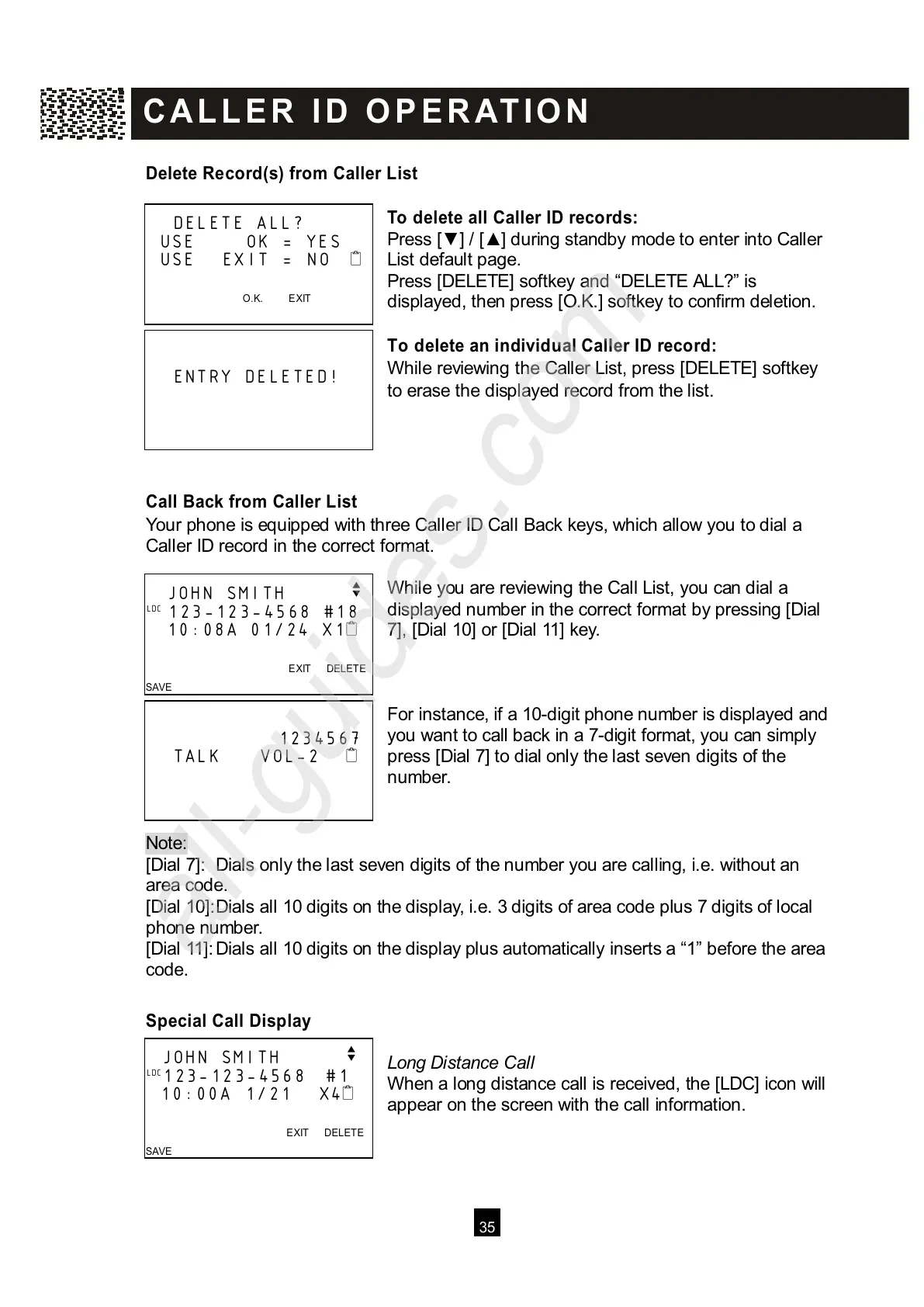
o delete all Caller ID records:
Press [▼ ] / [▲ ] during standby mode to enter into Caller
List default page.
Press [DELETE] softkey and “DELETE ALL?” is
displayed, then press [O.K.] softkey to confirm deletion.
To delete an individual Caller ID record:
W hile reviewing the Caller List, press [DELETE] softkey
to erase the displayed record from the list.
Call Back from Caller List
Your phone is equipped with three Caller ID Call Back keys, which allow you to dial a
Caller ID record in the correct format.
W hile you are reviewing the Call List, you can dial a
displayed number in the correct format by pressing [Dial
7], [Dial 10] or [Dial 11] key.
For instance, if a 10-digit phone number is displayed and
you want to call back in a 7-digit format, you can simply
press [Dial 7] to dial only the last seven digits of the
number.
Note:
[
Dial 7]: Dials only the last seven digits of the number you are calling, i.e. without an
area code.
[Dial 10]: Dials all 10 digits on the display, i.e. 3 digits of area code plus 7 digits of local
phone number.
[Dial 11]: Dials all 10 digits on the display plus automatically inserts a “1” before the area
code.
Special Call Display
Long Distance Call
W hen a long distance call is received, the [LDC] icon will
appear on the screen with the call information.
DELETE ALL?
USE
OK = YES
USE EXIT = NO



 To Next Page