ANSWERING A CALL
P
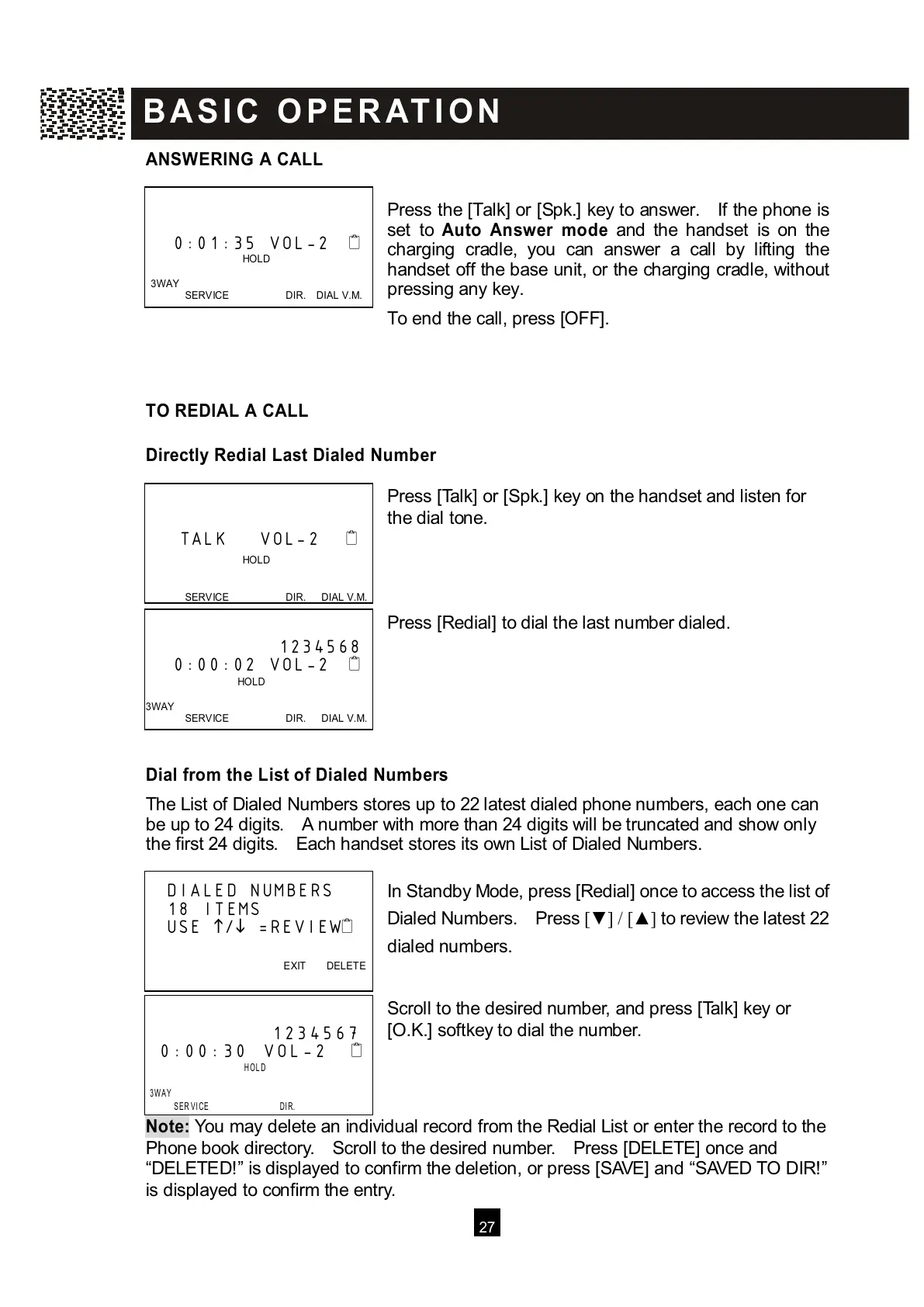
ress the [Talk] or [Spk.] key to answer. If the phone is
set to Auto Answer m ode and the handset is on the
charging cradle, you can answer a call by lifting the
handset off the base unit, or the charging cradle, without
pressing any key.
To end the call, press [OFF].
TO REDIAL A CALL
Directly Redial Last Dialed Num ber
Press [Talk] or [Spk.] key on the handset and listen for
the dial tone.
Press [Redial] to dial the last number dialed.
Dial from the List of Dialed Num bers
The List of Dialed Numbers stores up to 22 latest dialed phone numbers, each one can
be up to 24 digits. A number with more than 24 digits will be truncated and show only
the first 24 digits. Each handset stores its own List of Dialed Numbers.
In Standby Mode, press [Redial] once to access the list of
Dialed Numbers. Press [▼ ] / [▲ ] to review the latest 22
dialed numbers.
Scroll to the desired number, and press [Talk] key or
[O.K.] softkey to dial the number.
Note:
You may delete an individual record from the Redial List or enter the record to the
Phone book directory. Scroll to the desired number. Press [DELETE] once and
“DELETED!” is displayed to confirm the deletion, or press [SAVE] and “SAVED TO DIR!”
is displayed to confirm the entry.
0:01:35 VOL-2



 To Next Page