ADJUSTING HANDSET RECEIVER VOLUME
T
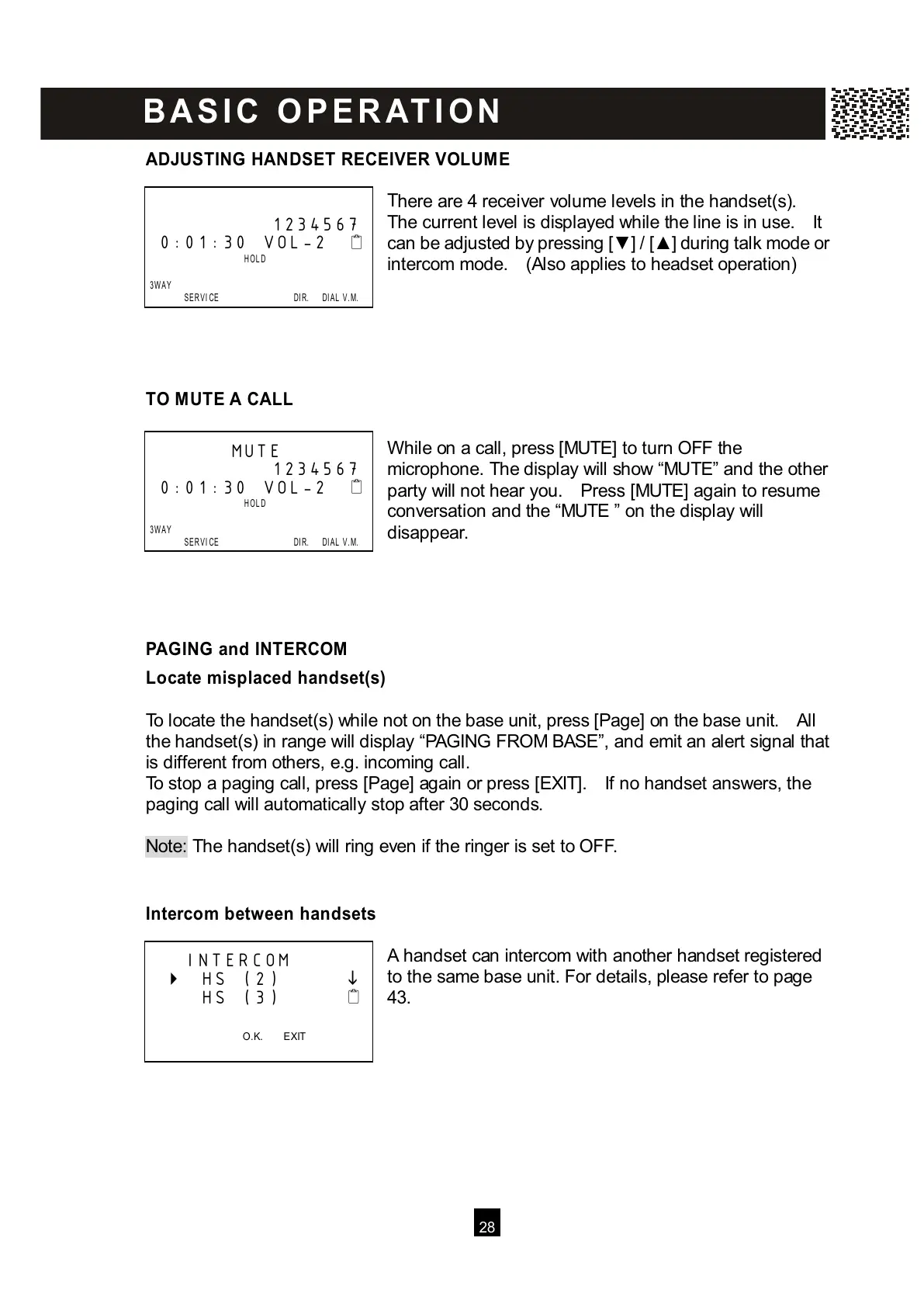
here are 4 receiver volume levels in the handset(s).
The current level is displayed while the line is in use. It
can be adjusted by pressing [▼ ] / [▲ ] during talk mode or
intercom mode. (Also applies to headset operation)
TO MUTE A CALL
W hile on a call, press [MUTE] to turn OFF the
microphone. The display will show “MUTE” and the other
party will not hear you. Press [MUTE] again to resume
conversation and the “MUTE ” on the display will
disappear.
PAGING and INTERCOM
Locate m isplaced handset(s)
To locate the handset(s) while not on the base unit, press [Page] on the base unit. All
the handset(s) in range will display “PAGING FROM BASE”, and emit an alert signal that
is different from others, e.g. incoming call.
To stop a paging call, press [Page] again or press [EXIT]. If no handset answers, the
paging call will automatically stop after 30 seconds.
Note: The handset(s) will ring even if the ringer is set to OFF.
I
ntercom between handsets
A handset can intercom with another handset registered
to the same base unit. For details, please refer to page
43.
1234567
0:01:30 VOL-2



 To Next Page