Your new telephone includes the highest quality NiM H (Nickel M etal Hydride)
r
echargeable batteries available. Following these sim ple instructions can
significantly im prove your operational results.
CHARGING THE BATTERY PACK
Charge all battery packs for at least 15 hours prior to connecting to the telephone line.
1. Press the battery release point on the back of the handset and slide downward to
open the battery compartment.
2. Insert the battery pack into the battery compartment and make sure to position the
battery pack so that it is touching the charging contacts.
3. Slide the battery cover upward until it snaps into place.
4. Connect the AC adapter to the 7.5V DC jack of the base unit and to a standard 120V
AC wall outlet.
5. Place the handset on the base unit. Make sure the Charge indicator on the base
unit lights, and charging begins.
6. The battery icon on the handset changes from very low, to low, to medium, to full
and repeats as a cycle. It only stops after leaving the charging cradle.
Low Battery
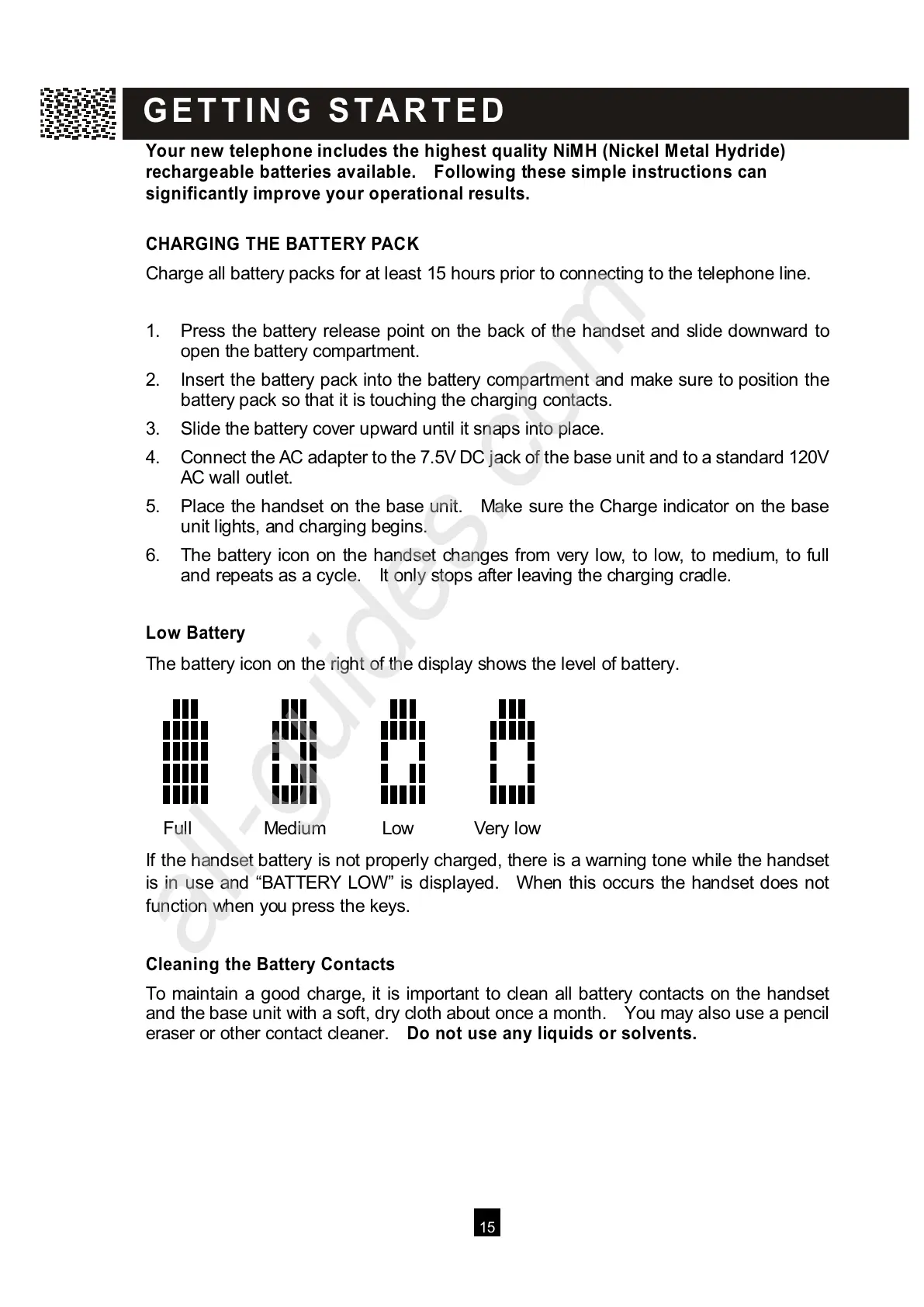
The battery icon on the right of the display shows the level of battery.
Full Medium Low Very low
I
f the handset battery is not properly charged, there is a warning tone while the handset
is in use and “BATTERY LOW ” is displayed. W hen this occurs the handset does not
function when you press the keys.
Cleaning the Battery Contacts
To maintain a good charge, it is important to clean all battery contacts on the handset
and the base unit with a soft, dry cloth about once a month. You may also use a pencil
eraser or other contact cleaner. Do not use any liquids or solvents.



 To Next Page