Call Waiting ID Option: HOLD
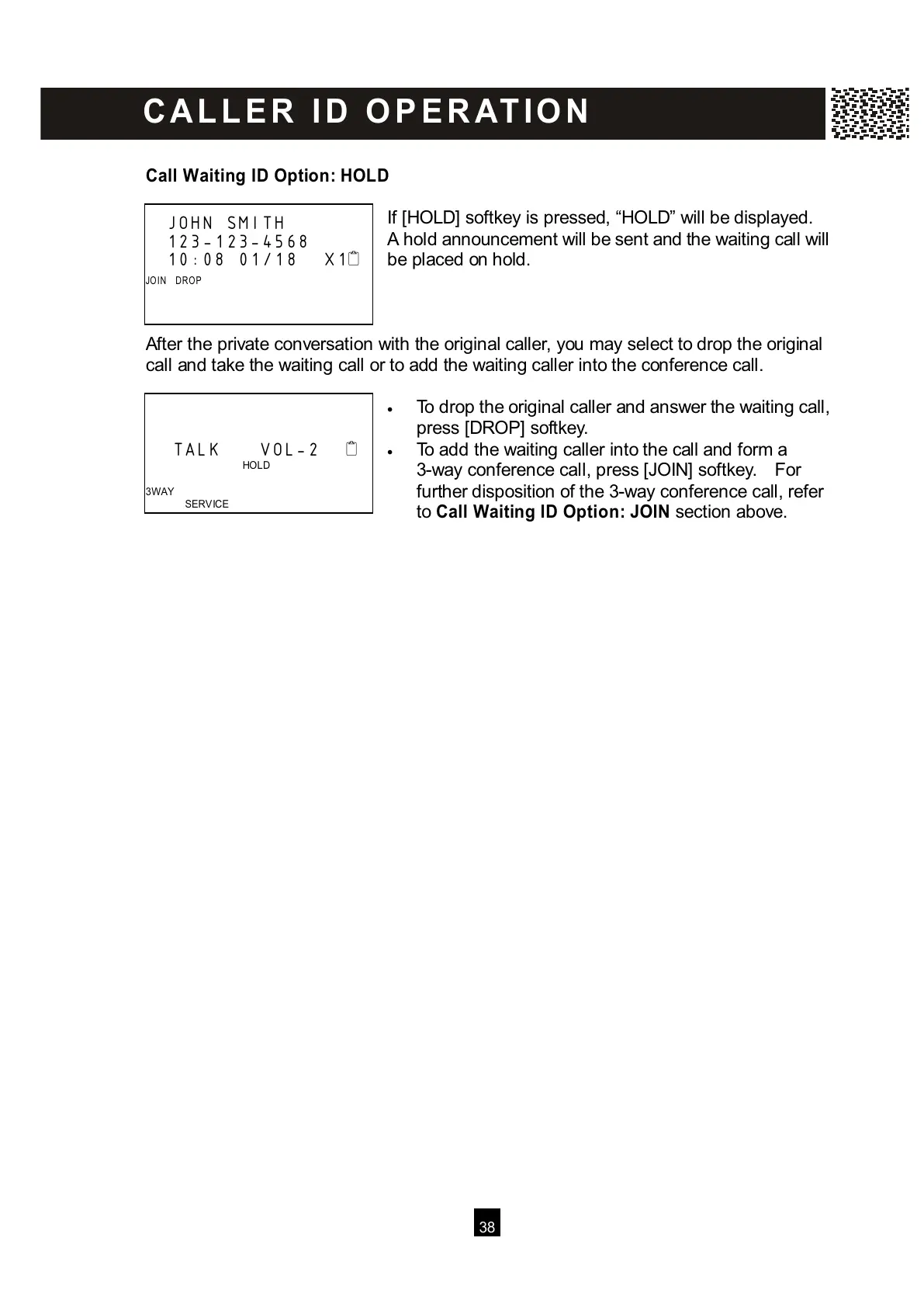
I
f [HOLD] softkey is pressed, “HOLD” will be displayed.
A hold announcement will be sent and the waiting call will
be placed on hold.
After the private conversation with the original caller, you may select to drop the original
call and take the waiting call or to add the waiting caller into the conference call.
• To drop the original caller and answer the waiting call,
press [DROP] softkey.
• To add the waiting caller into the call and form a
3-way conference call, press [JOIN] softkey. For
further disposition of the 3-way conference call, refer
to Call Waiting ID Option: JOIN section above.
JOHN SMITH
123-123-4568
10:08 01/18 X1
JO IN DRO P



 To Next Page