FLASH
C
all W aiting
1. Use [Flash] for accessing Call W aiting service. For example, if you receive a
second call during your initial call, press [Flash] to swap to the waiting call and put
the initial caller on hold.
2. After you finish the conversation with the second caller, press [Flash] to return to the
first caller.
Note:
If you also have Conference Three-W ay Calling service, press [Flash] to allow the
first caller to enter into a conference call with you and the second caller.
3 W ay Calling
3-W ay Calling can be achieved either by pressing [3W AY] softkey or [Flash] key. For
details, please refer to 3-W ay Calling section on page 33.
Note: May require subscription from you telephone company or may be available on a
pay per use basis.
PAUSE
The [Pause] key allows you to add a 3-second pause in a phone number sequence
during pre-dialing or storing number in the Phone Book Directory.
Enter a Pause in Dialing Sequence
To add a pause, press [Redial/Pause] at the desired position when you are creating or
editing a phone number and “ P ” appears on the display. For a longer delay, press
[Pause] additional times.
Note:
Remember, the phone number you wish to store cannot have more than 24 digits,
including any pause. Each “ P ” counts as one digit.
HOLD
A call can be put on hold during conversation to allow you to talk to another handset
using Intercom or to transfer the call to another handset.
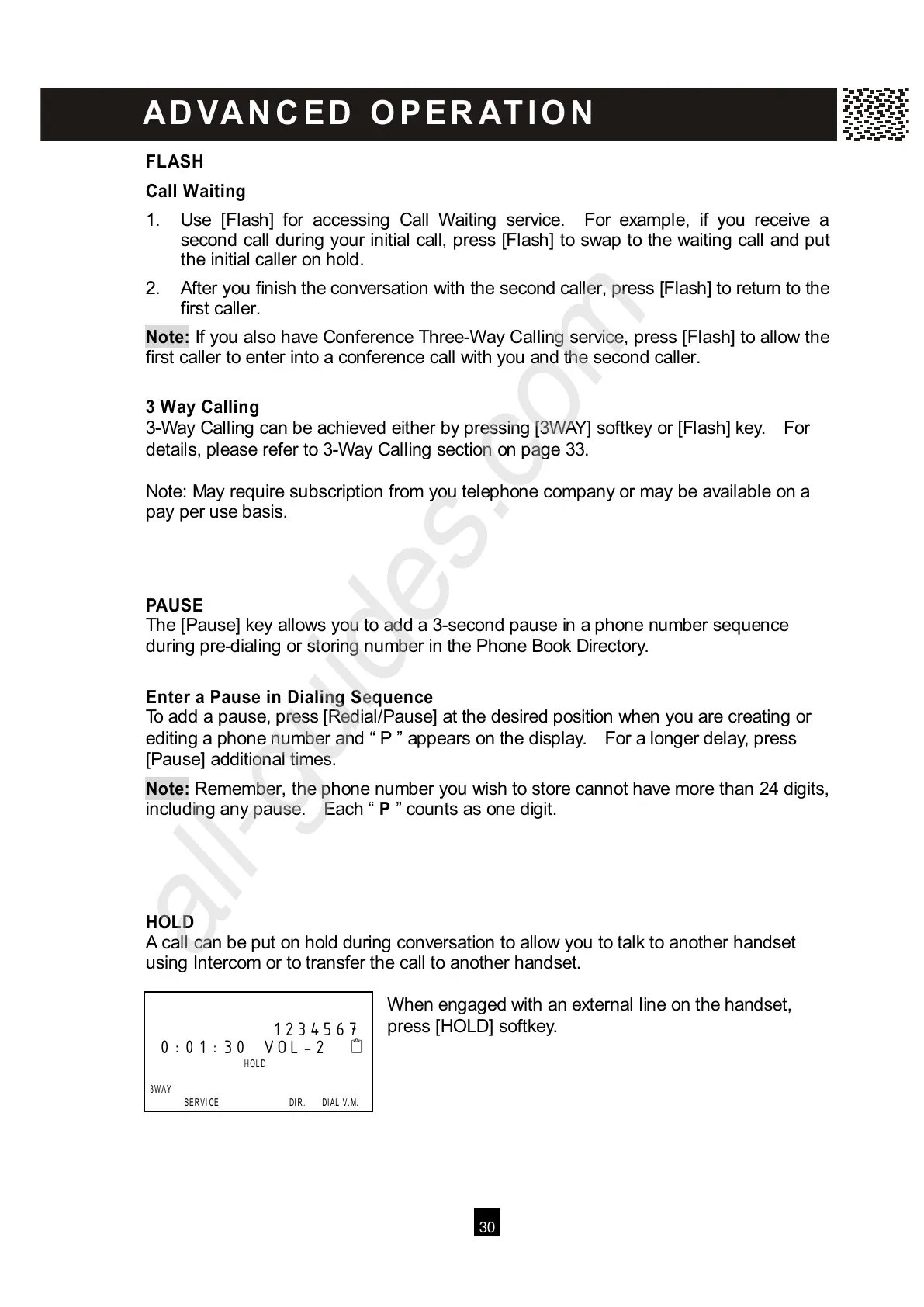
W hen engaged with an external line on the handset,
press [HOLD] softkey.
1234567
0:01:30 VOL-2



 To Next Page