Using DIAL V.M. softkey
P
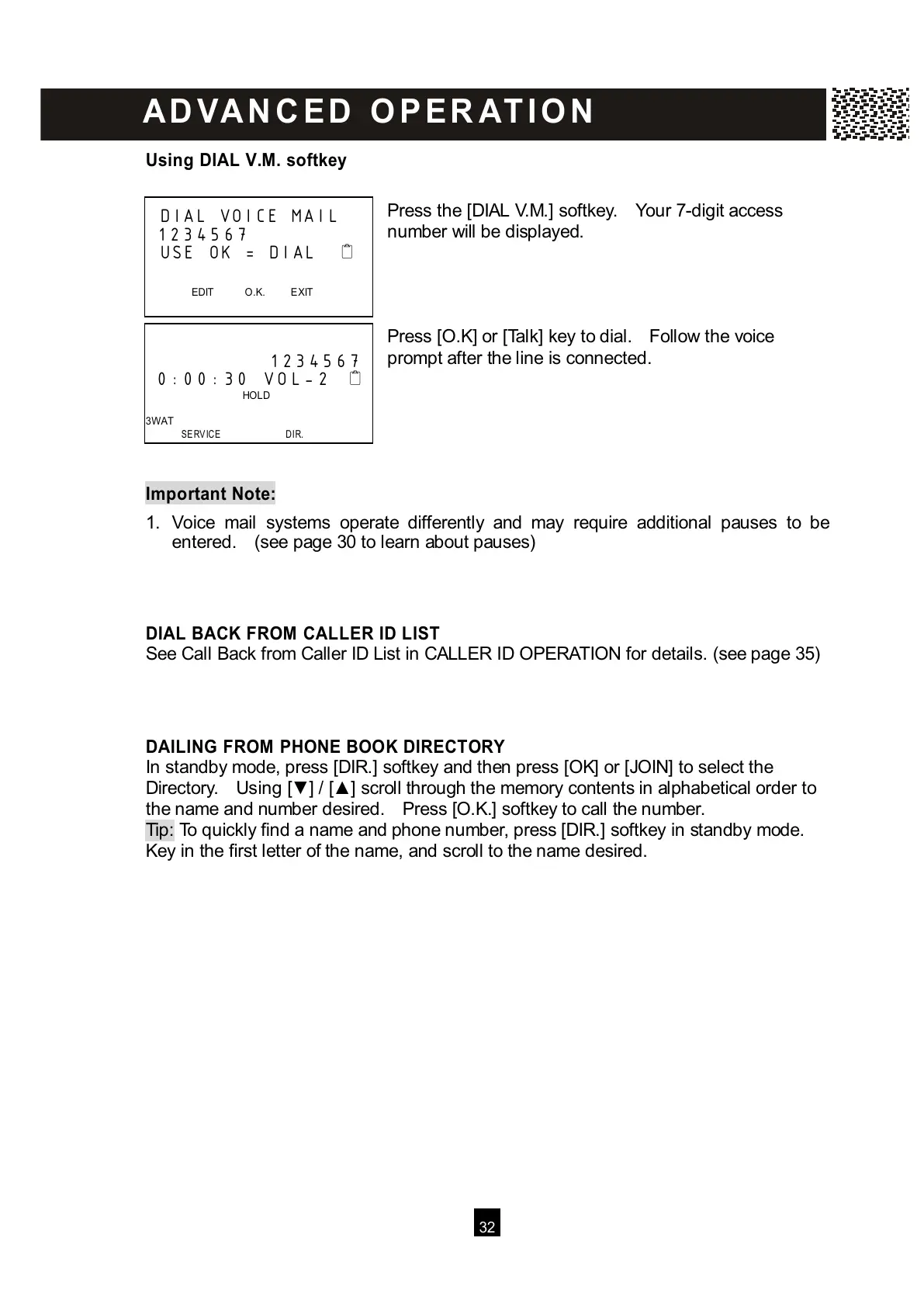
ress the [DIAL V.M.] softkey. Your 7-digit access
number will be displayed.
Press [O.K] or [Talk] key to dial. Follow the voice
prompt after the line is connected.
Im portant Note:
1
. Voice mail systems operate differently and may require additional pauses to be
entered. (see page 30 to learn about pauses)
DIAL BACK FROM CALLER ID LIST
See Call Back from Caller ID List in CALLER ID OPERATION for details. (see page 35)
DAILING FROM PHONE BOOK DIRECTORY
In standby mode, press [DIR.] softkey and then press [OK] or [JOIN] to select the
Directory. Using [▼ ] / [▲ ] scroll through the memory contents in alphabetical order to
the name and number desired. Press [O.K.] softkey to call the number.
Tip: To quickly find a name and phone number, press [DIR.] softkey in standby mode.
K
ey in the first letter of the name, and scroll to the name desired.
DIAL VOICE MAIL
1234567
USE OK = DIAL
EDIT O.K. EXIT



 To Next Page