CONFERENCE CALL
Y
our new cordless system supports conference calls up to 4 parties:
• 1 handset and 2 external calls (3 way calling);
• 2 handsets and 1 external call;
• 2 handsets and 2 external calls.
(For detail operations involving 2 handsets, please refer to Multi-handset Operation
Section, page 43.)
3-W AY CALLING
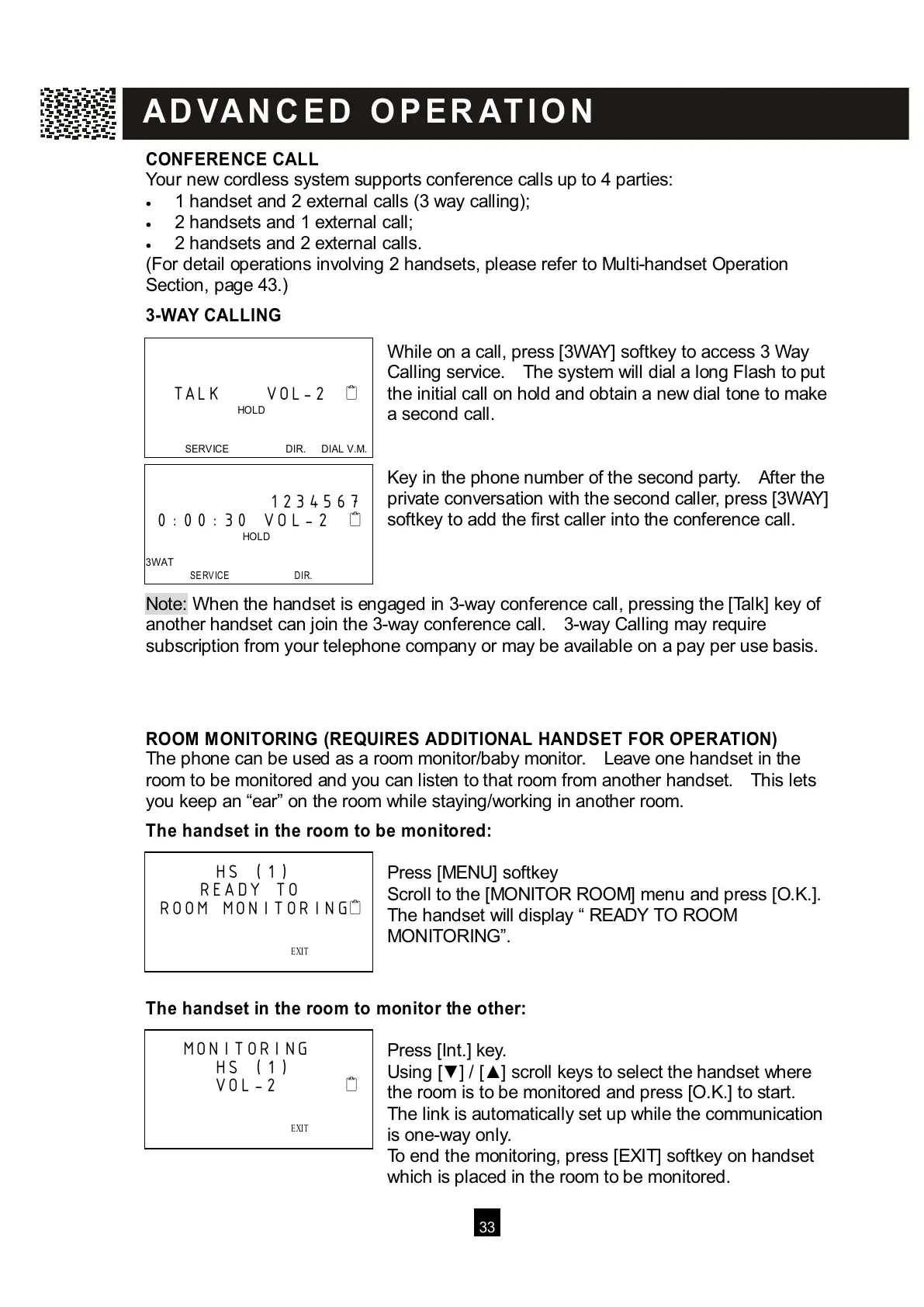
W hile on a call, press [3W AY] softkey to access 3 W ay
Calling service. The system will dial a long Flash to put
the initial call on hold and obtain a new dial tone to make
a second call.
Key in the phone number of the second party. After the
private conversation with the second caller, press [3W AY]
softkey to add the first caller into the conference call.
Note: W hen the handset is engaged in 3-way conference call, pressing the [Talk] key of
a
nother handset can join the 3-way conference call. 3-way Calling may require
subscription from your telephone company or may be available on a pay per use basis.
ROOM M ONITORING (REQUIRES ADDITIONAL HANDSET FOR OPERATION)
The phone can be used as a room monitor/baby monitor. Leave one handset in the
room to be monitored and you can listen to that room from another handset. This lets
you keep an “ear” on the room while staying/working in another room.
The handset in the room to be m onitored:
Press [MENU] softkey
Scroll to the [MONITOR ROOM] menu and press [O.K.].
The handset will display “ READY TO ROOM
MONITORING”.
The handset in the room to m onitor the other:
Press [Int.] key.
Using [▼ ] / [▲ ] scroll keys to select the handset where
the room is to be monitored and press [O.K.] to start.
The link is automatically set up while the communication
is one-way only.
To end the monitoring, press [EXIT] softkey on handset
which is placed in the room to be monitored.
TALK VOL-2
HOLD
SERVICE DIR. DIAL V.M.



 To Next Page