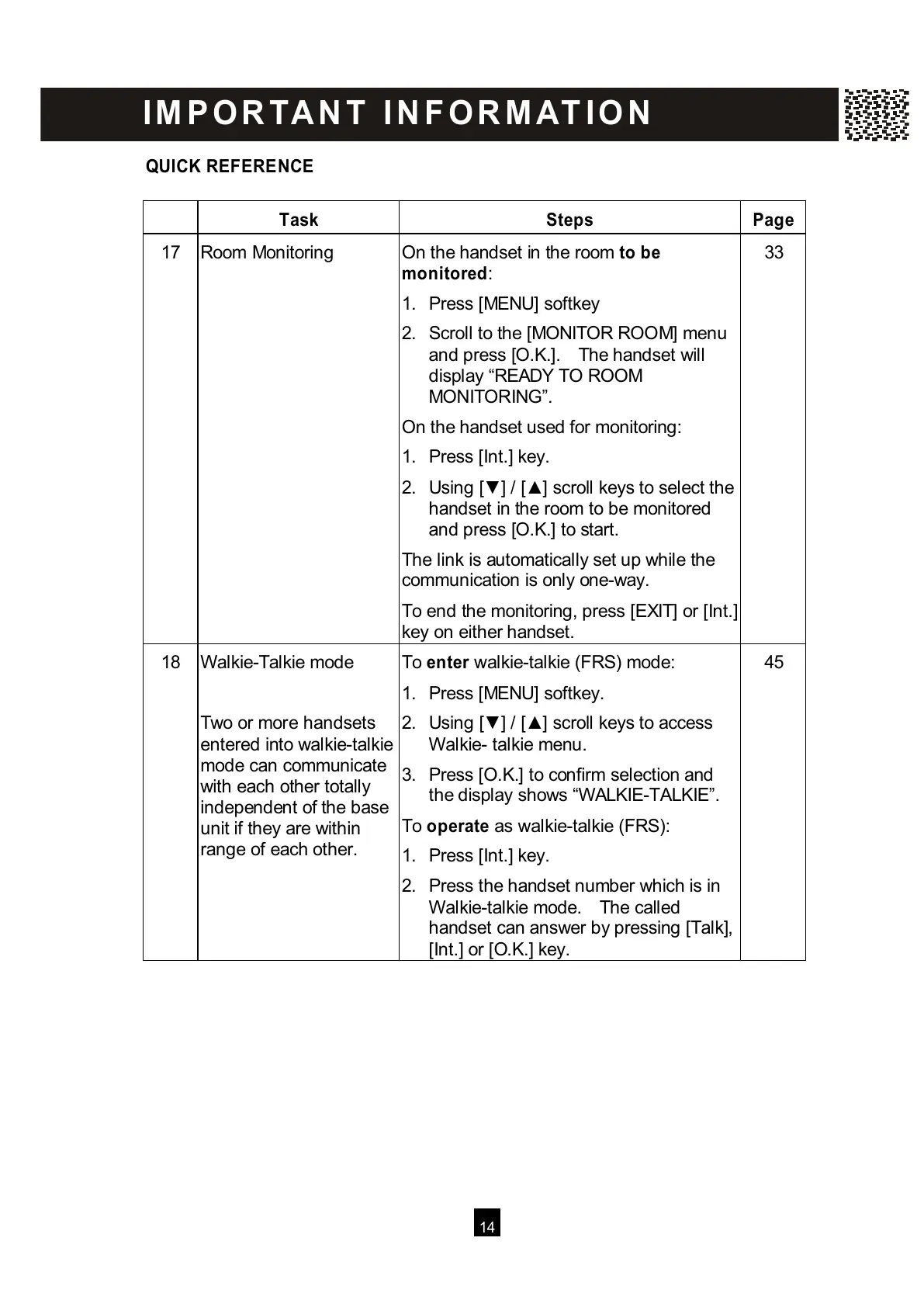
17 Room Monitoring On the handset in the room t
o be
m onitored:
1. Press [MENU] softkey
2. Scroll to the [MONITOR ROOM] menu
and press [O.K.]. The handset will
display “READY TO ROOM
MONITORING”.
On the handset used for monitoring:
1. Press [Int.] key.
2. Using [▼ ] / [▲ ] scroll keys to select the
handset in the room to be monitored
and press [O.K.] to start.
The link is automatically set up while the
communication is only one-way.
To end the monitoring, press [EXIT] or [Int.]
key on either handset.
3
3
18 W alkie-Talkie mode
T
wo or more handsets
entered into walkie-talkie
mode can communicate
with each other totally
independent of the base
unit if they are within
range of each other.
To enter walkie-talkie (FRS) mode:
1. Press [MENU] softkey.
2. Using [▼ ] / [▲ ] scroll keys to access
W alkie- talkie menu.
3. Press [O.K.] to confirm selection and
the display shows “W ALKIE-TALKIE”.
To operate as walkie-talkie (FRS):
1. Press [Int.] key.
2. Press the handset number which is in
W alkie-talkie mode. The called
handset can answer by pressing [Talk],
[Int.] or [O.K.] key.
45
I M P O R TA N T I N F O R M AT I O N
All manuals and user guides at all-guides.com



 To Next Page