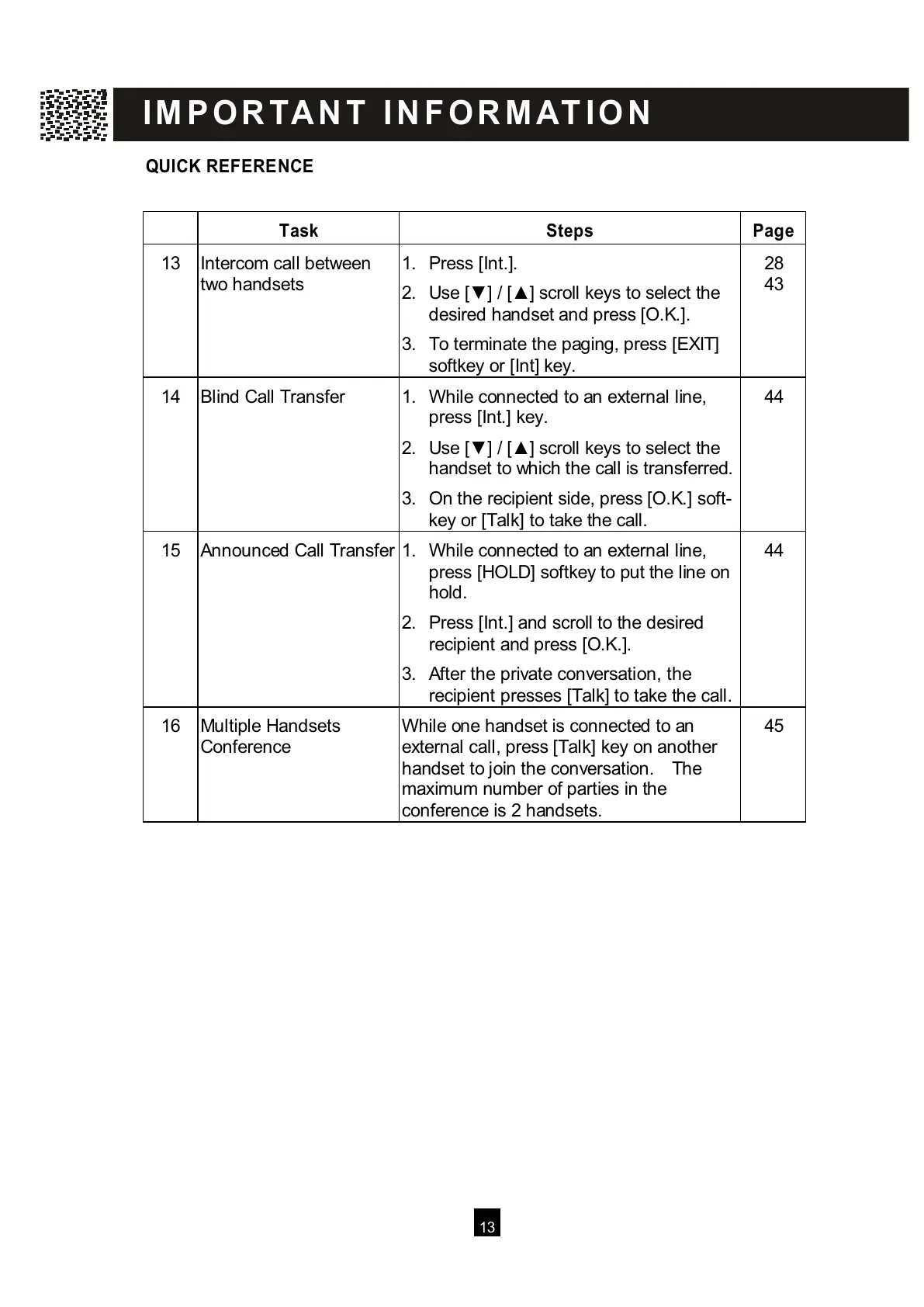
QUICK REFERENCE
T
ask Steps Page
13 Intercom call between
t
wo handsets
1. Press [Int.].
2. Use [▼ ] / [▲ ] scroll keys to select the
desired handset and press [O.K.].
3. To terminate the paging, press [EXIT]
softkey or [Int] key.
43
14 Blind Call Transfer 1. W hile connected to an external line,
p
ress [Int.] key.
2. Use [▼ ] / [▲ ] scroll keys to select the
handset to which the call is transferred.
3. On the recipient side, press [O.K.] soft-
k
ey or [Talk] to take the call.
44
15 Announced Call Transfer
1. W hile connected to an external line,
p
ress [HOLD] softkey to put the line on
hold.
2. Press [Int.] and scroll to the desired
recipient and press [O.K.].
3. After the private conversation, the
recipient presses [Talk] to take the call.
44
16 Multiple Handsets
C
onference
W hile one handset is connected to an
external call, press [Talk] key on another
handset to join the conversation. The
maximum number of parties in the
conference is 2 handsets.
45
I
M P O R TA N T I N F O R M AT I O N
All manuals and user guides at all-guides.com



 To Next Page