– 26 –
Scanreco – Service Manual G6 Radio Remote Control System
5. Standard and Optional Features
5.1. Standard Features
5.1.1. Information Center Display
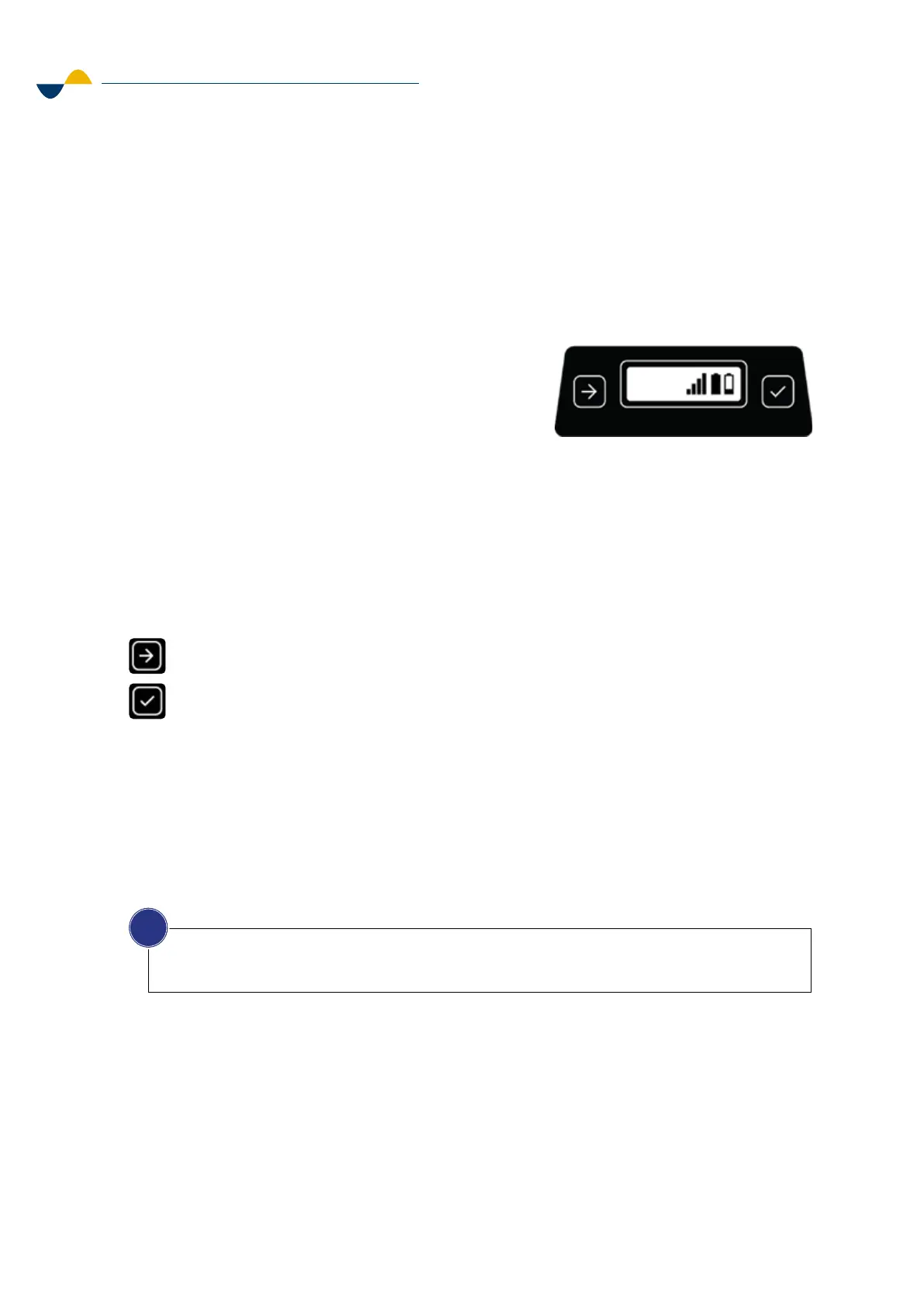
The information center is a small display on the top section, located next to the customizable
area. The main purpose of the information center is to give the operator essential information
about the transmitter's operating status.
The information center will show the
following information:
• Transmitter is switched on.
• Transmitter is locked.
• Battery level.
• Radio signal strength.
• Speed reduction.
• Error codes (with red backlight).
• Pairing options.
• Self-test mode.
There are two push buttons for browsing and selecting in the information center:
5.1.2. Auto-OFF timer
The Transmitter is equipped with a battery saving feature where it is switched o after a certain
time when idle (1-60 minutes), depending on the configuration. The default configuration is five
minutes. To reactivate the Transmitter, press the ON button. This feature can also be disabled.
5.2. Optional Features
5.2.1. Panel Lights
The panel lights are built into the protective frame of the Micro and Mini transmitters. The purpose
of the panel lights is to illuminate the top section with its actuators and decal area, and to make
it easier for the operator to see and operate the transmitter in the dark.
Next (left side).
Confirm (right side).
NOTICE!
The optional features are installed from factory and shall not be retrofitted. To find out what feature
you have in your transmitter, see separate technical documentation.
i


 To Next Page