– 35 –
Scanreco – Service Manual G6 Radio Remote Control System
6. Switch on the transmitter.
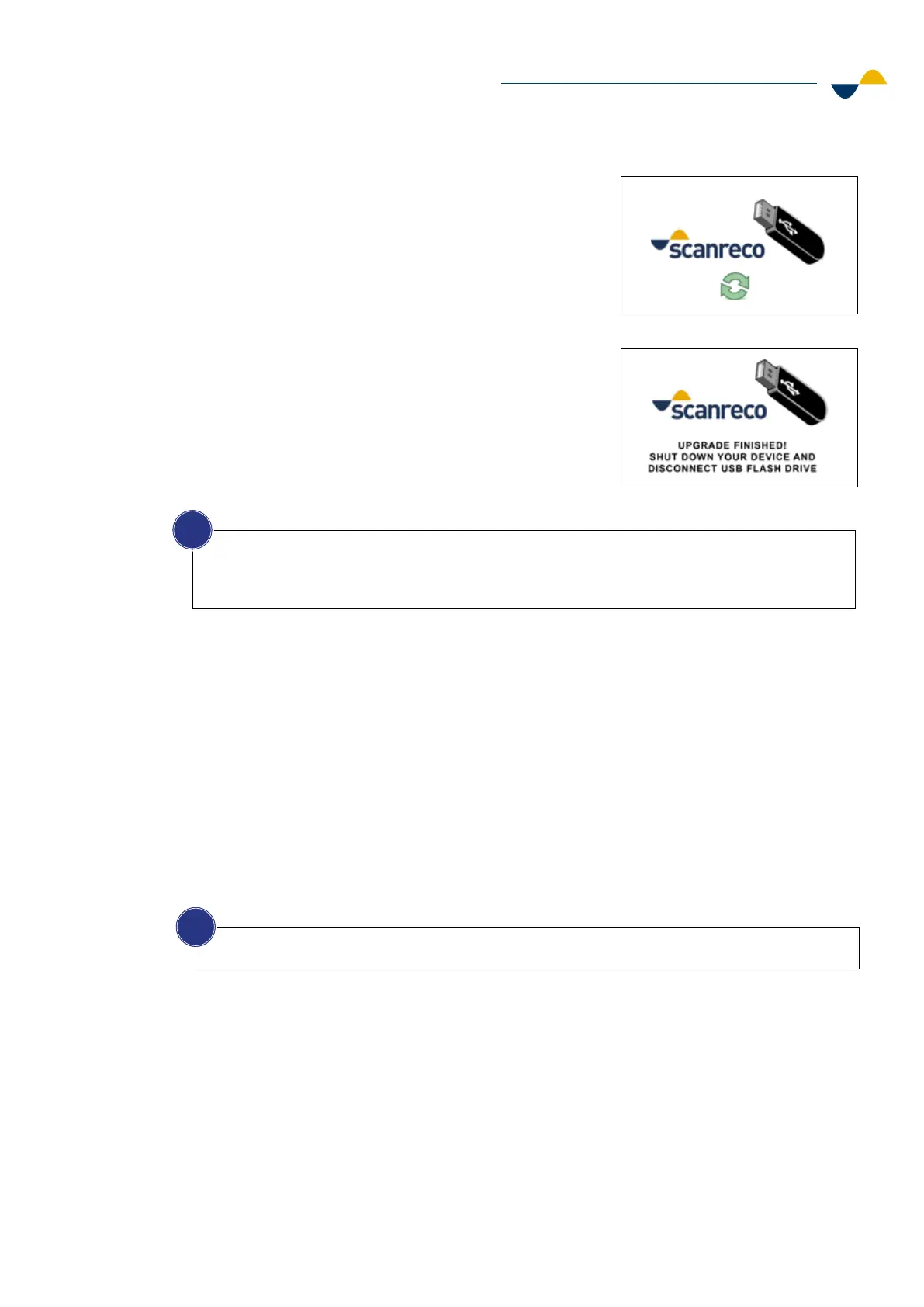
a. A green icon will show when the graphics
are being uploaded to the display.
b. A message will be shown when the upload
is finished.
7. Switch o the transmitter.
8. Disconnect the USB OTG adapter.
9. Put the programming connector lid back on.
10. The color display setup is now completed.
a. Uploading graphics
b. Finished uploading
NOTICE!
To copy the graphics from an already working display for use in another transmitter that controls
an identical machine, or to keep as backup, plug in an empty USB flash drive into the working
display. This will automatically copy the graphics file to the USB flash drive.
i
6.4. Bluetooth Connectivity
The transmitter and receiver uses Bluetooth Low Energy (BLE) to connect to the digital servicing
tool Modulate. BLE is automatically activated when the transmitter or receiver are started
and will remain active for one minute. If no connection is established during this time BLE
will timeout. However, when the connection is made, it will stay connected until the system is
switched o.
The following configurations can be made to the system using Modulate:
• Change and set parameters.
• Read out error codes.
• Install new firmware.
6.5. Battery Charger
There are two dierent battery technologies available: Nickel Metal Hydride (NiMH) and Lithium
Ion (Li-ion). They are not compatible with each other and that is why two dierent charger
models are available. Use the matching battery and charger. Follow the instructions in this
chapter to correctly install the battery charger.
NOTICE!
For more information about Modulate, see chapter 8.1.1 Modulate.
i


 To Next Page