– 47 –
Scanreco – Service Manual G6 Radio Remote Control System
How to use Self-test mode:
1. Press the two buttons next to the information center display, Next (left side) and Confirm
(right side), at the same time.
2. Press the Next button to navigate between options in the information center menu.
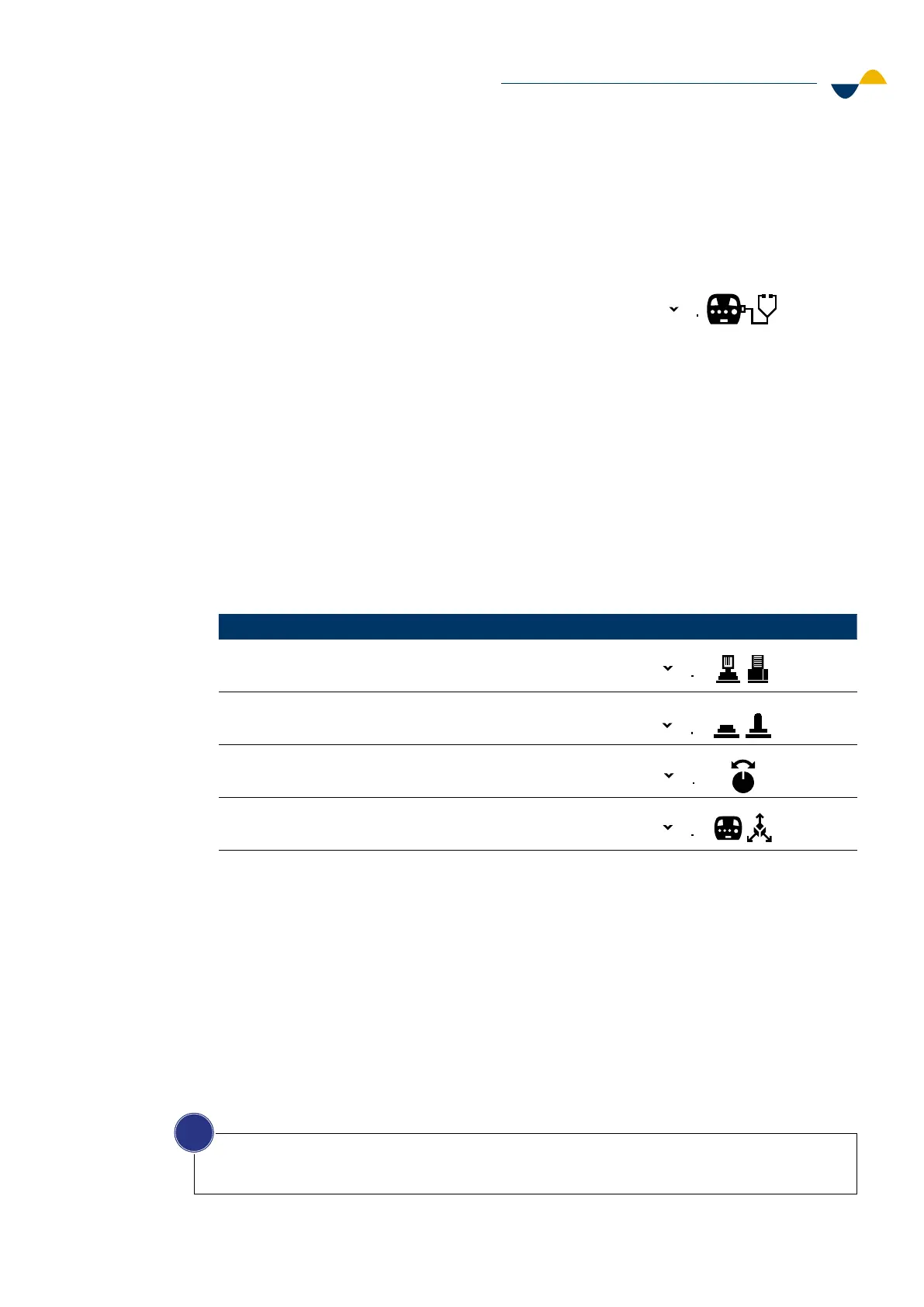
3. Navigate to option 1, Self-test mode, indicated by the symbol:
4. Press the Confirm button to enter Self-test mode.
5. When Self-test mode is entered the following will occur:
a. All communication is stopped, preventing link-up with the receiver.
b. An automated sequence of tests will be done, one time for each optional feature
(buzzer, haptic feedback, panel lights and LEDs), according to below event timing:
i. Panel LEDs and display LEDs will light up.
ii. The buzzer will make a sound.
iii. The panel lights will light up.
iv. The haptic feedback motors will vibrate one time for each motor (left and right).
6. The information center will display four dierent self-tests to choose from:
1
Option Self-test Symbol
1.1 Analog actuators
1.2. Digital actuators
1.3. Rotary encoders
1.4. Pitch and roll angle of the transmitter
11
12
13
14
7. Navigate to the test that you want to do.
a. Press the Confirm button to start the test.
b. Manually test the actuators one-by-one.
c. Press the Next button to exit the test and return to the menu.
8. Repeat steps 6 through 7 to select and start another test.
9. Switch o the transmitter to exit Self-test mode.
10. Switch on the transmitter to resume normal operation.
NOTICE!
For detailed information regarding the four dierent tests when using Self-test mode, read
subchapters 7.2.1 through 7.2.4.
i


 To Next Page