90 Scantron SelfScore Scanners
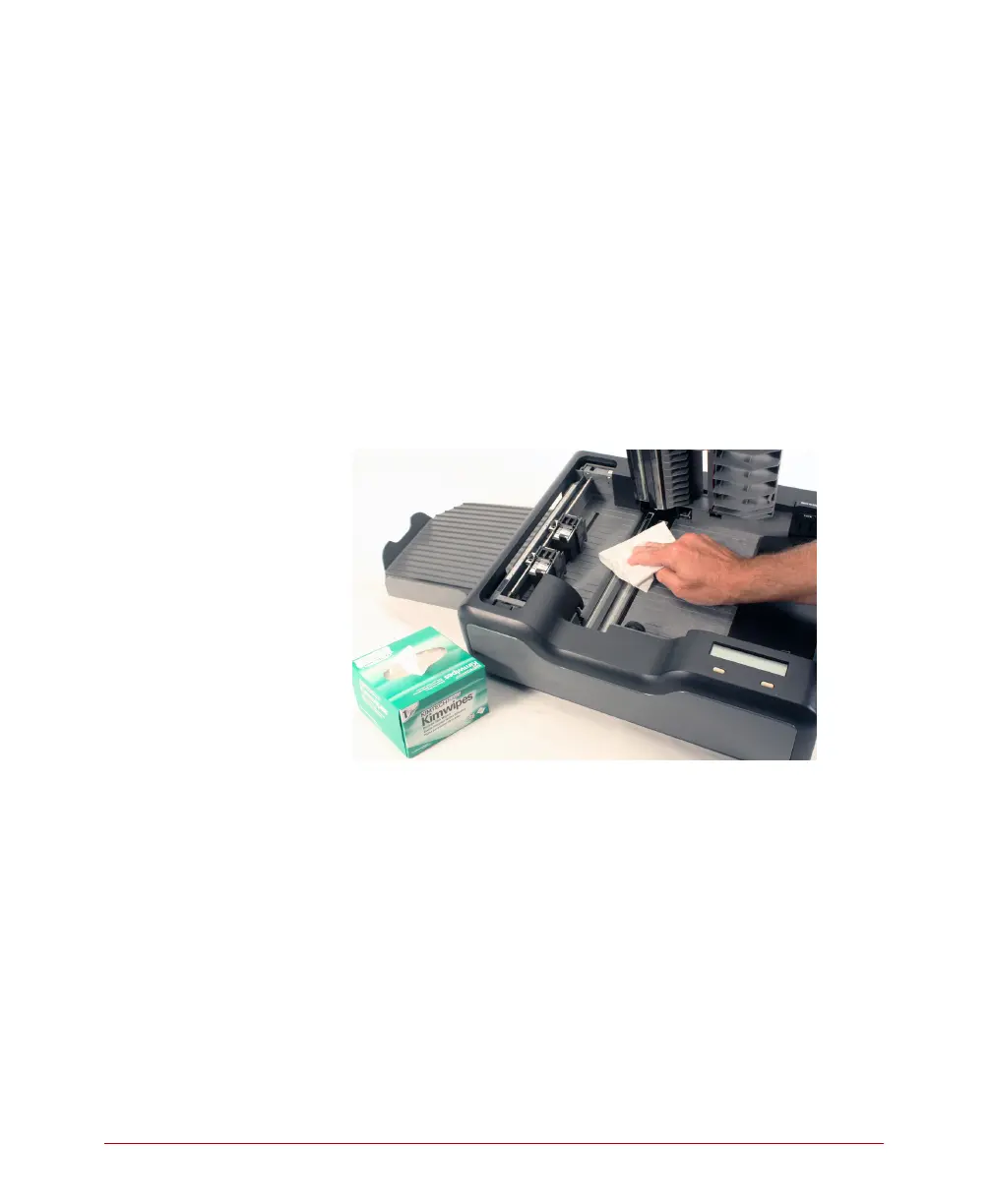
8. Locate the pick roller. Turn the pick roller with one
finger, wiping off the roller as you turn it. This
procedure removes graphite and other debris that
collects on the roller.
9. Lightly dampen a fresh lint-free cloth with an
ammonia-based glass cleaner.
CAUTION: Do not spray the cleaner directly on the
read head.
10. Using the lightly dampened cloth, clean the glass
on the top read head.
11. Using the same cloth, clean the glass on the
bottom read head.
NOTE: Single read head units do not have glass
beneath the top read head. Instead, they
have black, shiny strip. This must also be
cleaned.



 To Next Page