Chapter 3: Operating Your Scanner
30 Scantron SelfScore Scanners
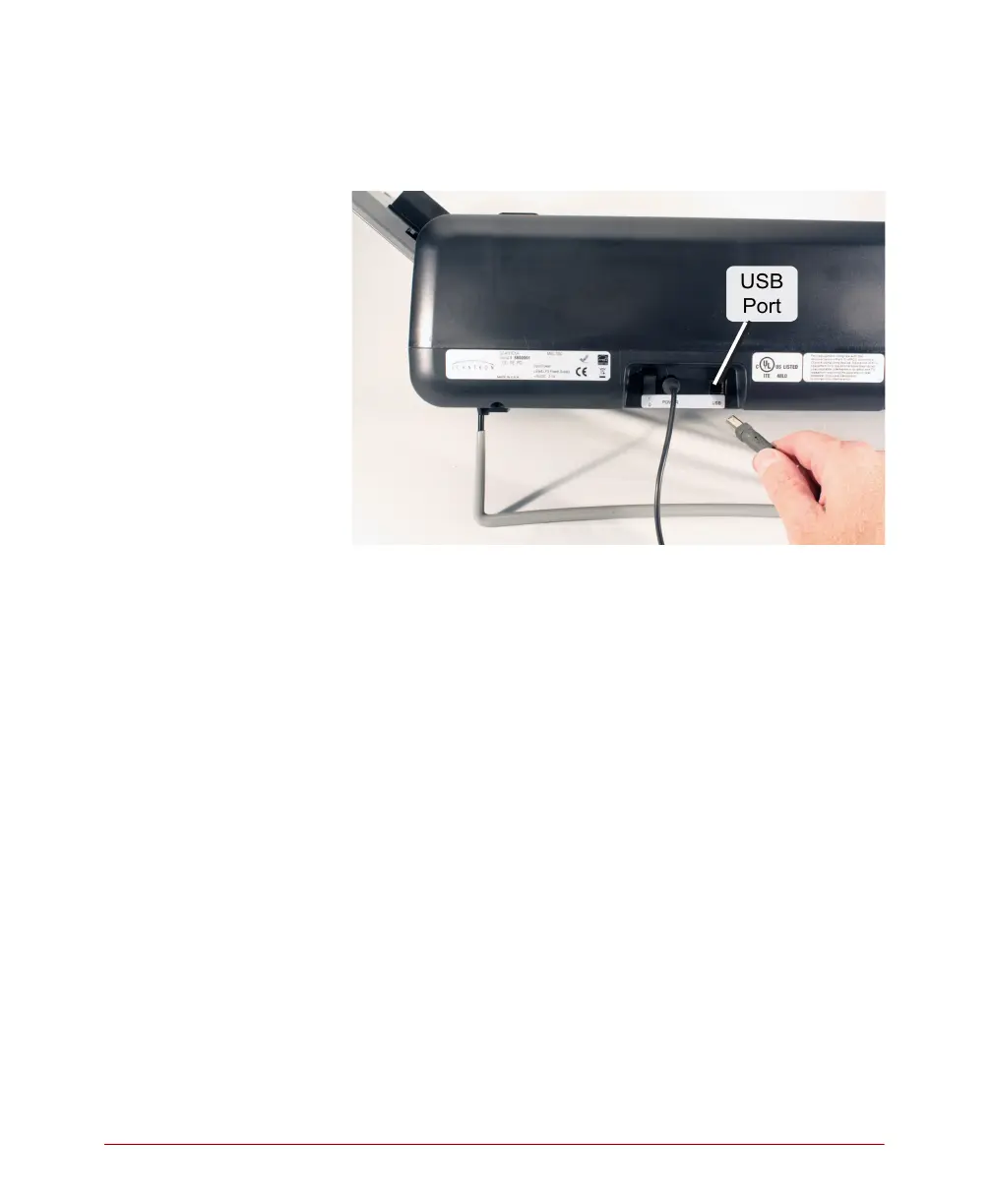
5. (optional) Ensure that the scanner is connected to
the computer via USB cable if you will be
collecting data with ScanTools software.
Configuring the Scanner
Your scanner comes pre-configured by Scantron ready
to meet most scanning needs. However, should you
have special requirements, use the background menus
to configure the scanner. See Chapter 5, “Chapter 5:
Using the Background Menu” for information on how
to configure the scanner.



 To Next Page