Chapter 2: Setting Up Your Scanner
Operator’s Guide 23
Connecting the Scanner to the Computer
(Optional)
If you are using your SelfScore scanner as a standalone
test scoring machine and will not be connecting it to a
computer, skip this section.
IMPORTANT: Before connecting the scanner to the
computer, be sure to install the drivers
and scanner utilities as described in the
previous section.
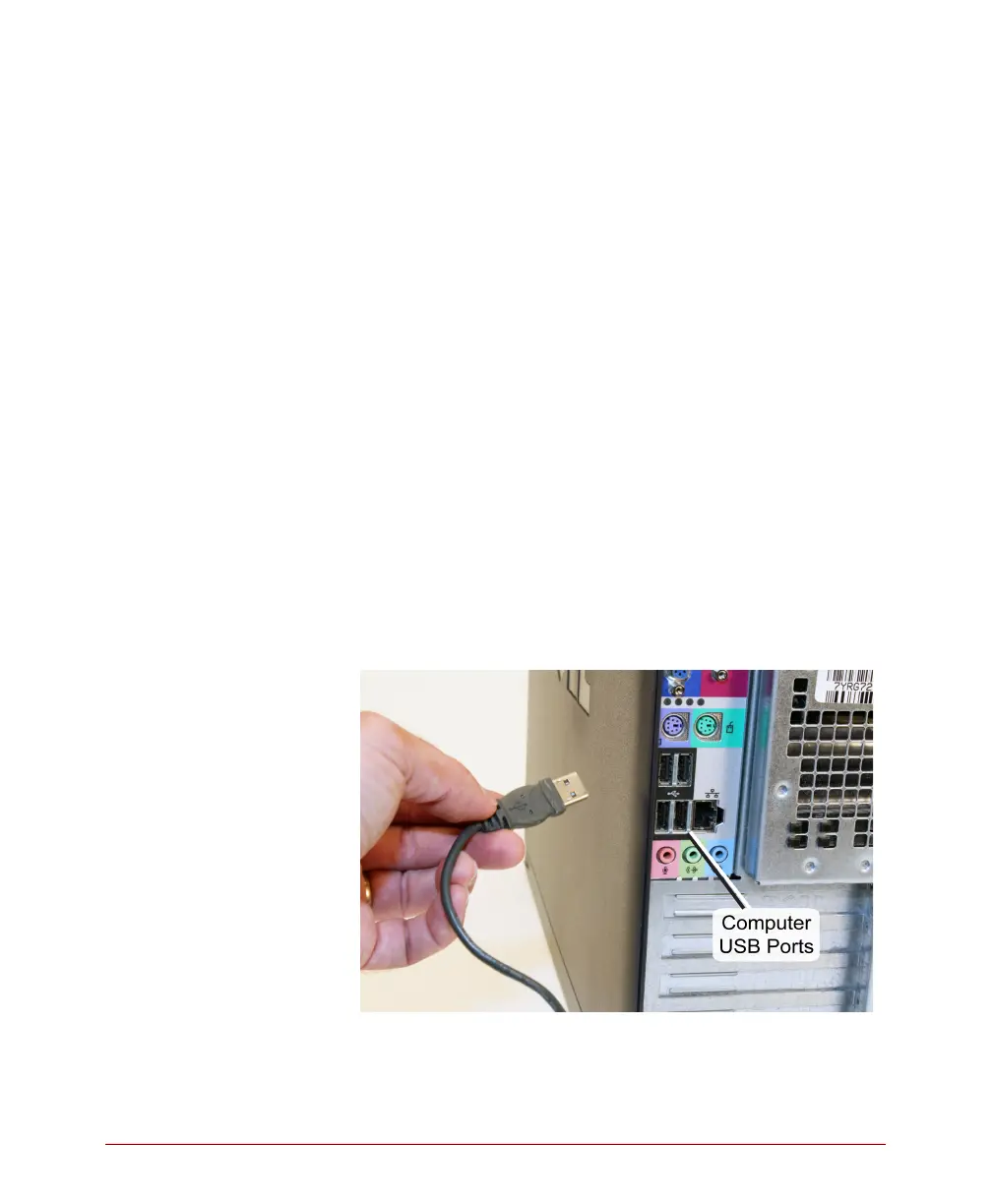
1. Locate the USB ports on the back of your
computer. Plug the A end (flat end) of the USB
cable into the USB communications port
NOTE: A USB 1.1 or 2.0 communications port is
required.
NOTE: Do not connect more than one OpScan 4
ES, iNSIGHT 4 ES, or SelfScore scanner to
the host computer at a time.



 To Next Page