54 Scantron SelfScore Scanners
Scanner Information
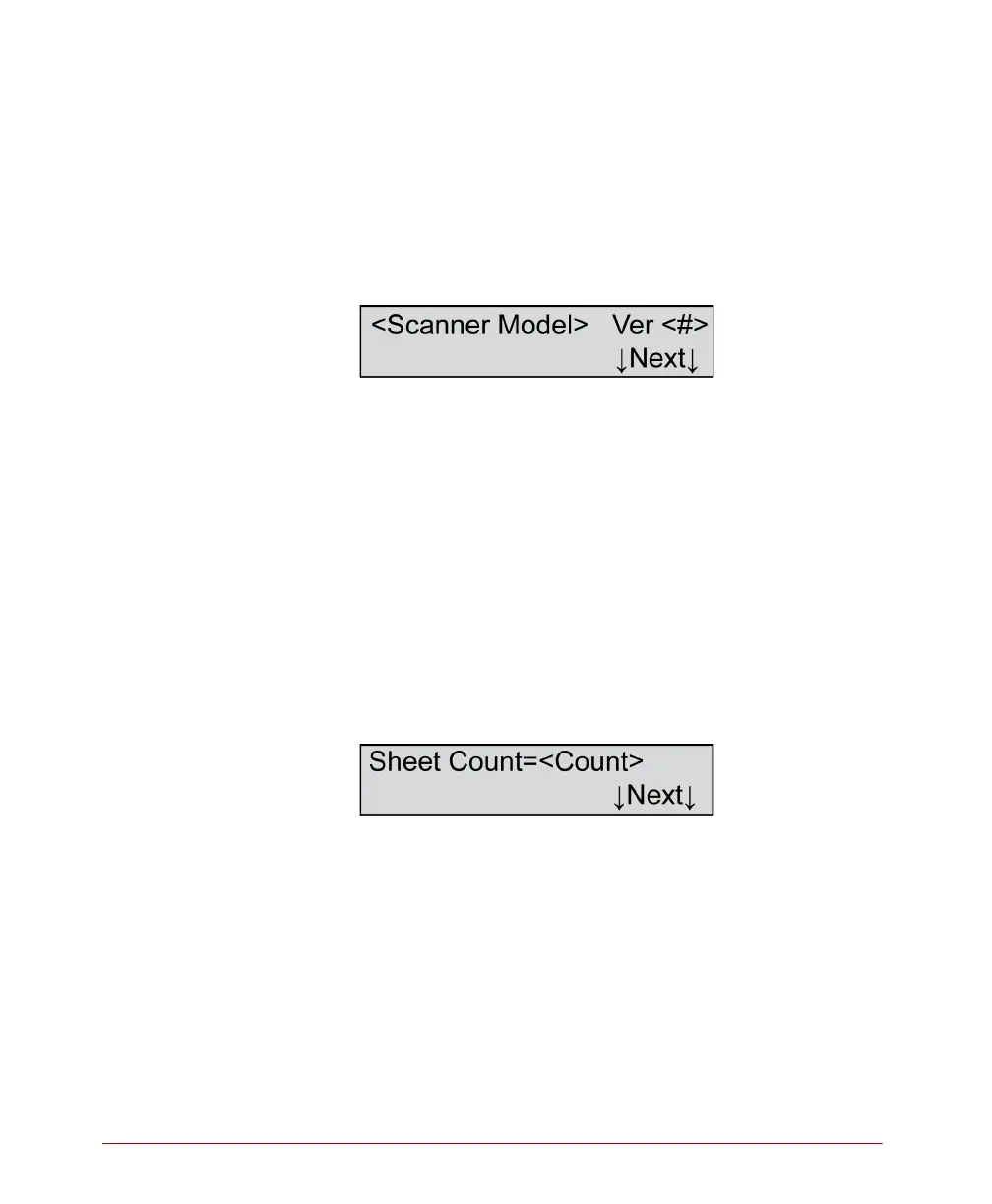
Scanner information is displayed immediately after
you enter the background menu. These two menu
items are “display only” information that cannot be
changed.
Scanner Model
Variables
Where <Scanner Model>=
• SelfScore
And where <#>=
• Version number of the scanner firmware
Description
The scanner model is displayed immediately after
entering the background menu.
Press Next to advance to the next menu item.
Sheet Count
Variables
Where <Count>=
• Number of sheets
Description
Sheet count refers to the number of sheets that have
been scanned since the scanner was put into service.
Press Next to advance to the next menu item.



 To Next Page