Operator’s Guide 55
Defaults Menu
The Defaults menu is the first of three submenus
within the background menu system. Using the
Defaults menu, you can set display of comm status
and power saver parameters. See below for a full
description of each menu item.
NOTE: See “Background Menu Flowchart” on page 53
for a flowchart of the entire background menu.
Defaults Menu
Description
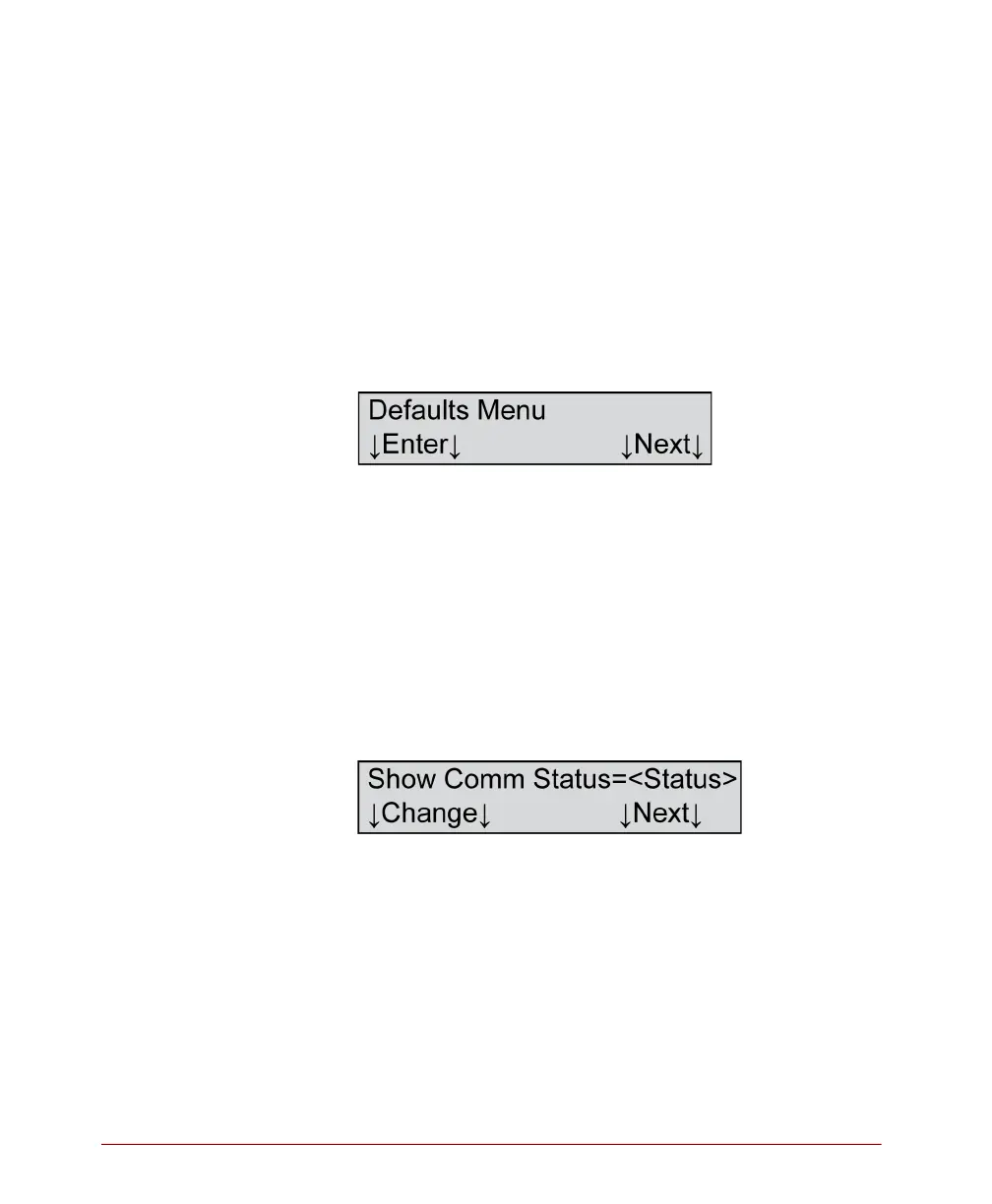
This menu item allows you to enter the defaults menu.
Press Enter to enter the Defaults menu.
Press Next to advance to the Utilities menu (See
“Utilities Menu” on page 57.)
Show Comm Status
Variables
Where <Status>=
• On
• Off
Description
This menu item allows you to either display or not
display communication status. If you select “On,”
characters appear in the display panel indicating



 To Next Page