104 Scantron SelfScore Scanners
Top Head Calibration
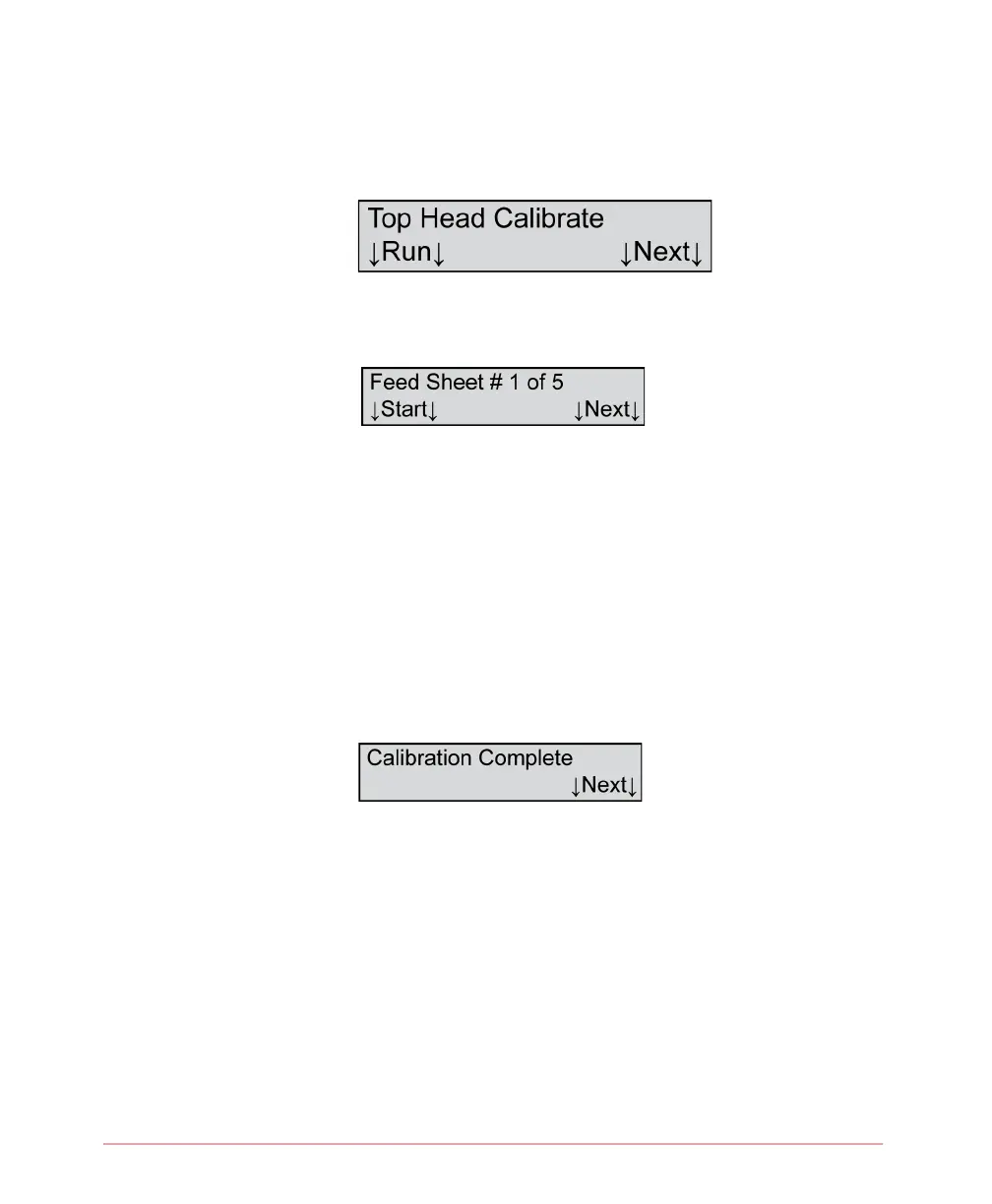
From the menu item shown below, perform a top read
head calibration using the following instructions.
1. Press Run to calibrate the top read head. The
following menu item appears.
NOTE: If you run out of calibration sheets, reload
the ones that are in the output tray.
2. Load the calibration forms (part # 202-989-008)
that came with your scanner by placing them in
the input tray and depressing the Press To Load
button. The orientation of the calibration sheets
does not matter. Press Start to begin calibration.
Press Next at any time to abort calibration.
3. When calibration is complete, the following menu
item appears.
4. Press Next to complete calibration and to advance
to the next menu item.



 To Next Page