66 Scantron SelfScore Scanners
Diagnostics Menu
The Diagnostics menu is the third of three submenus
in the background menu. In it, you will find programs
that allow you to test the printer and the top and
bottom read heads. See below for a full description of
each menu item.
NOTE: See “Background Menu Flowchart” on page 53
for a flowchart of the entire background menu.
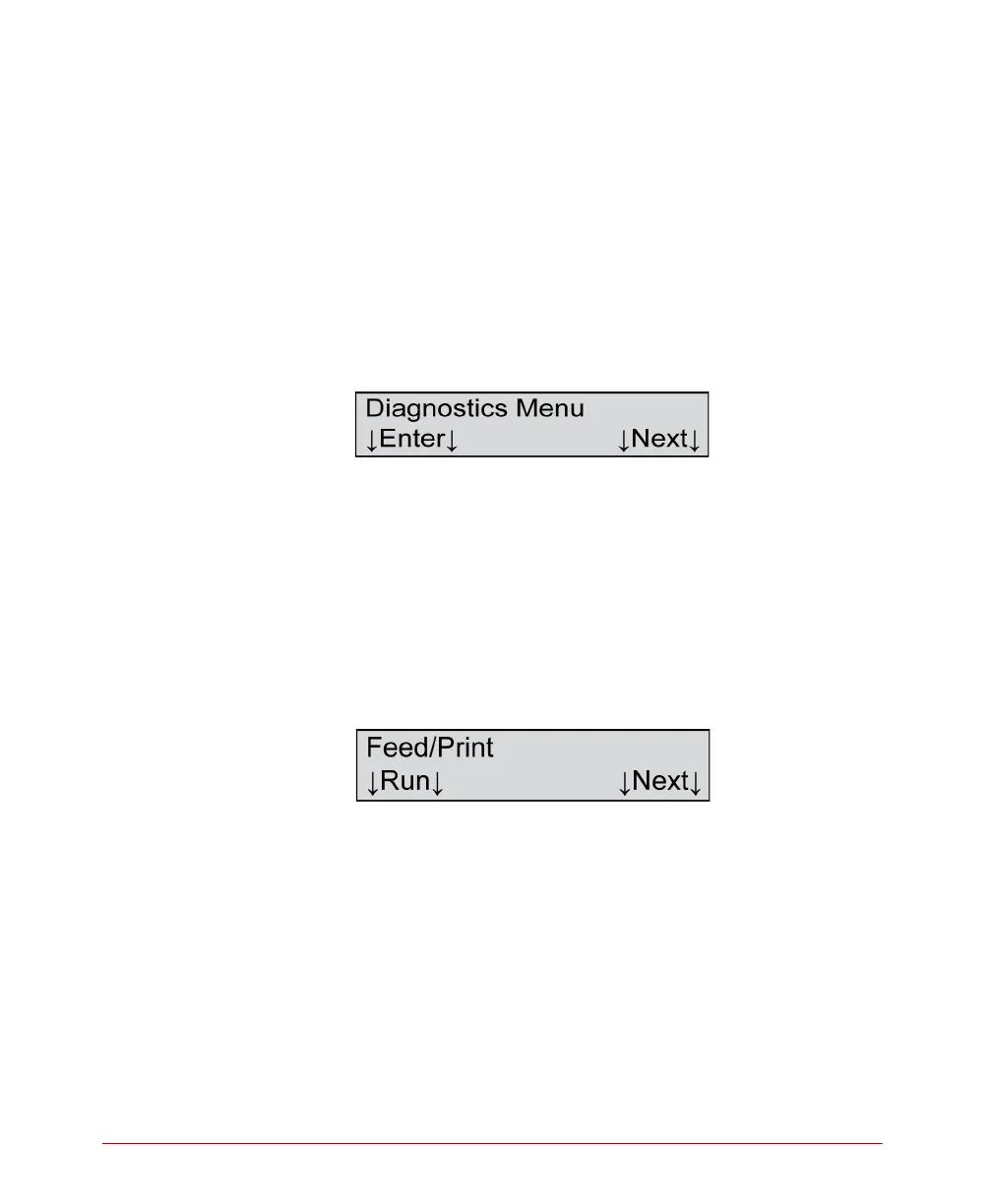
Diagnostics Menu
Description
This menu item allows you to enter the Diagnostics
menu.
Press Enter to enter the Diagnostics menu.
Press Next to advance to the Background Menu menu
item.
Feed/Print?
Description
This menu item allows you to test the scanner’s feed
and print capabilities. The test feeds sheets loaded in
the input tray, and the printers print a string of
characters.
Press Next to skip this test and to advance to the next
menu item.



 To Next Page