Chapter 2: Setting Up Your Scanner
Operator’s Guide 11
Assembling the Scanner
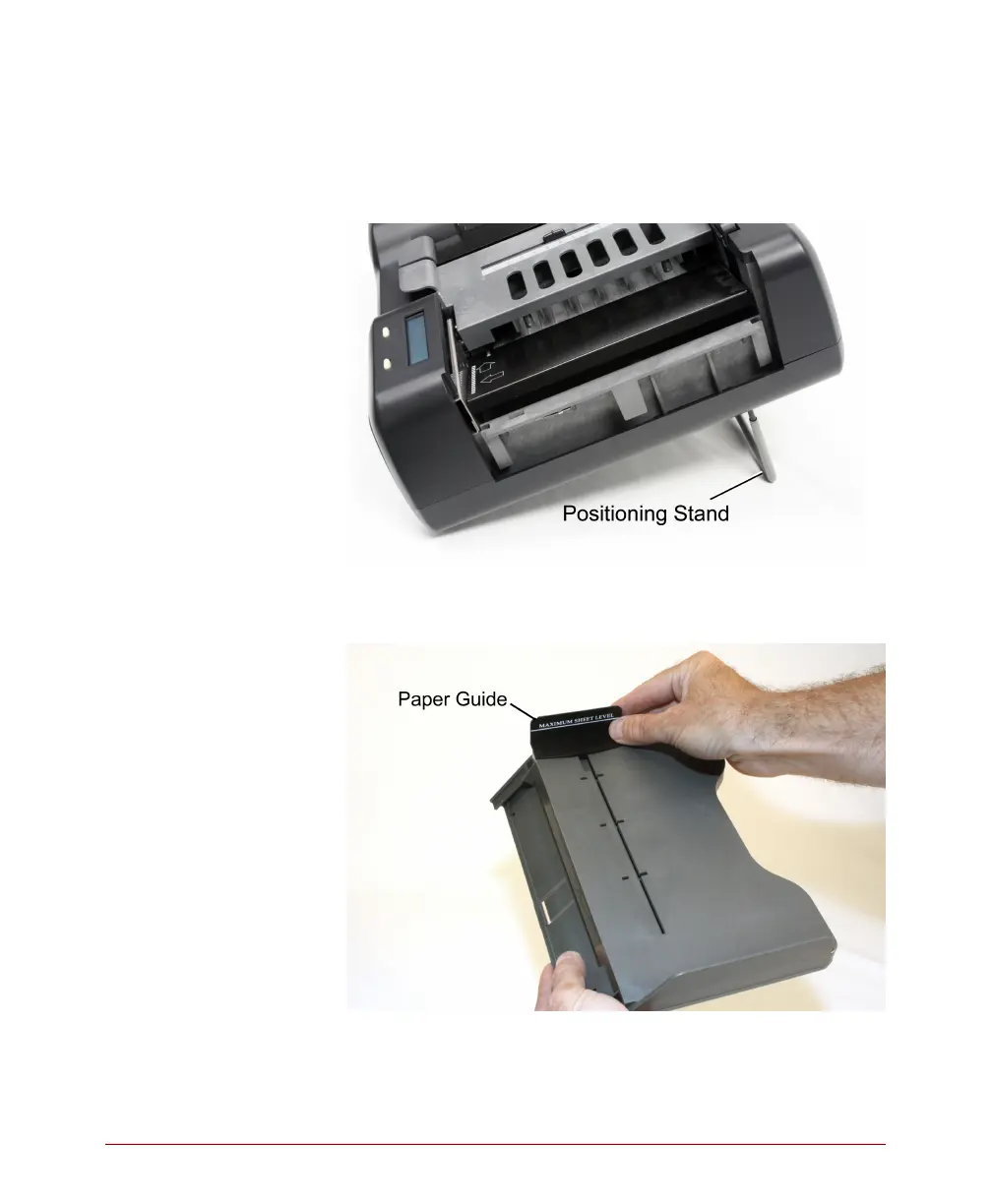
1. Extend the positioning stand so that the scanner is
placed at the proper angle for operation.
2. Install the paper guide by sliding it into the slot in
the input tray.
3. Install the input tray. Slide the end of the tray that
has two prong-like tabs into the slots at the end of
the scanner.



 To Next Page