Operator’s Guide 57
Utilities Menu
The Utilities menu is the second of three submenus in
the background menu. In it, you will find utility
programs that allow you to calibrate the read heads,
view and set communications parameters, adjust the
display brightness, turn on and off the leading edge
skew check, and adjust the printer offset. See below
for a full description of each menu item.
NOTE: See “Background Menu Flowchart” on page 53
for a flowchart of the entire background menu
items.
Utilities
Description
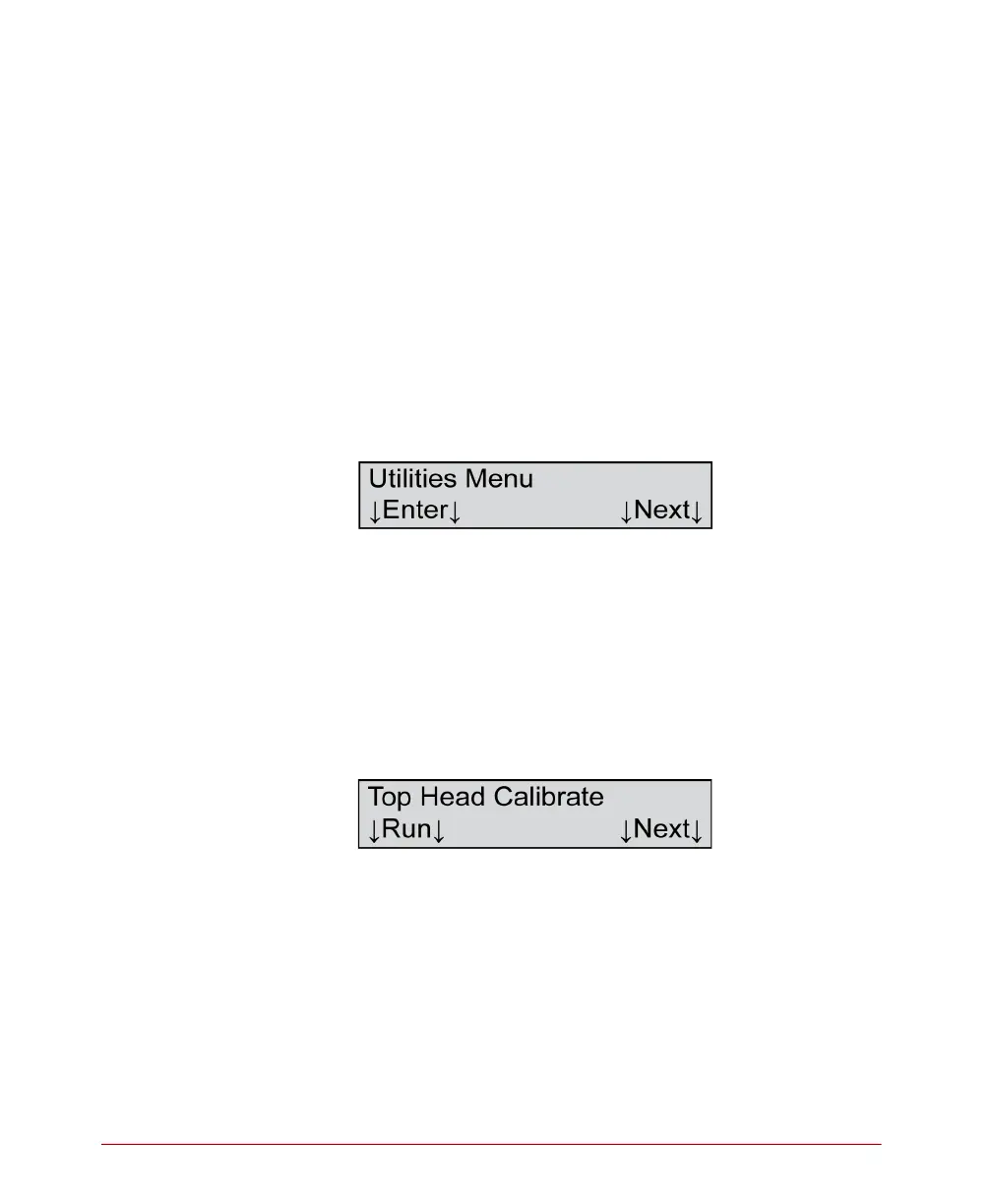
This menu item allows you to enter the Utilities menu.
Press Enter to enter the Utilities menu.
Press Next to advance to the Diagnostics menu (See
“Diagnostics Menu” on page 66.)
Top Head Calibrate
Description
This dialog allows you to run the top head calibration
program.
Press Next to skip this function and to advance to the
next menu item.
The following describes how to calibrate the top read
head.



 To Next Page