Operator’s Guide 103
Navigating the Background Menu
In order to recalibrate, you need to navigate the
background menu to get to the Top Head Calibrate
and Bot Head Calibrate functions. Use the following
procedure.
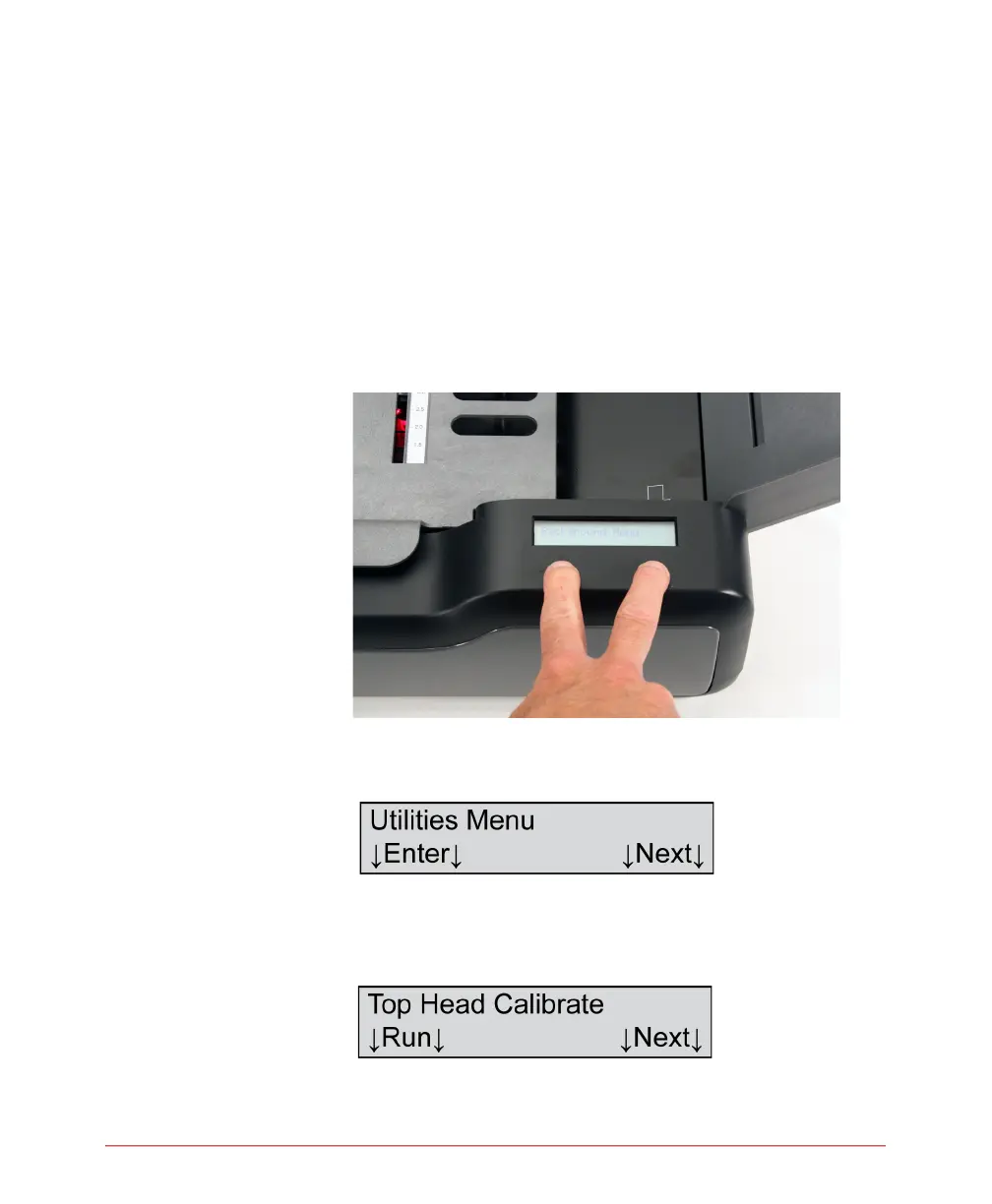
1. Enter the background menu by holding down both
buttons for about five seconds. When the message
“Background Menu” appears briefly, release the
buttons.
2. Press Next five times or until you reach this menu
item.
3. Press Enter to enter the Utilities submenu. The first
menu item displayed is the one you need (shown
below).



 To Next Page