Chapter 3: Operating Your Scanner
28 Scantron SelfScore Scanners
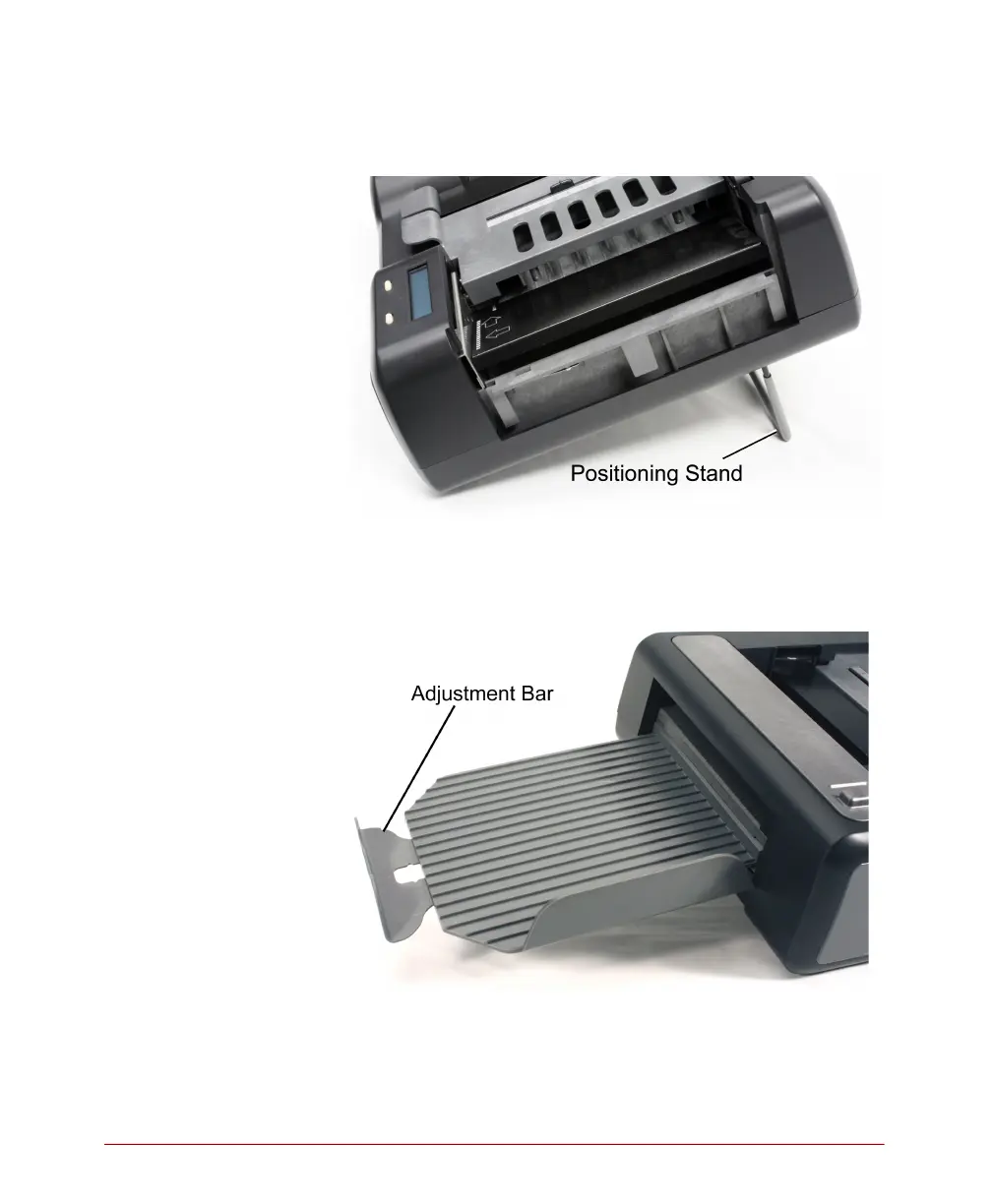
1. Ensure that the positioning stand is in the down
position.
2. Ensure that the input tray and output tray (or
Select Stacker) are in place and that the
adjustment bar is properly positioned for the
sheets being scanned.



 To Next Page