78 Scantron SelfScore Scanners
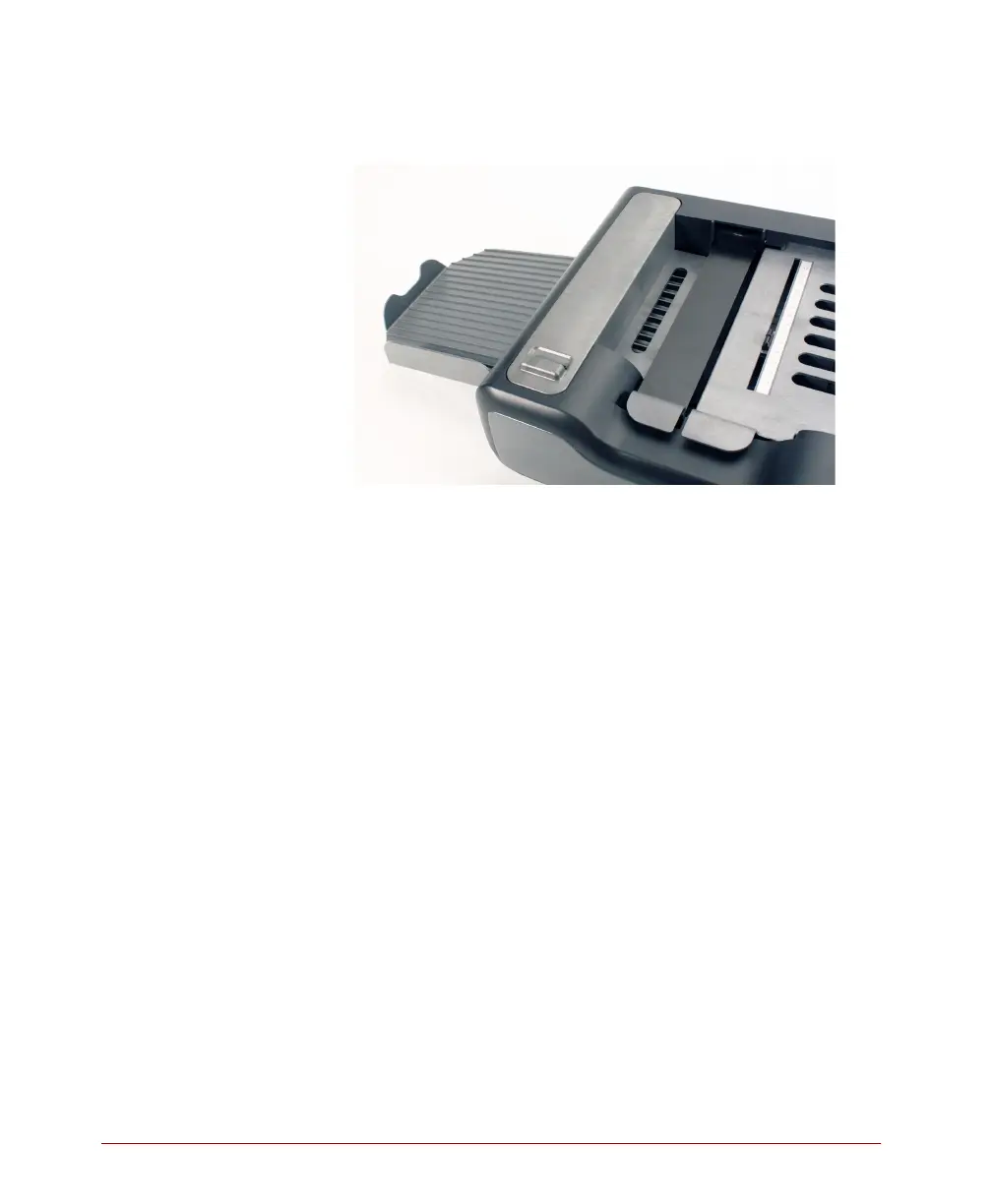
7. Replace the printer cover, making sure that it is
firmly seated.
8. Perform a test of the printer using the procedure
that follows.
Testing the Printers
To test the printer, perform the following steps:
1. Load five expendable 8.5 by 11-inch data collection
sheets in the input tray. (Do not use Calibration
Sheets as you may need those in the future.)
2. Hold down (at the same time) the left and right
buttons found under the display panel for about
five seconds to enter the background menu. The



 To Next Page