Operator’s Guide 79
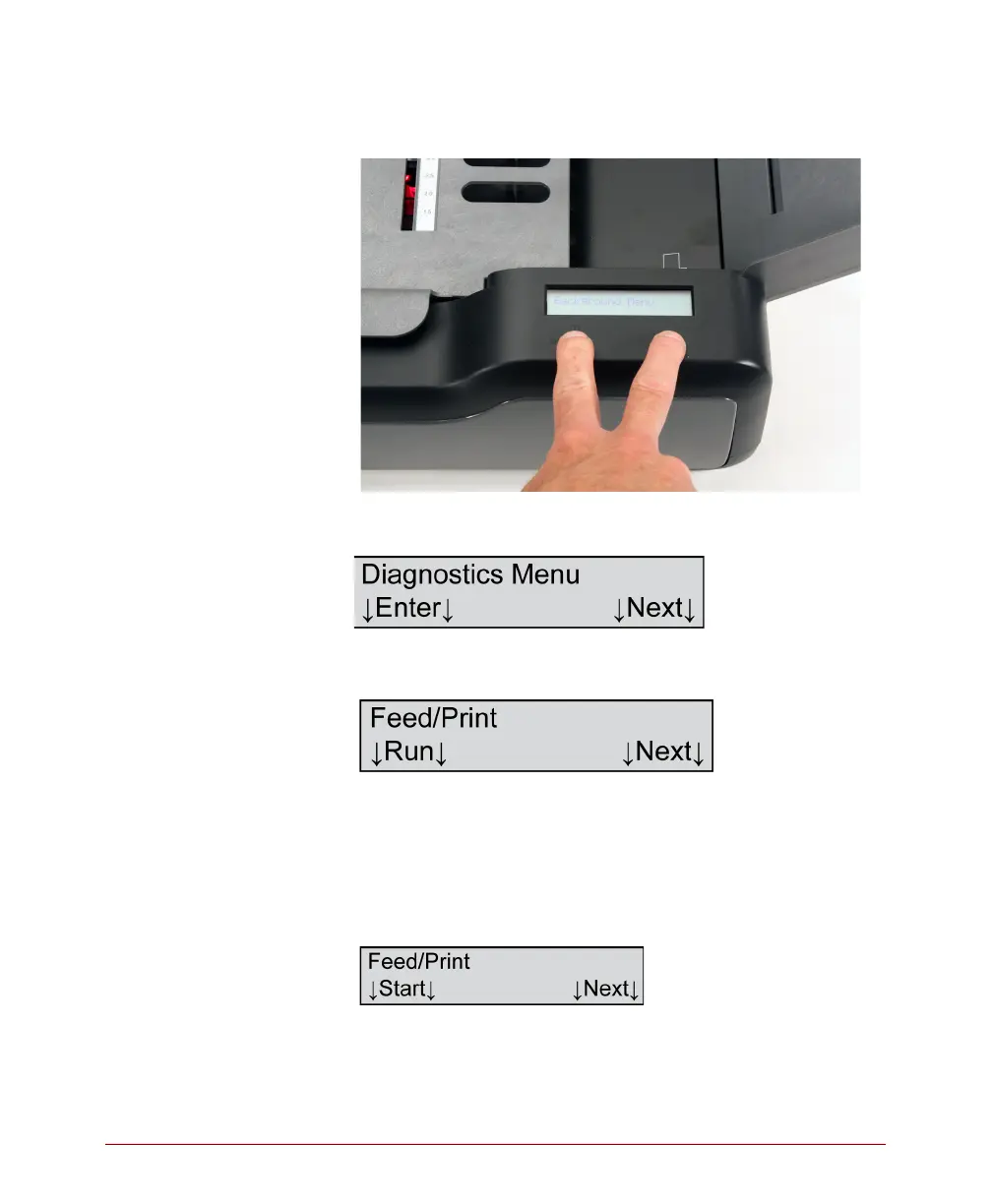
message Background Menu appears briefly.
Release the buttons.
3. Press the Next button five times or until the
following menu item appears.
4. Press Enter to enter the Diagnostics menu. The
following menu item appears.
5. Press Run to run the Feed/Print test.
For the printers to successfully pass the test,
sheets must feed through the scanner and the
printers must print characters on the sheets. As the
sheets move through the scanner, the following
message is displayed:



 To Next Page