Operator’s Guide 105
Bottom Head Calibration
NOTE: Single read head scanners have only a top read
head. If your scanner has a single read head,
skip this part of the procedure.
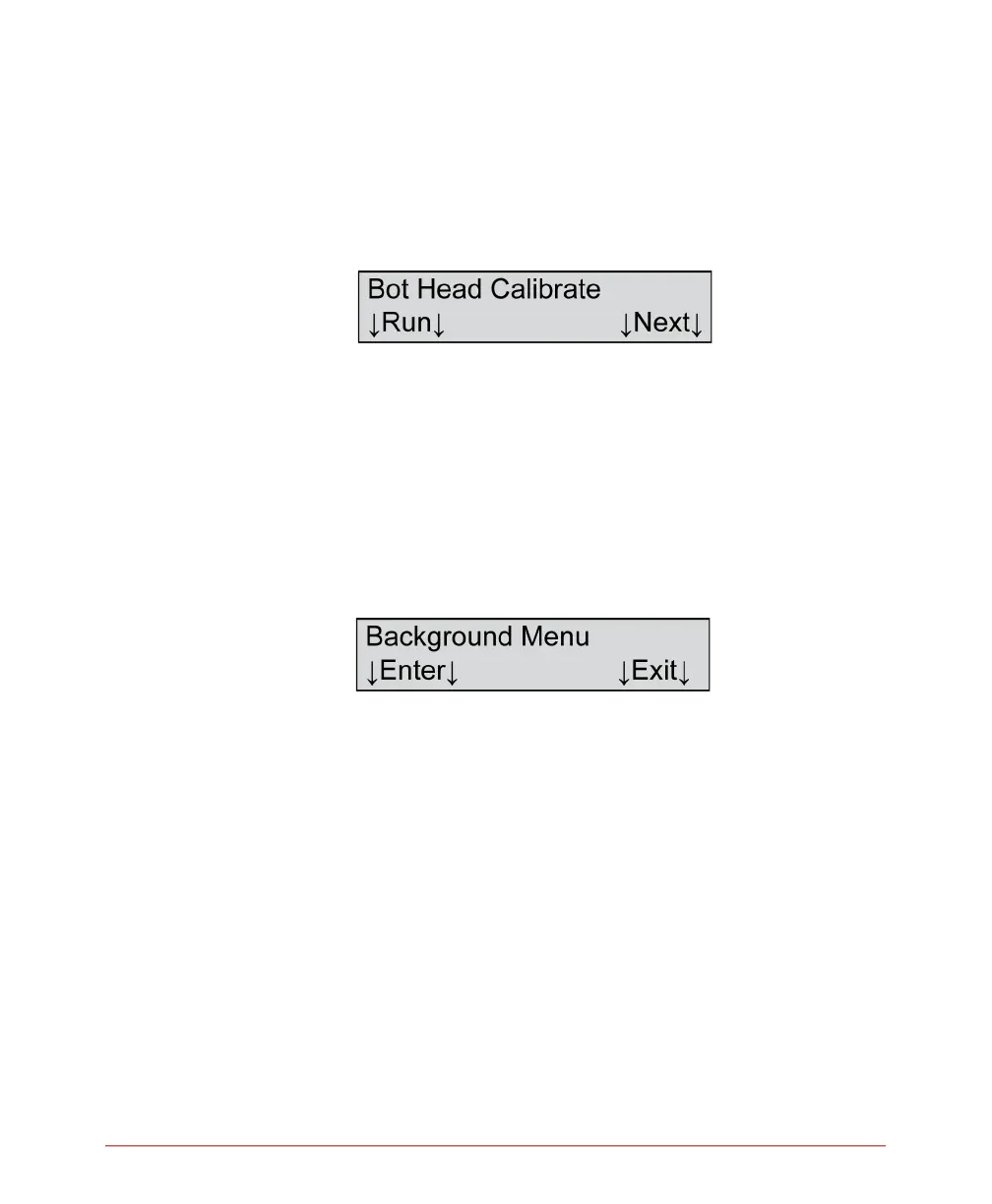
From the menu item shown above, perform a bottom
read head calibration using the Bot Head Calibrate
function. Use the instructions for the Top Head
Calibrate function to guide you through the process.
Exiting the Background Menu
1. Press Next until you reach the following menu
item.
2. Press Exit to exit the background menu.



 To Next Page