Chapter 2: Setting Up Your Scanner
20 Scantron SelfScore Scanners
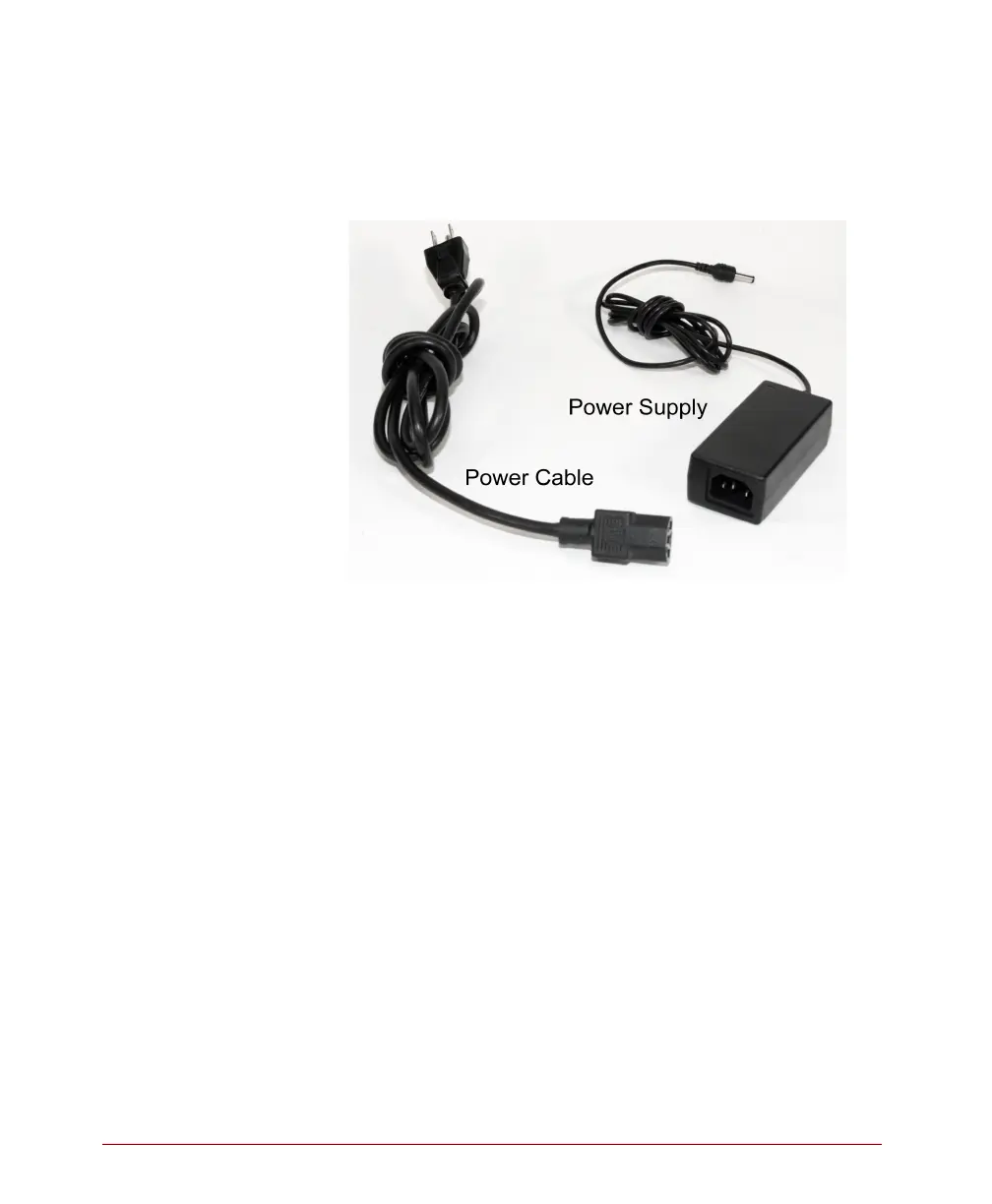
Connecting the Power Supply
1. Find the power cable and the power supply that
came with your scanner.
2. Plug the end of the power cable (three-prong
plug) into a properly grounded electrical outlet
providing alternating current (AC).
CAUTION: If lightning damage is a possibility, use a
power strip with surge protection
CAUTION: Do not connect the scanner to an outlet
that also serves another major piece of
equipment other than the computer (if
used).



 To Next Page