Chapter 2: Setting Up Your Scanner
Operator’s Guide 21
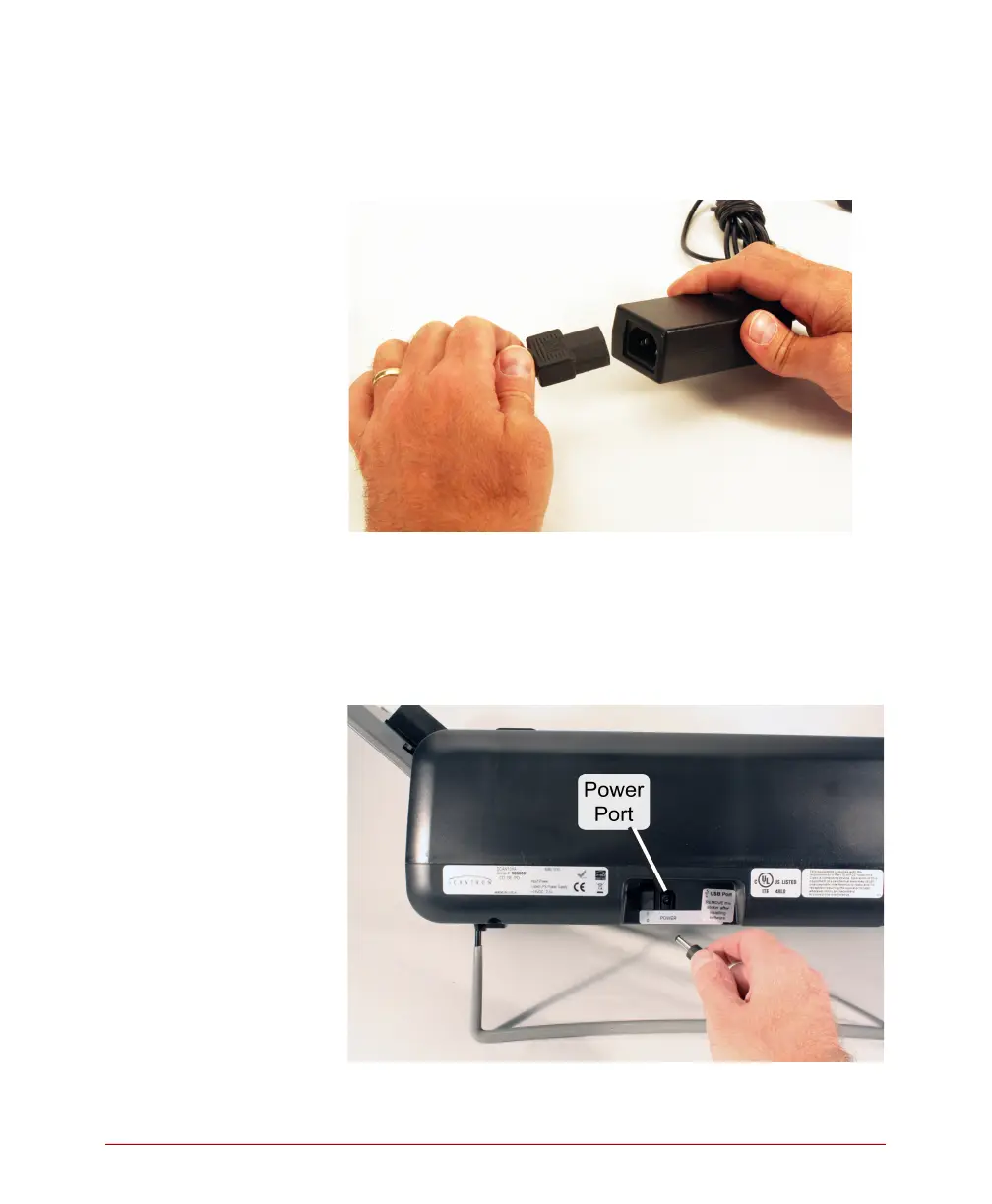
3. Plug the rectangular end (three receptacles) of the
power cable into the open end (with three prongs)
of the power supply.
4. Plug the rounded end of the power supply into the
power port on the back of the scanner.
CAUTION: Do not plug the rounded end of the
power supply into any part of the
computer.



 To Next Page