72 Scantron SelfScore Scanners
Getting Started
To prepare your scanner for printing while scanning,
perform the following:
• Install the printer cartridges
• Position the printers
• (optional) Test the printers
Instructions for each of these tasks are found in the
sections that follow.
Installing or Replacing an Ink Cartridge
NOTE: The scanner does not come with the ink
cartridges installed.
To install or replace an ink cartridge, follow these
steps:
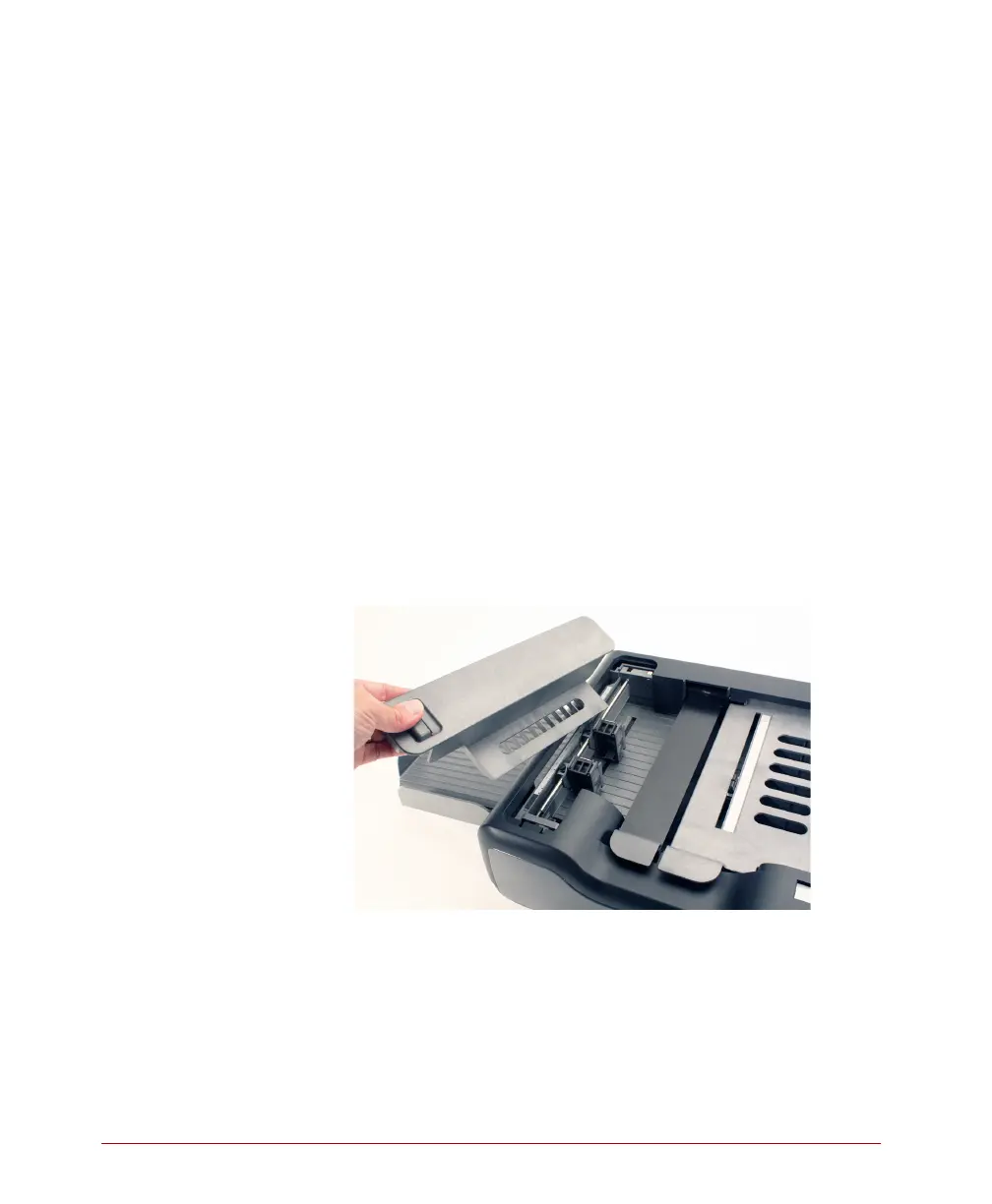
1. Unlatch the printer cover and remove it.



 To Next Page