Operator’s Guide 73
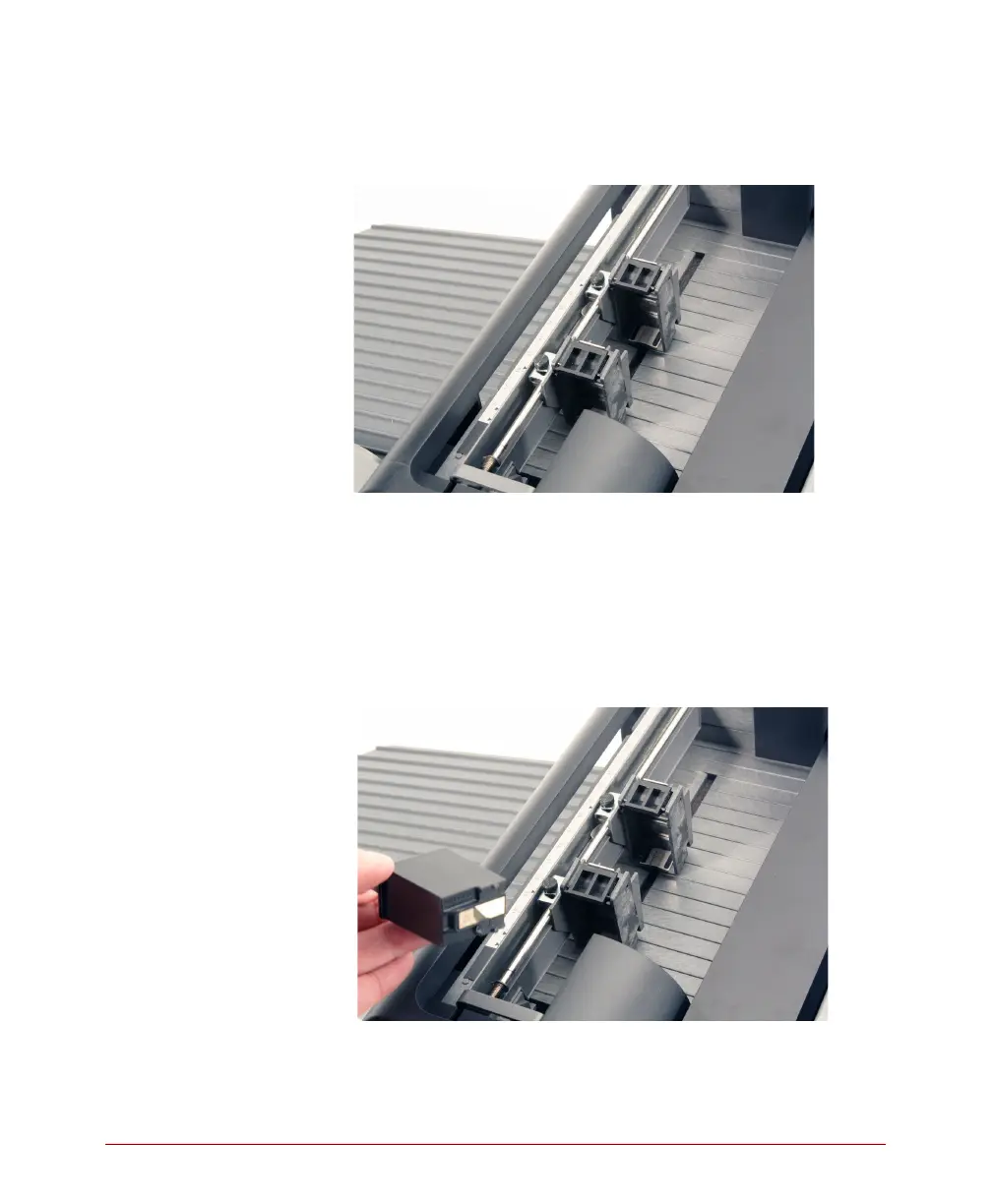
2. If replacing a used cartidge, remove it by holding
the printer cartridge tab and pivoting the used
cartridge out of the cartridge holder.
3. Prepare the new cartridge.
• Remove the new cartridge from the box and
peel off the tape that covers the ink cartridge
nozzles.
• Be careful to not touch the cartridge contacts
with your fingers.
4. Install the new cartridge.
Slide the cartridge into the cartridge holder “feet
first” then press the top of the cartridge firmly into



 To Next Page