56 Scantron SelfScore Scanners
communication status. The status indicators are:
• t for Transmitting
• r for Receiving
• b for Busy
Press Change to change the status.
Press Next to advance to the next menu itm.
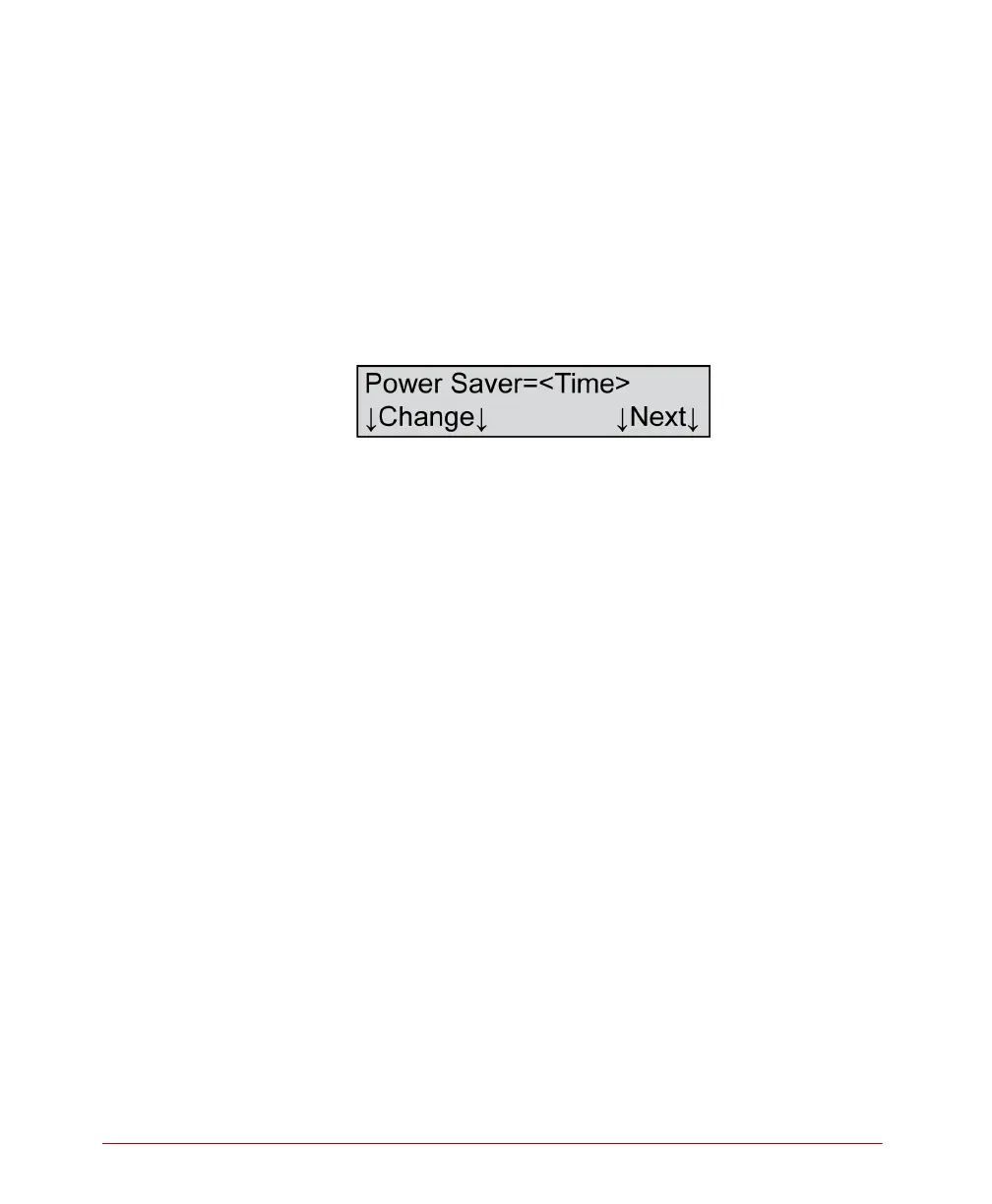
Power Saver
Variables
Where <Time>=
• 5, 10, 15, 30, 45, 60, or Off
Description
This menu item allows you to change the power saver
setting. The time shown indicates the amount of time
that will elapse before the scanner goes into sleep
mode.
Press Change to change the power saver time. The
power saver time will:
• Cycle through 5, 10, 15, 30, 45, and 60 minute
settings
• Reset to Off
• Start over at 5 minutes
NOTE: The default setting for the power saver is 5
minutes.
Press Next to accept the displayed setting and to
advance to the next menu item.



 To Next Page