Chapter 2: Setting Up Your Scanner
24 Scantron SelfScore Scanners
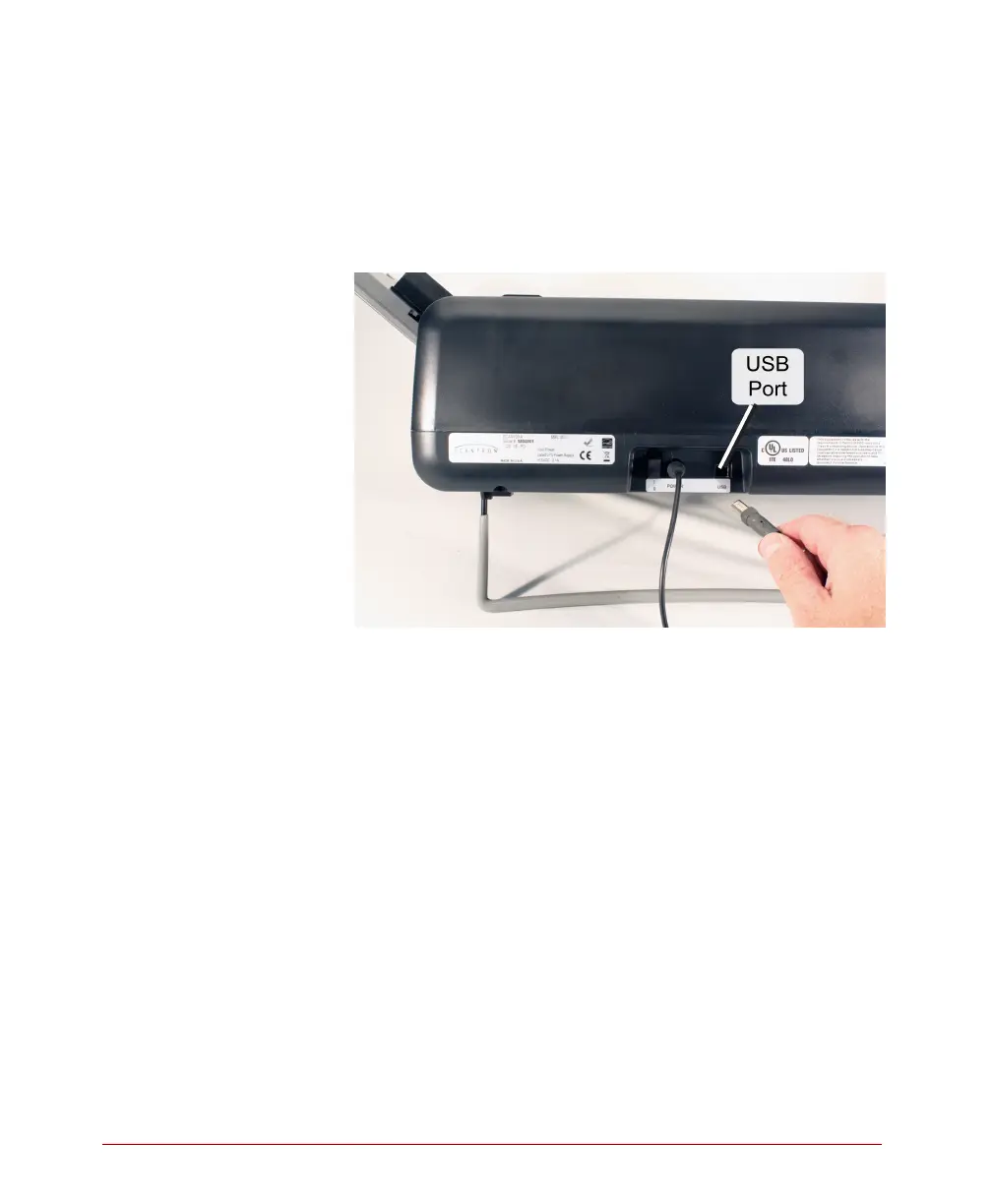
2. Plug the USB B connector (square end) into the
USB port on the back of the scanner.
IMPORTANT: There may be a sticker covering the
USB port. If so, remove it before
plugging in the USB cable.
.



 To Next Page