Chapter 2: Setting Up Your Scanner
Operator’s Guide 15
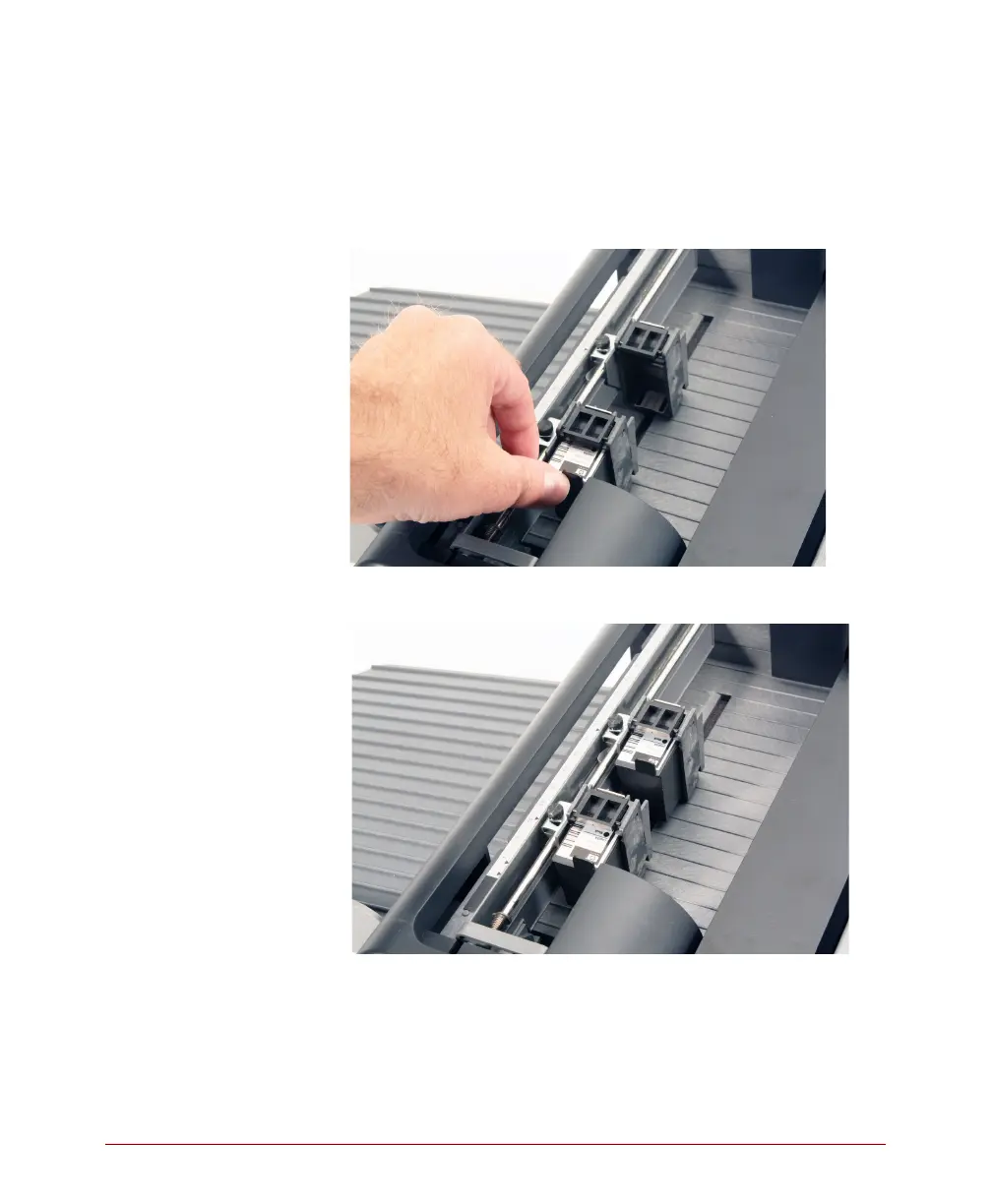
3. Slide the printer cartridge into the cartridge holder
“feet first” then press the top of the cartridge
firmly into the cartridge holder until you feel two
clicks. This ensures that the cartridge is fully
seated.
4. Repeat step 3 for the second printer.
5. Adjust the position of the printers as described in
the next section.
NOTE: For more printer information, see Chapter
6, “Chapter 6: Transport Printers”.



 To Next Page