Operator’s Guide 41
Ballots
• Counts ballots and gives you results for student
elections, etc
Surveys
• Tallies responses from teacher evaluations,
community surveys, etc
Prerequisites
• Firmware version 8.0 or greater is required.
Printer Positioning
There are small triangles on the scanner printer ruler
indicating printer position locations.
When operating in Scantron Score emulation mode,
the printer position must be set to 2.5 inches and 6.2
inches to properly print the incorrect marks,
percentage, score, etc. on Scantron Score forms.
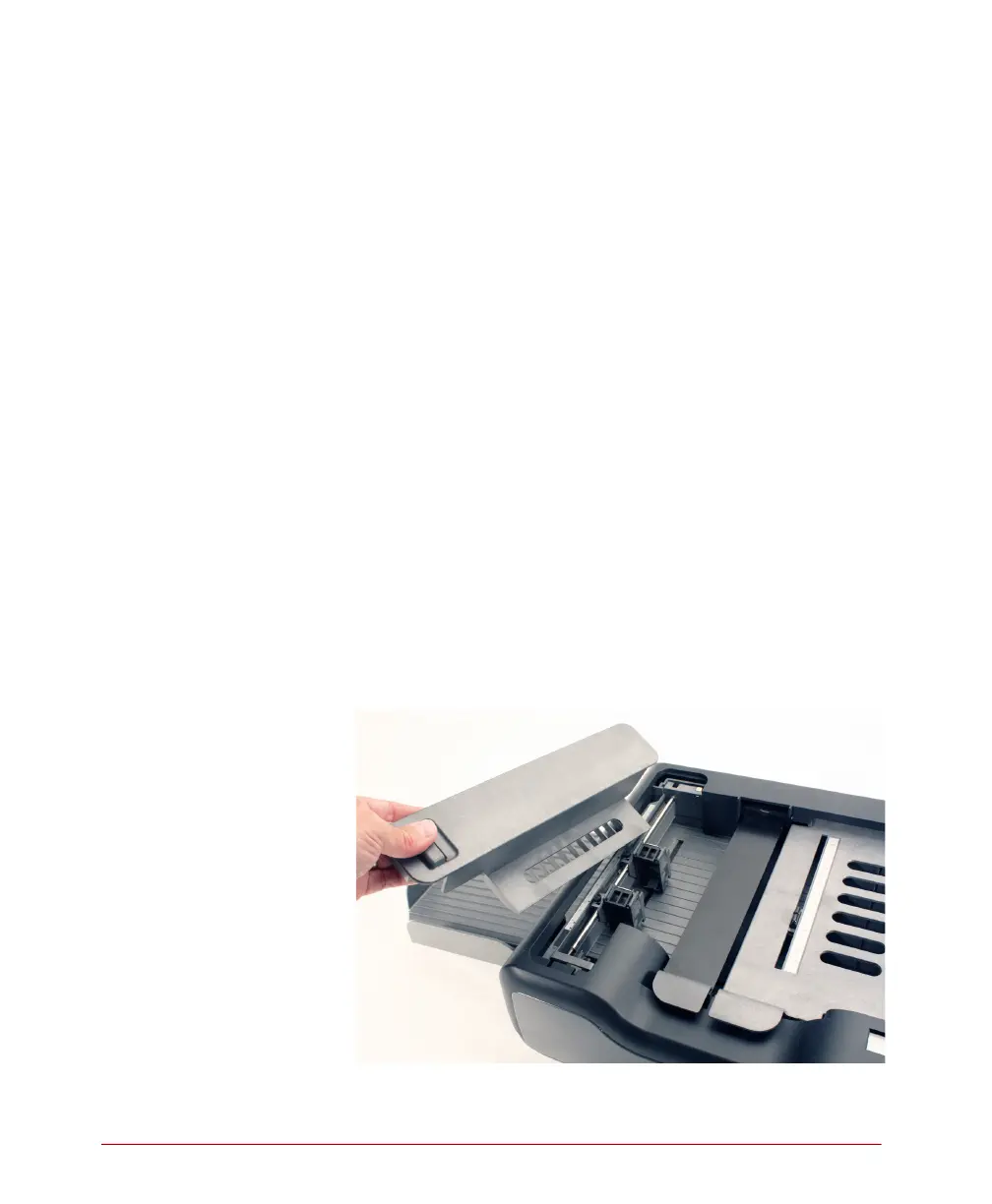
To position the printer, complete the following steps.
1. Unlatch and remove the printer cover by lifting
upon the handle and pulling the cover towards
you.



 To Next Page