82 Scantron SelfScore Scanners
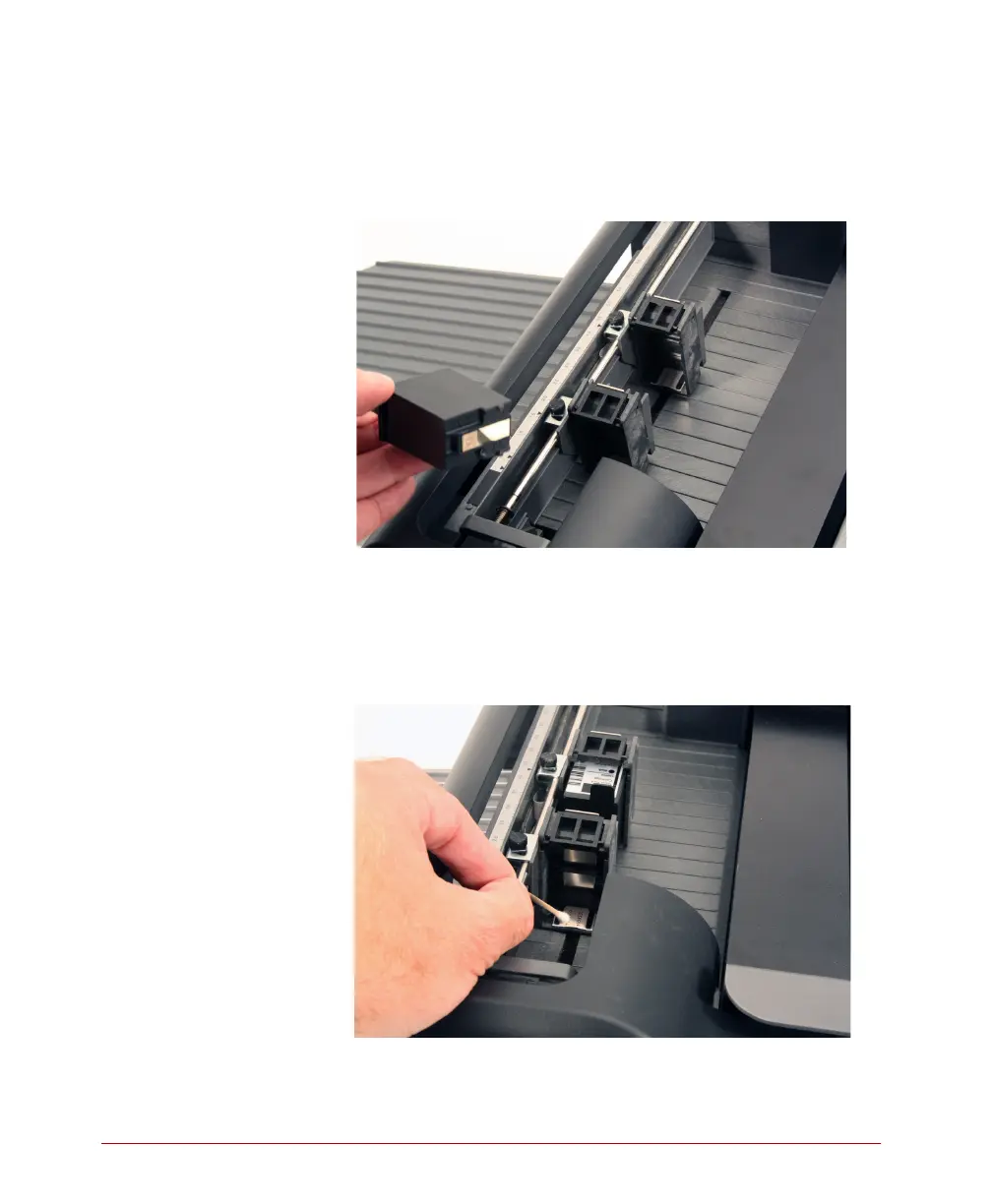
2. Remove the printer cartridge.
CAUTION: Watch for loose ink on the cartridge
that can soil your hands, clothes, or
other items.
3. Using a clean swab, gently wipe the area of the
cartridge holder that contains the electrical
contacts.
CAUTION: Do not spray any substance directly
into or on the cartridge holder.



 To Next Page