www.schaerer.com
Programming
BASCSOUL_EN
V02 | 10.2017
100
8.5.1 Configuration (Bookkeeper and Bookkeeper reduced)
8.5.2 Information (Bookkeeper and Bookkeeper reduced)
"General" menu item
Display text Description Setting range Notes
Main language Changing the display language
► Open selection menu using the [>] field.
The options menu appears.
► Select the desired language.
All provided
languages
–
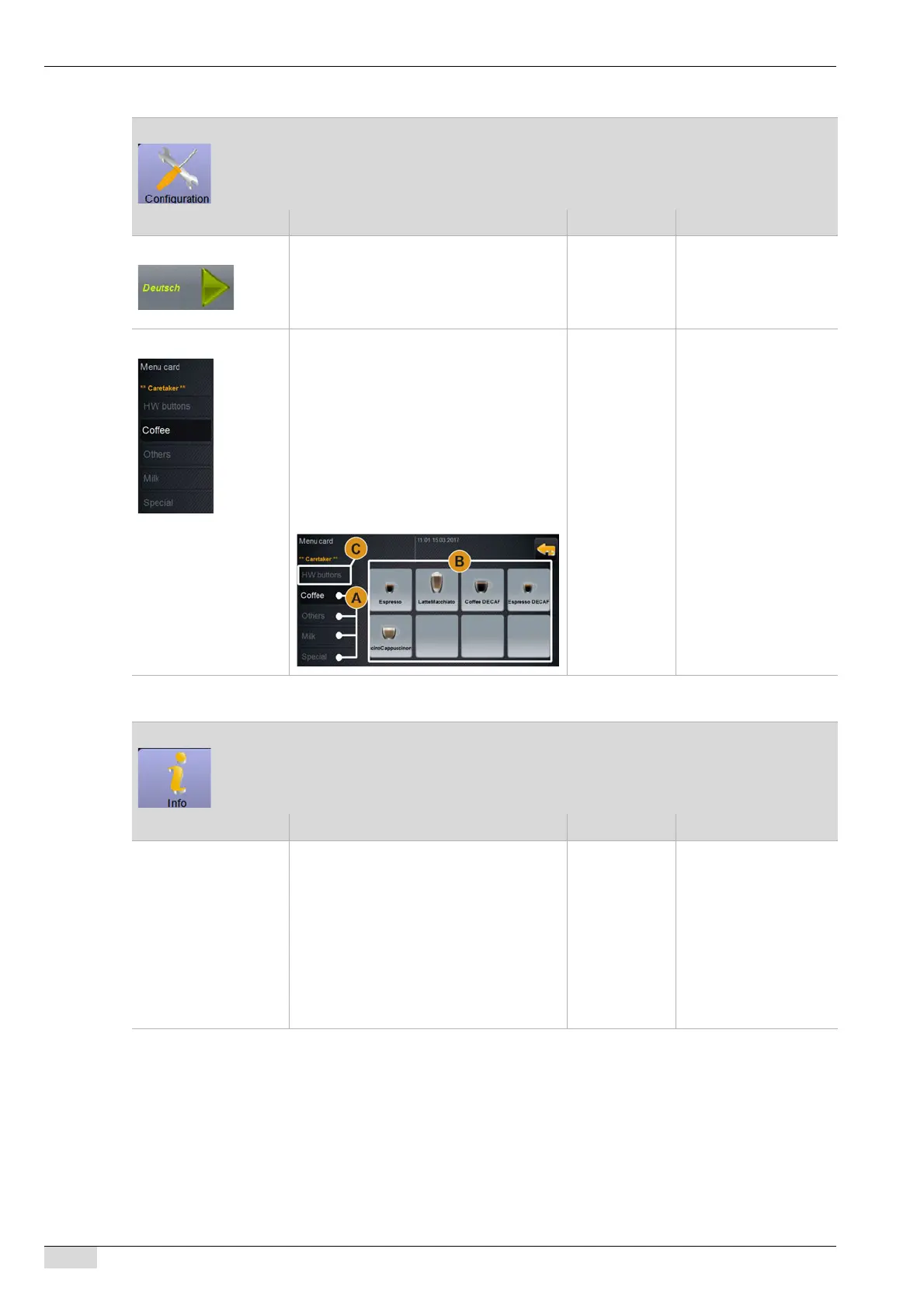
Menu card levels* The menu card provides the beverages for
selection in the user interface.
The previously configured beverages are
assigned to the menu cards.
Four menu cards [A] can be configured with
max. 8 beverages [B].
The menu card in the first level [C] contains
2 beverage fields for the optionally availab-
le [Hot water] and [Steam] external bevera-
ge buttons.
5 levels for 4
menu cards
and 2 external
beverage but-
tons
The optionally available
external beverage but-
tons contain separate
beverage dispensing for
hot water and steam.
The order of the menu
card levels corresponds
to the tabs in the user in-
terface from left to right.
(*) This parameter is not
displayed in the "Book-
keeper reduced" profile.
"Beverage statistics" menu item
Display text Description Setting range Notes
Showing versions The following information can be obtained
here:
• Touch panel software version
• Power section software version
• Database version
• BSP accounting system version
• Qt (source code) version
• Qt license version
• Copyright SCS software
– When reporting a fault,
please pass this infor-
mation on to the service
technician.














 To Next Page