www.schaerer.com
Programming
BASCSOUL_EN
V02 | 10.2017
96
8.4.3 Service (Caretaker)
"Calibrate grinder" menu item
Display text Description Setting range Notes
Calibrating grinder Grinder calibration is display-guided.
The following steps are included in calibra-
tion:
• Empty and clean the grounds drawer.
• Starting calibration
• Selecting grinder
• Starting reference grinding
• Confirm reference grinding using the [>]
field.
• Weigh and enter reference grinding.
• Confirm the entry. The machine re-
starts.
► Follow the instructions on the touch
screen.
Reference grin-
ding weight
entry
–
"Backup database" menu item
Display text Description Setting range Notes
Backing up database The current status of the settings can be sa-
ved on a USB memory stick with this functi-
on.
► Insert USB stick.
► Select the [Backup database] field.
The current status has been saved
on the USB stick.
Configuration
and counter
statuses
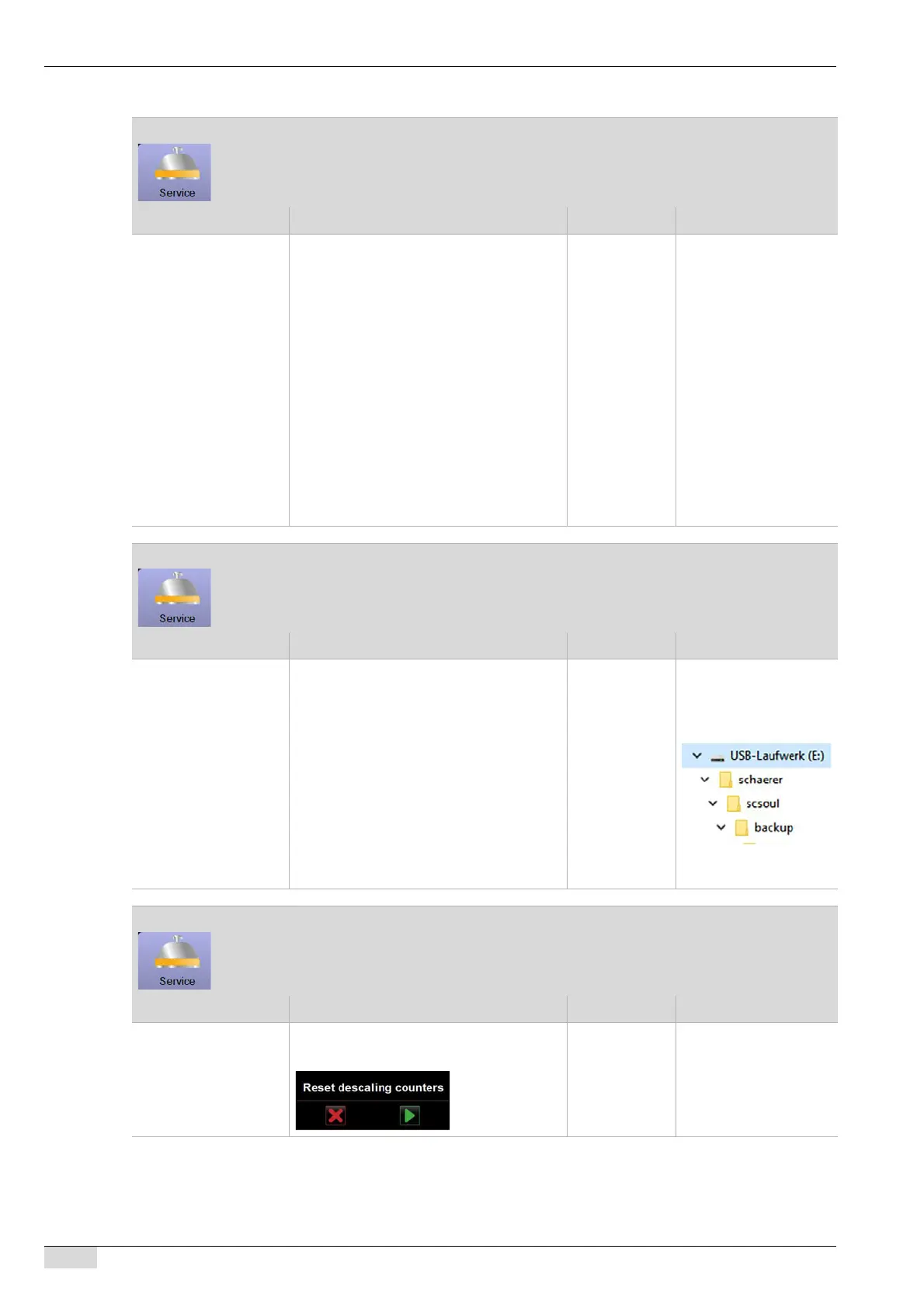
The following folder
structure is created on
the USB stick if not al-
ready present:
See also "Operation" -
"Open user panel".
"Reset descaling counter" menu item
Display text Description Setting range Notes
Resetting descaling
counter
After confirming the query with the [OK]
field, the descaling counter is reset.
Yes/No If descaling has been re-
set, this is listed in the
"Info" - "Cleaning stati-
stics" main menu.














 To Next Page