BASCSOUL_EN
V02 | 10.2017
37
www.schaerer.com
Operation
Service menu and functions
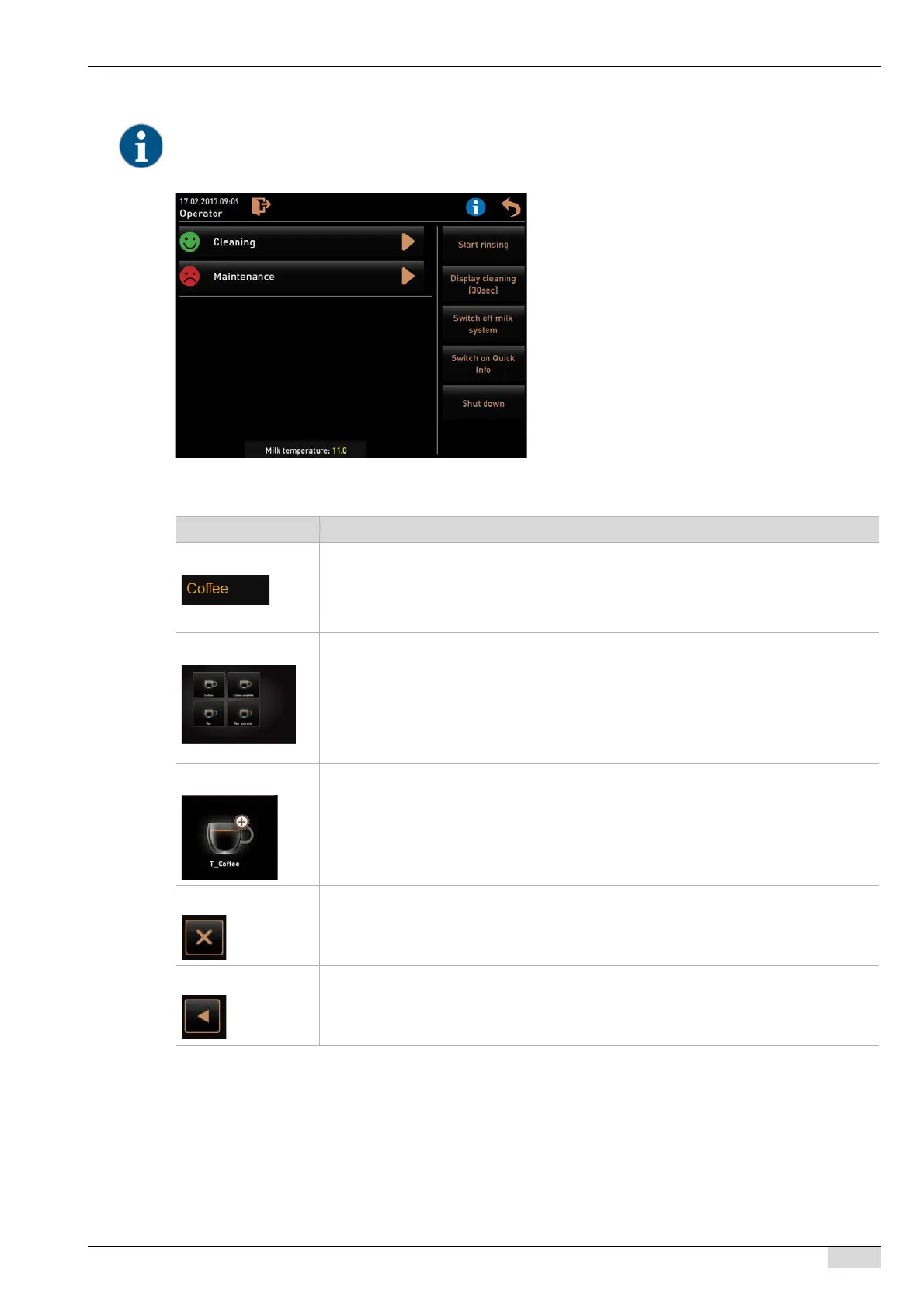
5.5.2 Touch screen operating field overview
The service technician can limit access to the service menu with a PIN. This configured PIN number corresponds to
the PIN of the machine operator.
Information and functions:
• Pending action requests
• Error messages
• Direct selection functions
• Logging in with profile
• System information
See also "Operation" - "Main window touch
screen" - "Service menu overview".
Symbol Description
Tabs Configured beverages can be provided in 4 menu cards.
The provided menu cards can be displayed in the user interface with max. 4 tabs with
max. 8 beverages each.
The menu cards and tabs can be named and assigned as desired by a service technician.
Groups Configured beverages can be provided in 4 menu cards.
The configured menu cards can also be displayed in the user interface with max. 4 groups
with max. 8 beverages each.
The group display can be activated in the "Configuration - "Operating mode" - "Display
beverage selection page" menu.
The menu cards and tabs can be named and assigned as desired by a service technician.
Beverage field The desired beverage can be stored with each beverage field and programmed accor-
dingly.
The respective beverage is dispensed by pressing a beverage field.
The beverage fields can be named and assigned as desired by a service technician.
Stop The [Stop] field is displayed while a beverage is being dispensed. The beverage currently
being dispensed and any other previously selected beverages can be cancelled using this
field.
Back/Continue The [>] / [<] field continues to the next page, or back to the previous page.














 To Next Page