BASCSOUL_EN
V02 | 10.2017
53
www.schaerer.com
Operation
5.7.5 External hot water or steam
The external buttons for hot water or steam dispensing are optional.
Configuration specifications:
• Beverage size (small, medium or large)
• Hot water/Cold water quantity in [ ml]
• Steam duration in [ sec]
Hot water dispensing
► Select the tab or beverage group from the user in-
terface.
► If available, select a beverage option, e.g. [2x]
► Select a beverage type, e.g. espresso or coffee.
► If available, select a dispensing option, e.g. small,
medium or large.
► Start dispensing.
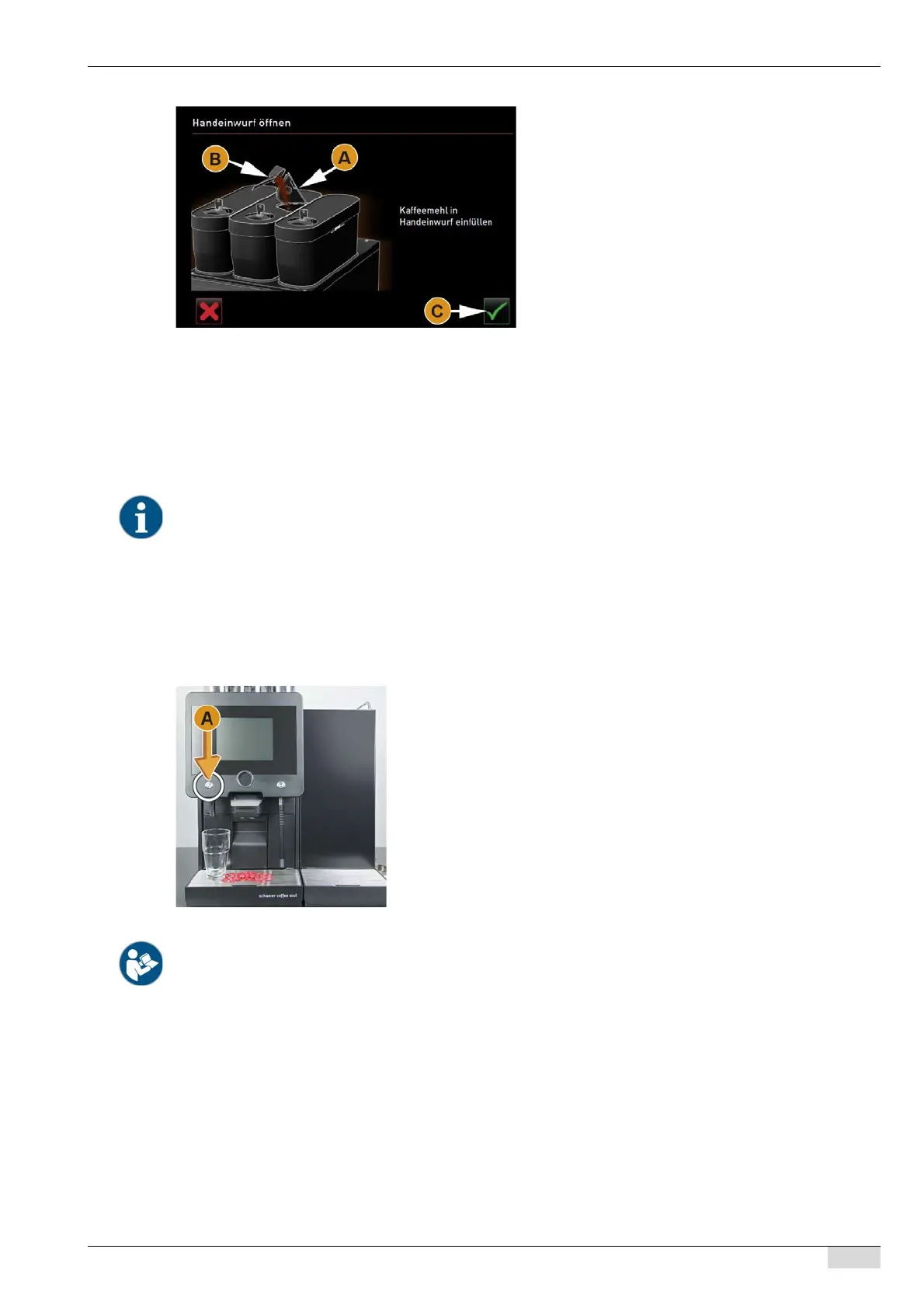
An instruction to add ground coffee appears.
► Open the cover [A] of the manual inlet.
► Use the measuring spoon [B] (see scope of deliv-
ery) to pour 1 portion of ground coffee into the
opening of the manual inlet.
► Confirm addition of ground coffee in the user inter-
face using the [C] field.
Beverage dispensing starts.
The external beverage buttons are configured on the first menu card. Configuration can be done by the service tech-
nician.
► Place a cup or glass under the hot water outlet.
► Press left external button [A].
Hot water dispensing is carried out according to the beverage config-
uration.
See also "Operation" - "Dispensing beverage" - "Cup positioning aid".














 To Next Page