3-38 Communications Date Code 20011026
SEL-321/321-1 Instruction Manual
status display. For a complete description of the messages, see the Self-Test portion of Section 2:
Specifications. An example Status command dialog is shown in Table 3.17. Front-panel
status/failure messages include:
Status Messages
OS:IA = 0
OS:IB = 0
OS:IC = 0
OS:VA = 0
OS:VB = 0
OS:VC = 0
OS:MOF = 0
+5V_PS = 4.86
+5V_REG = 5.10
-5V_REG = -4.98
+12V_REG =11.93
-12V_REG = -12.03
+15V_PS = 15.02
-15V_PS = -15.21
TEMP = 26.1
RAM = OK or U1-8
ROM = OK or U28-31
A/D = OK or FAIL
CR_RAM = OK, GRP1-6, GLO, CAL, or CODE
EEPROM = OK, GRP1-6, GLO, or CAL
SETTINGS = OK
If one of these items has failed or is in a warning state, a "F" or a "W" is appended to the
message. (See also Table 2.28 Self-Test Summary.)
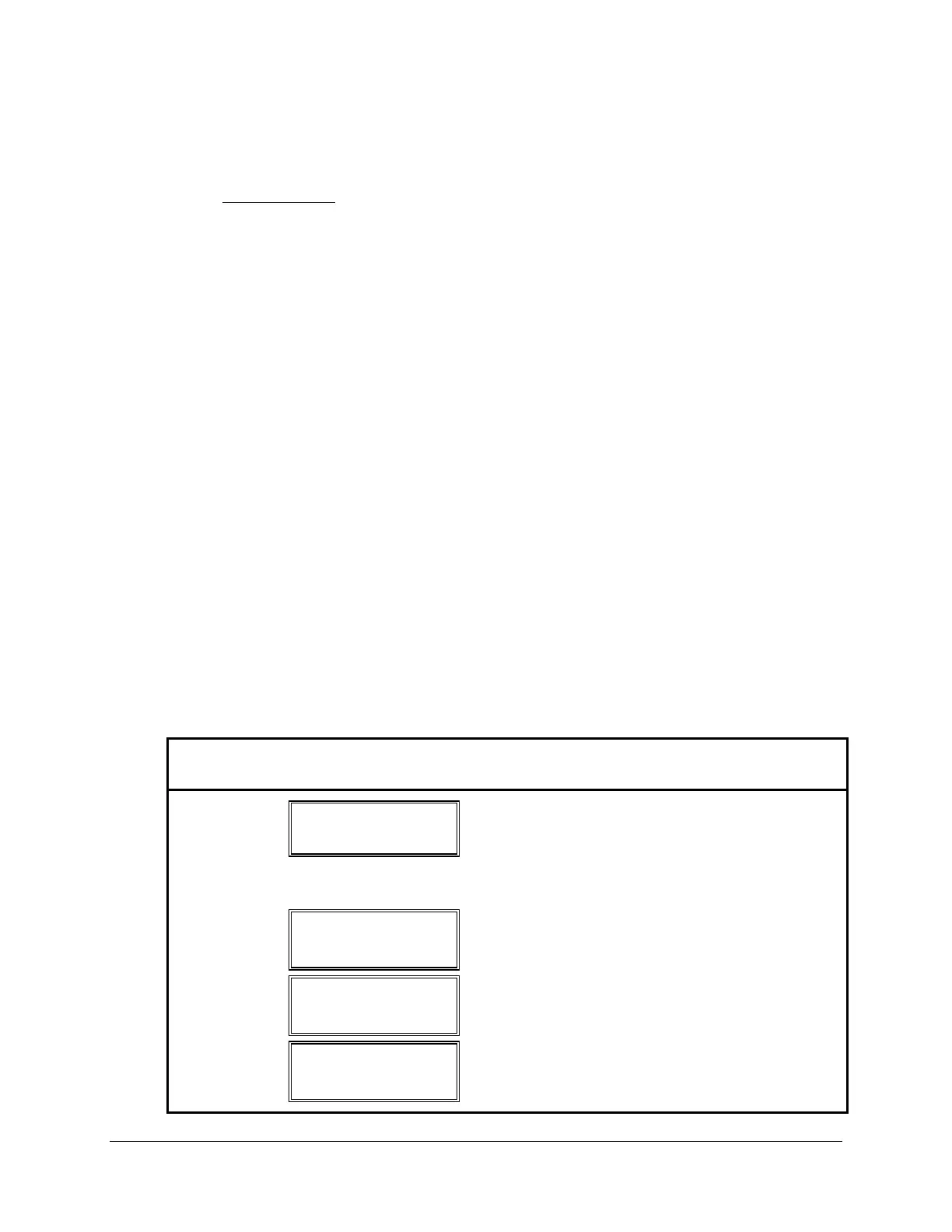
Table 3.17: Status Command Description
Button
Pushed
Results Displayed
Comment
STATUS
STATUS: FAIL ↑
TEMP 20.1 ↓
If there is no failure STATUS: OK is displayed.
In either event the temperature in degrees
centigrade is displayed.
Use the (↑ and ↓) to display status categories in
groups of two.
↑
OS:IA = 0 ↑
OS:IB = 0 ↓
Pressing (↑) selects the next categories.
↑
OS:IC = 0 ↑
OS:VA = 0 ↓
↑
OS:VB = 0 ↑
OS:VC = 0 ↓



 To Next Page