Date Code 20011026 Communications 3-41
SEL-321/321-1 Instruction Manual
Button
Pushed
Results Displayed
Comment
SELECT
Phase Distance
Z2P = +00009.36
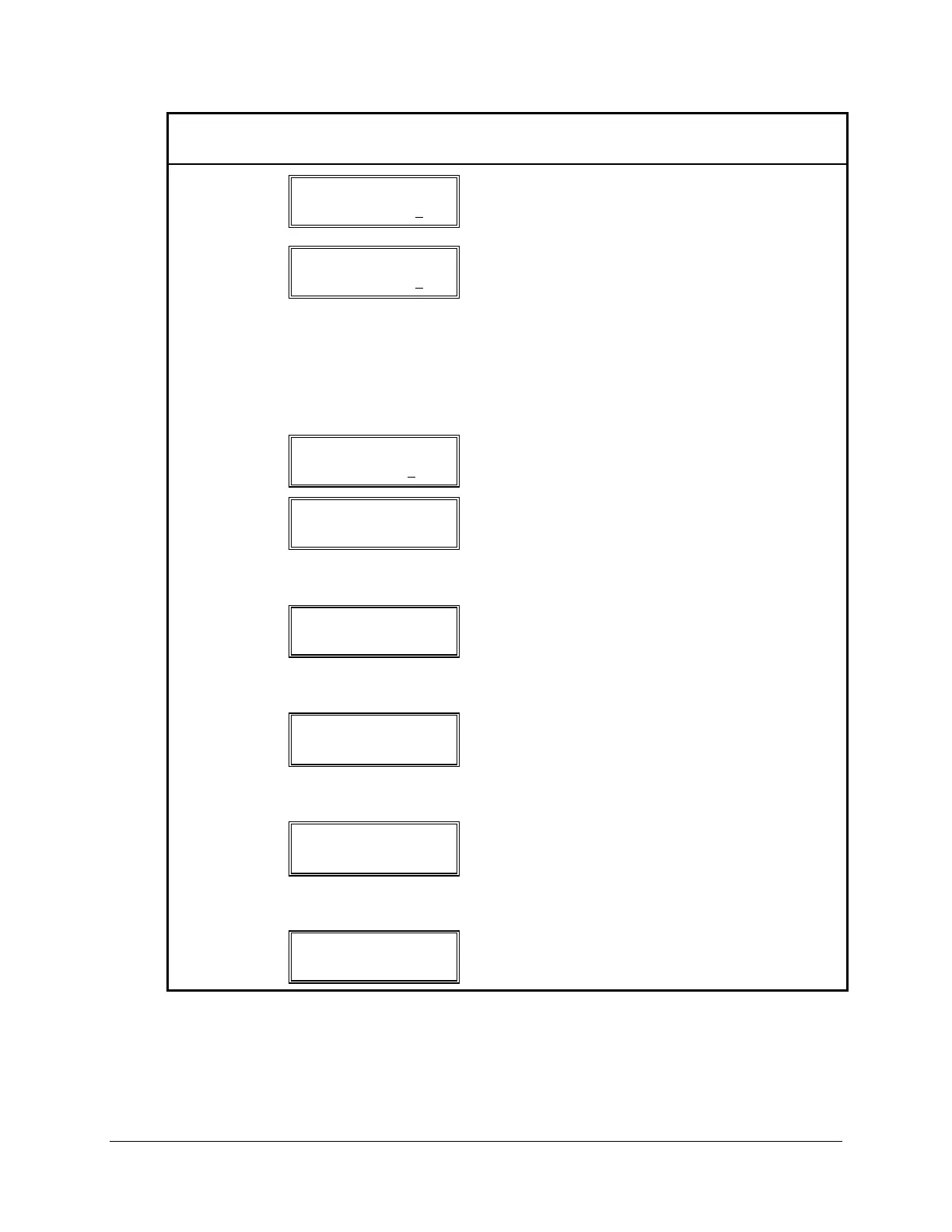
Press SELECT to enter edit mode. Use the (←)
and (→) buttons to select character to edit.
Character selected is underscored.
←
Phase Distance
Z2P = +00009.36
Use arrow buttons to edit setting values. For
settings with limited number of choices, use the
(→) or (←) buttons to move within lists. An (*)
indicates an item from a list. For numerical values,
use the (←) and (→) buttons to move between
digit positions. In each position, use the 8 button
to increment the digit, the 9 button to decrement.
When the desired value is displayed, push
SELECT to move to the next setting.
→
Phase Distance
Z2P = +00009.46
Pressing (↑) incremented the selected digit.
SELECT
Phase Distance
Z3P = 1.87
After you have set the last variable of a sub-group,
the next upper-level menu item is displayed.
Repeat the process until all desired changes are
made. To exit, saving all changes, push the EXIT
button, followed by the SELECT button.
EXIT
Save Settings
Yes/No?
If you press YES/SELECT, an internal diagnostic
checks settings for allowable ranges, and if the
resultant settings are OK, the settings are changed.
If settings are NOT OK, one of the next displays
appears.
FAIL MORE→
See Table 3.7 for an interpretation of failure
messages. Use (← →) keys to read message, then
EXIT or CANCEL to resume. The settings editing
process is re-entered so you may change the
setting.
WARN MORE→
Warning:
Scheme requirements are checked for and, if not
found, a warning message is displayed. See Table
3.7 for a list of warning messages. Use (← →)
keys to read warning messages then EXIT or
CANCEL to resume.
EXIT
DEFAULT
DISPLAY
If settings are OK, changes are saved and display
defaults to information shown before SET button
was pushed.



 To Next Page