Making the device operational • 21
4.4 Operating the device in a PC network
The device does not have “on-board” patient and user administration. If you
wish to administer seca patient files and user accounts, the device must be
connected to a PC on which the
seca 115 PC software is installed. You have
the following connection options:
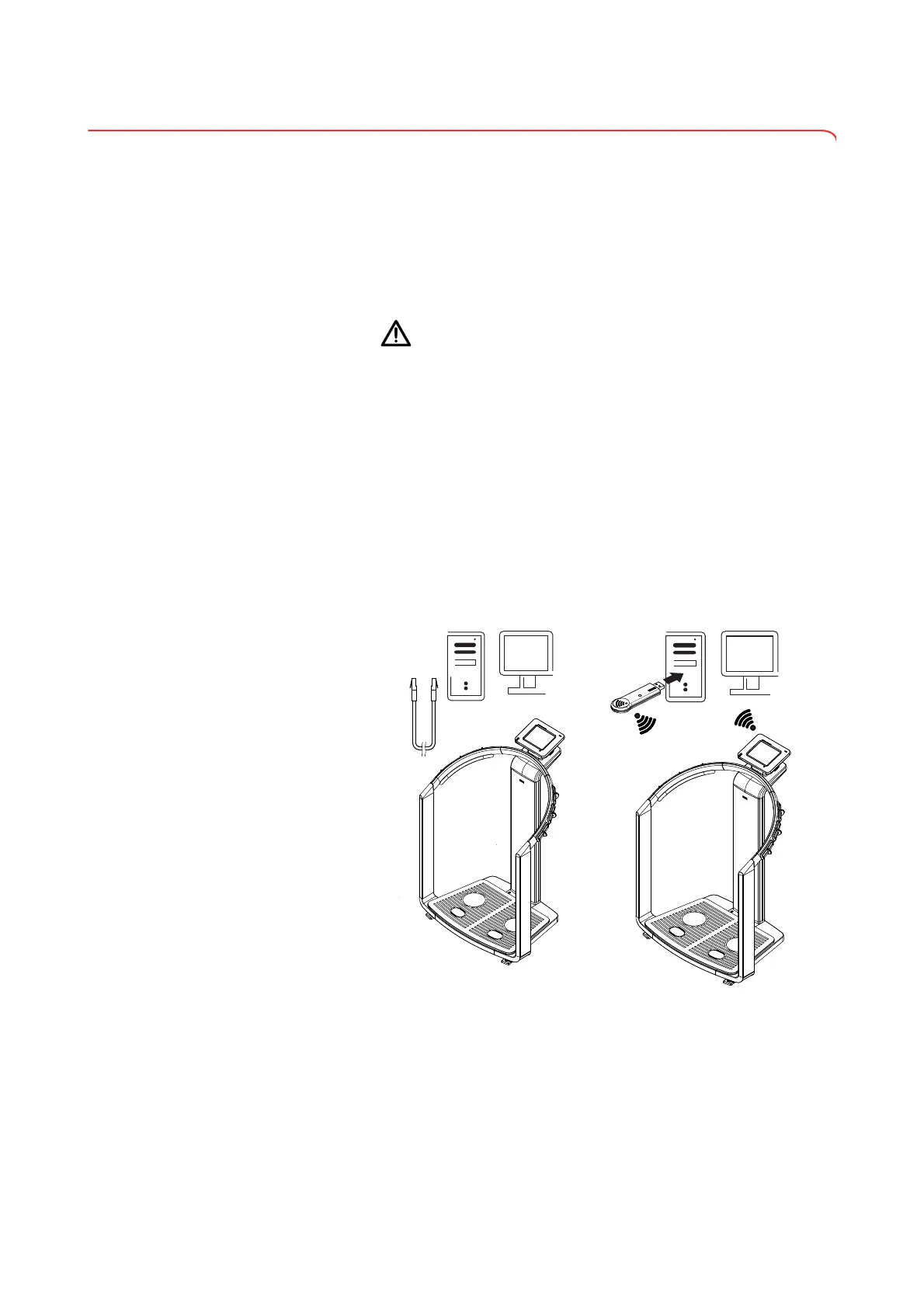
• network connection via
seca 360° wireless network or Ethernet
• indirect connection via USB memory stick
The
seca 115 software and the device itself should only be installed and
configured by experienced PC administrators or hospital technicians.
ATTENTION!
Loss of data
Incorrect installation or incorrect changes to the installation can lead
to loss of data and, as a result, to misdiagnoses.
► Make sure the installation or changes to the installation are carried
out by an experienced administrator or hospital technician.
Connecting the network via
Ethernet or seca 360°
wireless
network
If the device is to be directly integrated in a PC network, the steps below are
necessary.
• Install the
seca 115 PC software on the PC
• Administer the
seca 115 PC software
• Configure the
seca 515/514
• Set up Ethernet or seca wireless network
Details on the steps mentioned can be found in the section entitled “Configur-
ing the device” from page 28 and in the Administrator Manual for the
seca 115
PC software.
seca 115
seca 115



 To Next Page