50 •
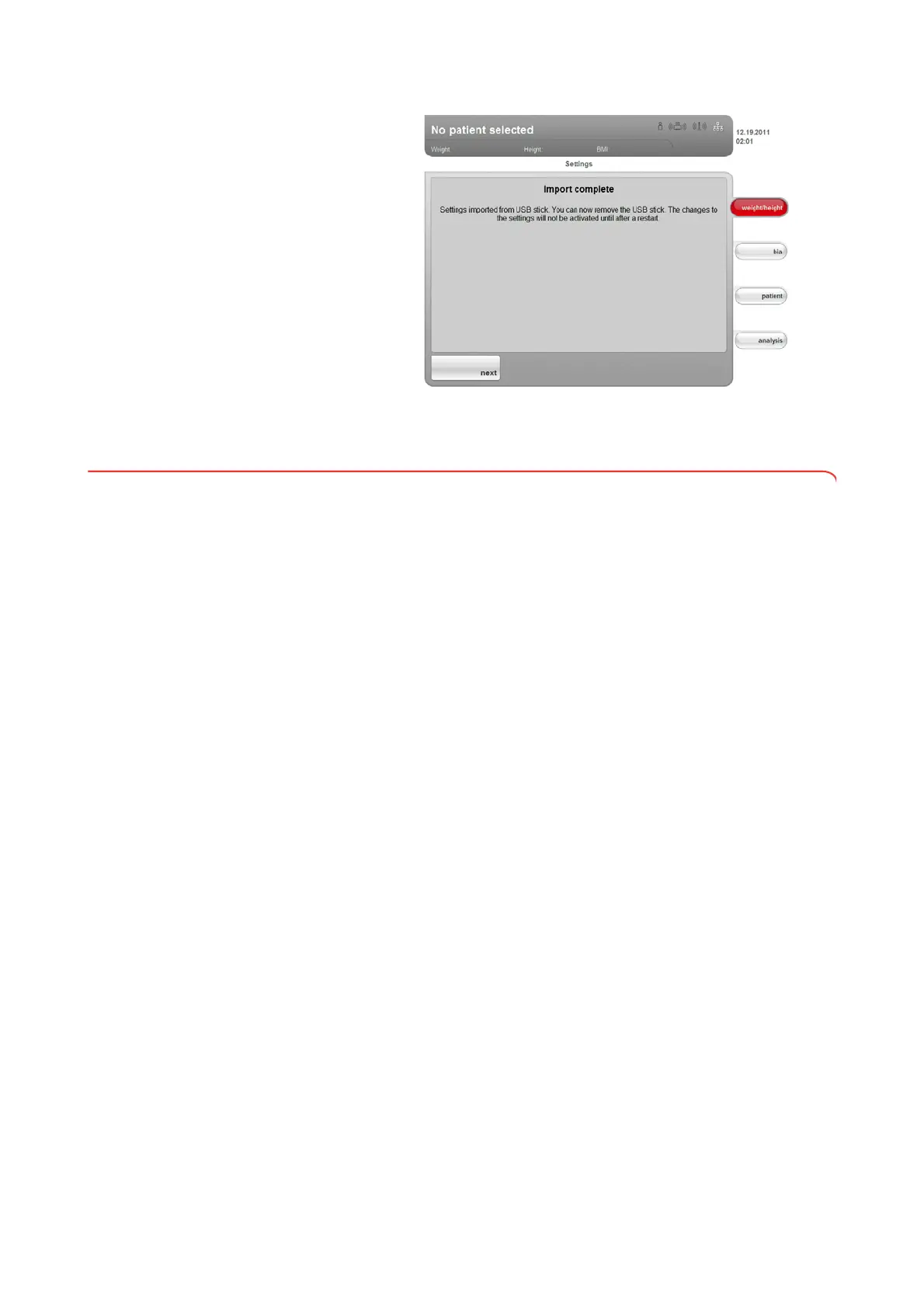
All system settings are loaded onto the device.
4. Follow the instructions on screen.
6.7 Saving settings
Applying settings 1. Press the apply button.
The
Save successful dialog window appears.
2. Press the
next button.
The administrator menu appears on the display again.
You can make additional settings in the administrator menu or exit the
administrator menu as described in the section entitled “
Exiting the
administrator menu
”.
Exiting the administrator menu 1. Press the exit button.
The
Unsaved changes dialog window appears.
2. Press the desired button:
–
yes: the changes will be saved. The settings\User menu appears in
the display again.
–
no: the changes will not be saved. The settings\User menu appears
in the display again.
3. Press the
exit button.
The most recently active tab is active again.
The device is ready to measure.



 To Next Page