Configuring the device • 49
3. Read the security information carefully.
4. Press the
update button.
The update process starts.
5. Follow the instructions on screen.
Exporting system settings
You can use this function to export and archive all system settings for the
device in order to reload them after a software update, for example, or in
order to configure other devices in the same way. To do so, proceed as
outlined below.
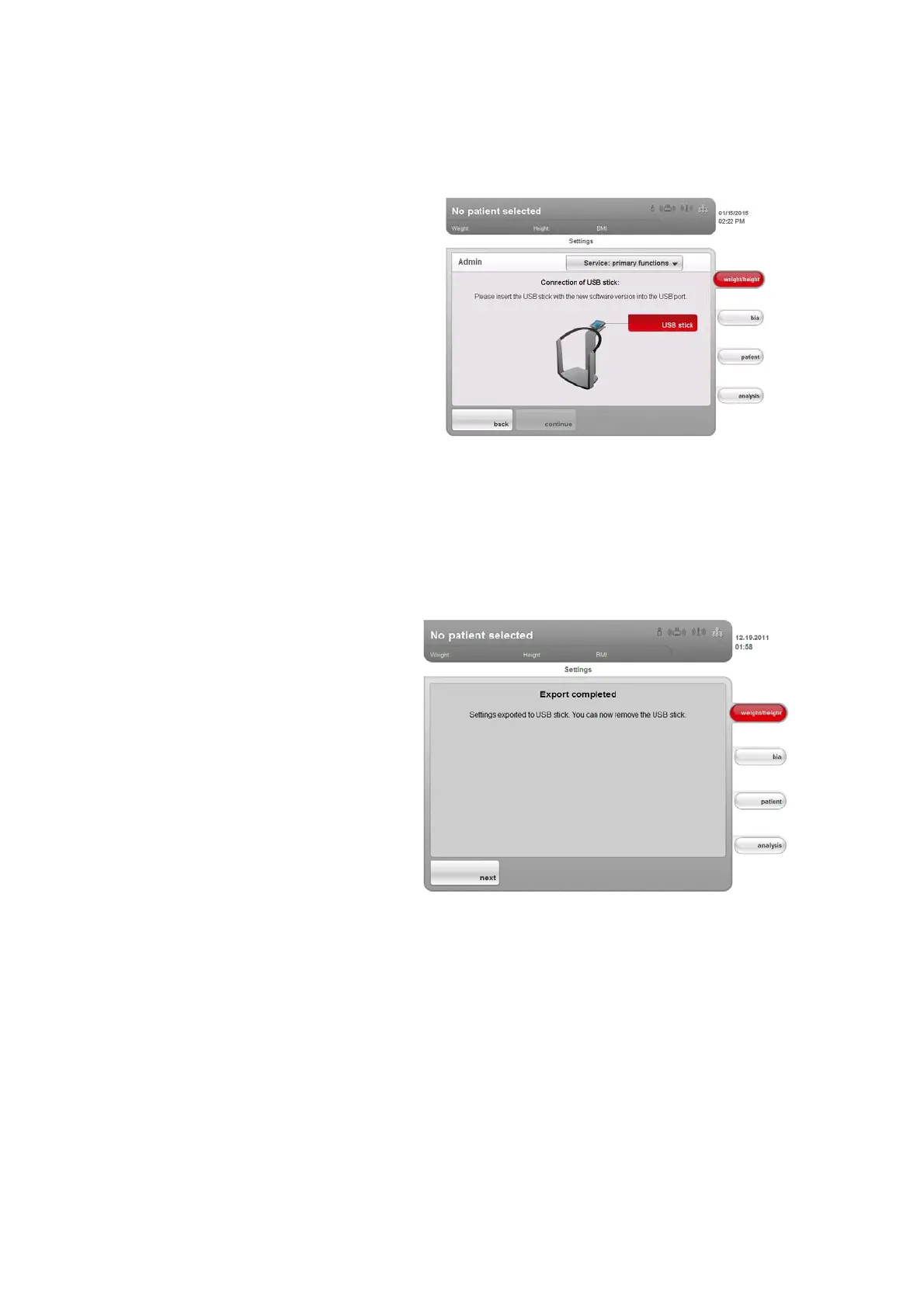
1. Connect the USB memory stick to the USB port of the touchscreen
display.
2. In the
Service: primary functions dialog window, press the Export button.
All system settings are loaded onto the USB memory stick.
3. Archive the system settings in line with your institution's policy.
Importing system settings
You can use this function to reload archived system settings for the device
after a software update, for example. If several devices are in operation, you
can use this function to ensure that the system settings are identical on all
devices. To do so, proceed as outlined below.
1. Load the archived system settings onto a USB memory stick.
2. Connect the USB memory stick to the USB port of the touchscreen
display.
3. In the
Service: primary functions dialog window, press the import button.



 To Next Page